

GPS Time Clock App
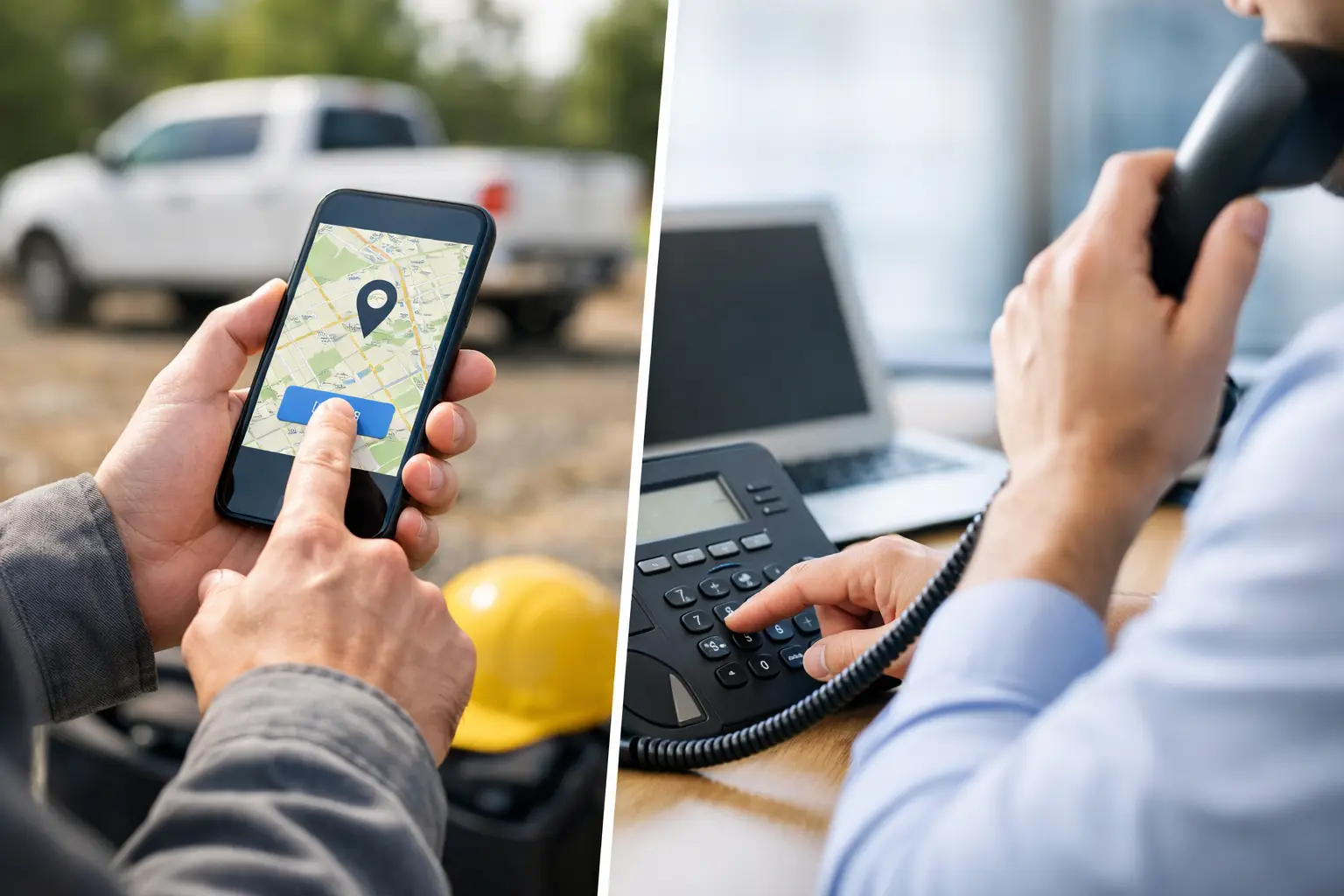
Chronotek Pro is an employee time clock app with GPS tracking built for remote, hourly teams. Employees clock in and out on their phones, GPS verifies they're at the job site, and geofences monitor every shift — so you always know your jobs are covered.
Features of the Chronotek Pro GPS Time Clock App
Have Confidence
Are My Employees at the Job? It's important to know that your employees are where they are supposed to be. With Chronotek Pro, you'll have confidence that employees are actually at the jobsite, and not down the street — and if they leave the jobsite while on the clock, the system will automatically notify their supervisor.
Save Money
With accurate GPS time card data, you'll identify areas of inefficiency and make necessary adjustments to improve productivity and reduce labor expenses.
Control Your Business
For over two decades, countless field service companies have relied on Chronotek for precise time tracking, scheduling, communications, and payroll tasks. Whether you're a small team of 5 or a large group of 500, Chronotek Pro can help your business run more efficiently and profitably.
Accurate GPS Location Tracking
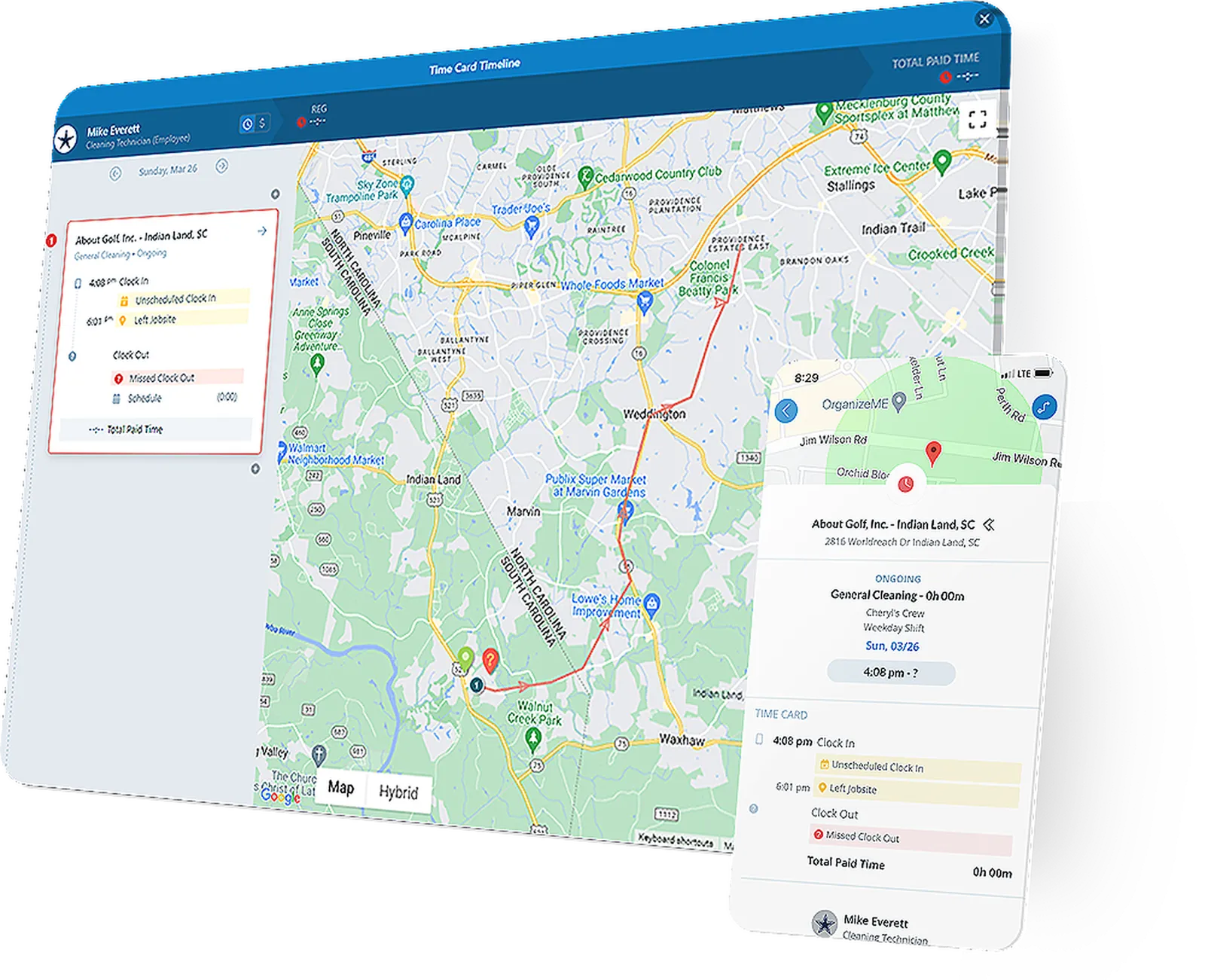
Create custom geofences for each location to know if workers are at the jobsite at clock in and clock out. Know immediately if someone leaves the jobsite and when they return. GPS Smart Tracks™ flag employee time cards with any GPS infractions, including the geo-track details of any stops made while on the clock.
- Custom geofences per job site
- Instant alerts when employees leave the geofenced area
- GPS Smart Tracks™ on every time card
- Full geo-track history of every shift
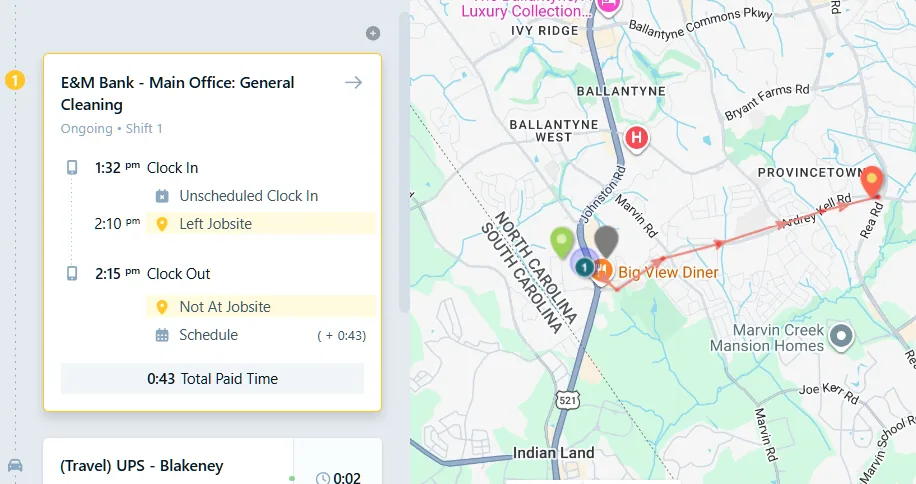
Advanced Left-Job Alerts
Most GPS apps only check location when an employee punches in or out. Chronotek Pro monitors the geofence continuously throughout every shift. If an employee leaves the job site while still on the clock, supervisors are alerted immediately — and the infraction is automatically flagged on the time card so there's a record before payroll closes.
- Continuous geofence monitoring for the full duration of every shift
- Instant supervisor alert the moment an employee leaves the site mid-shift
- GPS infractions automatically marked on the time card
- Full geo-track of every stop made while on the clock
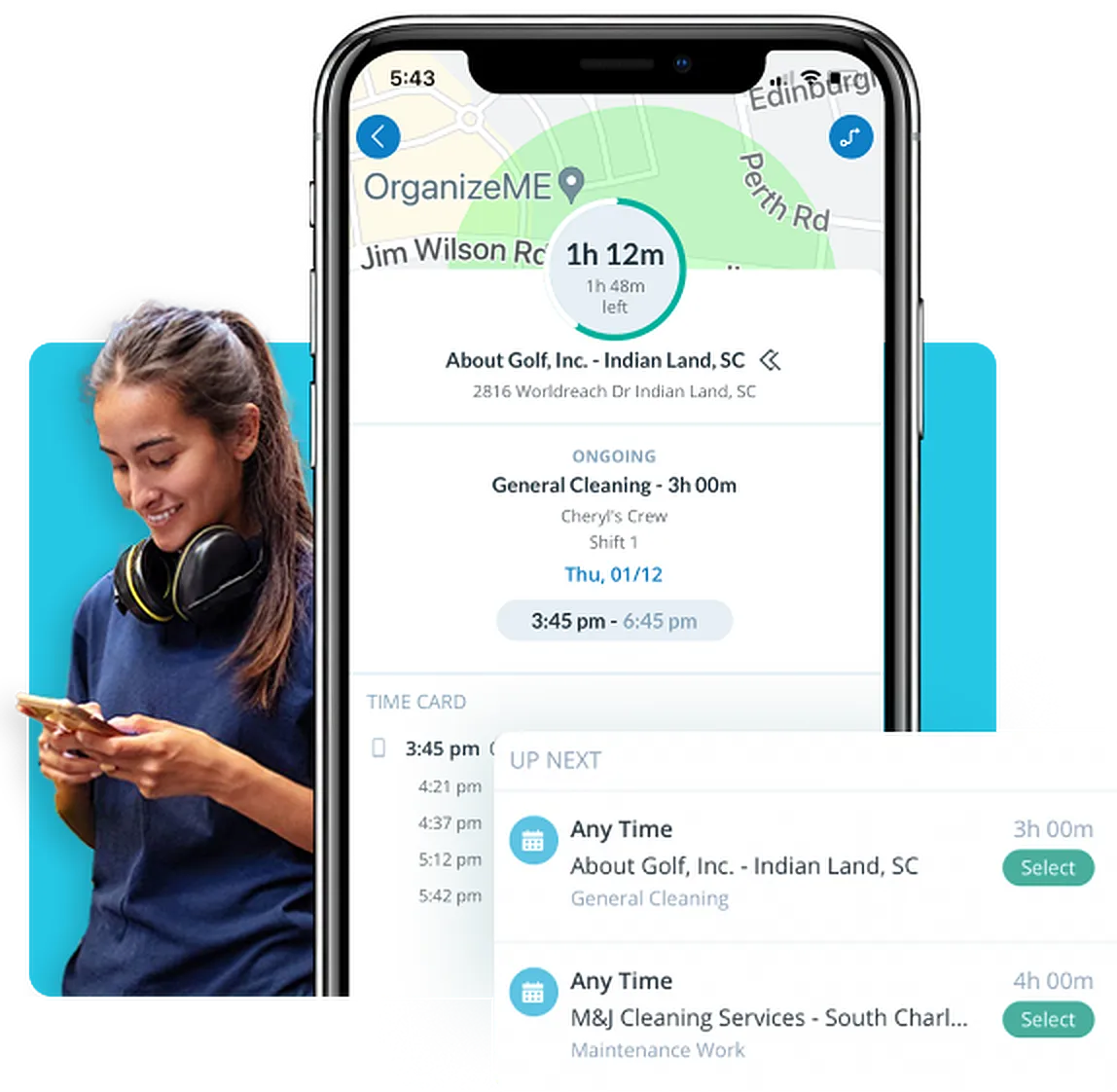
GPS Required For Clock-In
Want more than just a notification if someone clocks in away from the jobsite? Custom settings allow you to prevent clock in and clock out until location services are properly set. No GPS, no clock-in — it's that simple.
- Block clock-in until GPS is active and confirmed
- Configurable per job site
- Landline telephone option for sites without smartphones
- No emails or passwords required for employees
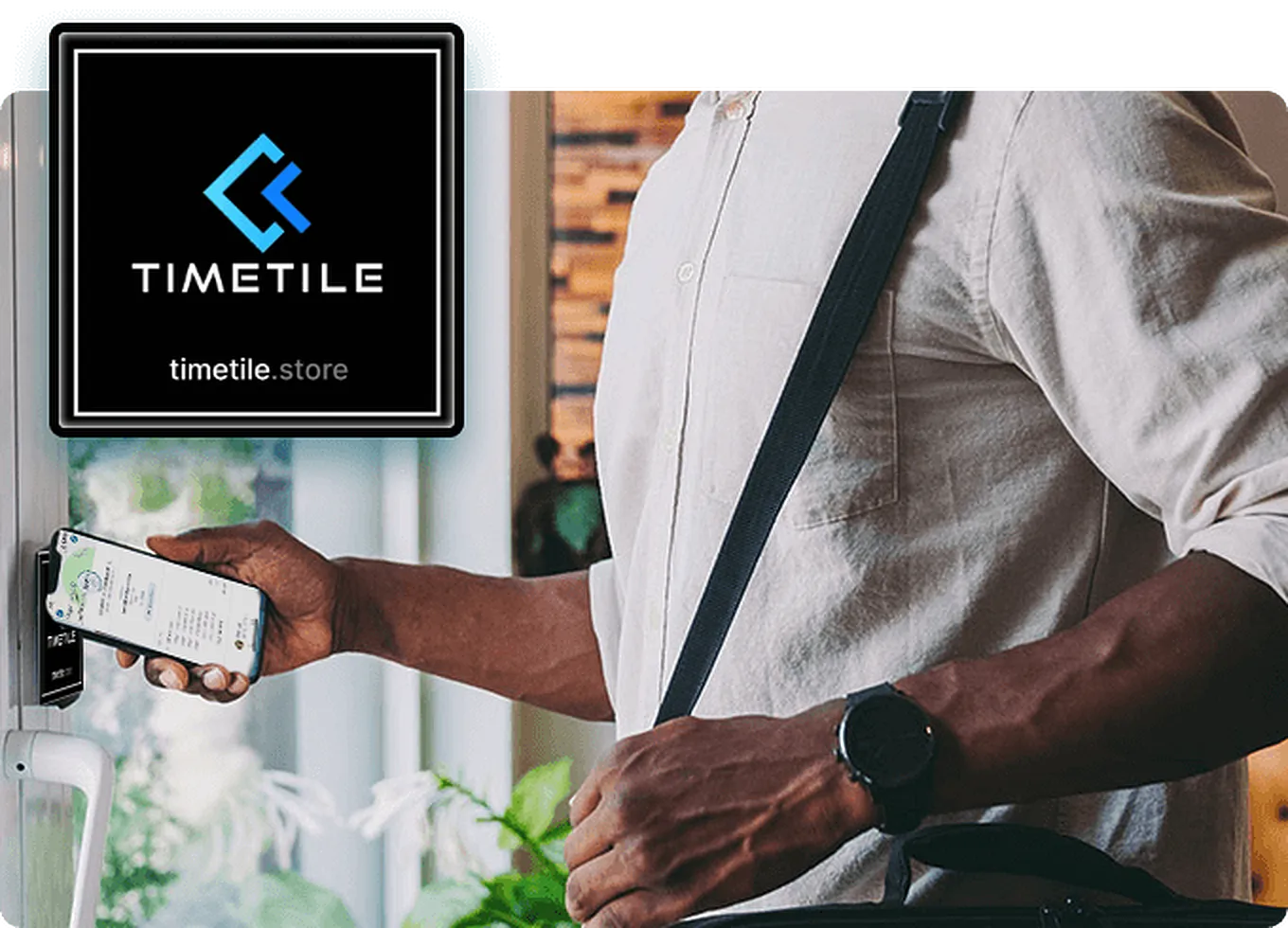
TimeTiles™ & GPS — The Ultimate Combo
Chronotek Pro adds an extra layer of location verification with its exclusive TimeTiles™ feature, using NFC technology for more reliable employee location monitoring. Be certain that you will be notified of any GPS infractions that occur during each shift.
- NFC tap at the job site required to clock in
- GPS geofencing runs continuously during the shift
- Two independent verification layers no other system offers
- Easy to deploy — no power, no Wi-Fi required
Tap into peace of mind with TimeTiles™ + GPS
See TimeTiles™ + GPS in Action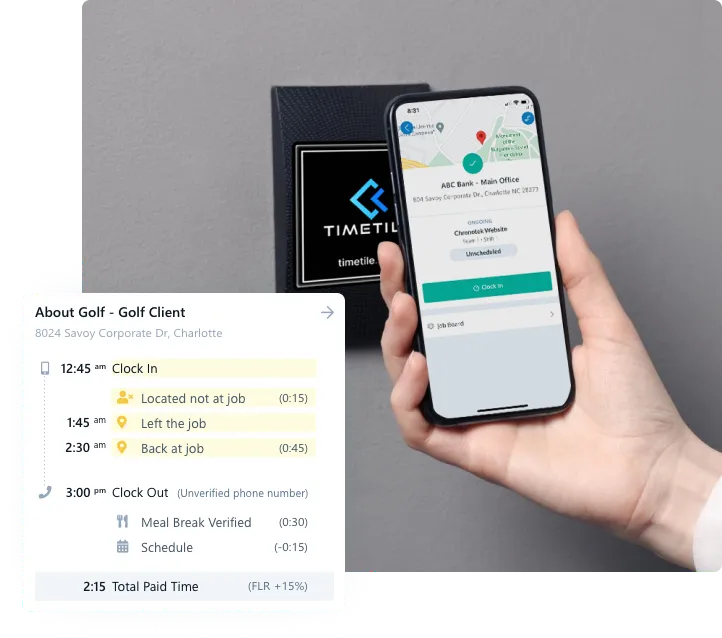
GPS Alerts That Let You Take Action—Fast
GPS alerts are only useful if supervisors can act on them. When a GPS violation comes in, supervisors can handle it right from the app — approve or flag the violation instantly, add notes for documentation, or call the employee directly to sort it out on the spot.
- Approve or flag GPS violations instantly
- Add notes to document what happened
- Call the employee directly from the app
- Resolve issues in seconds, not hours
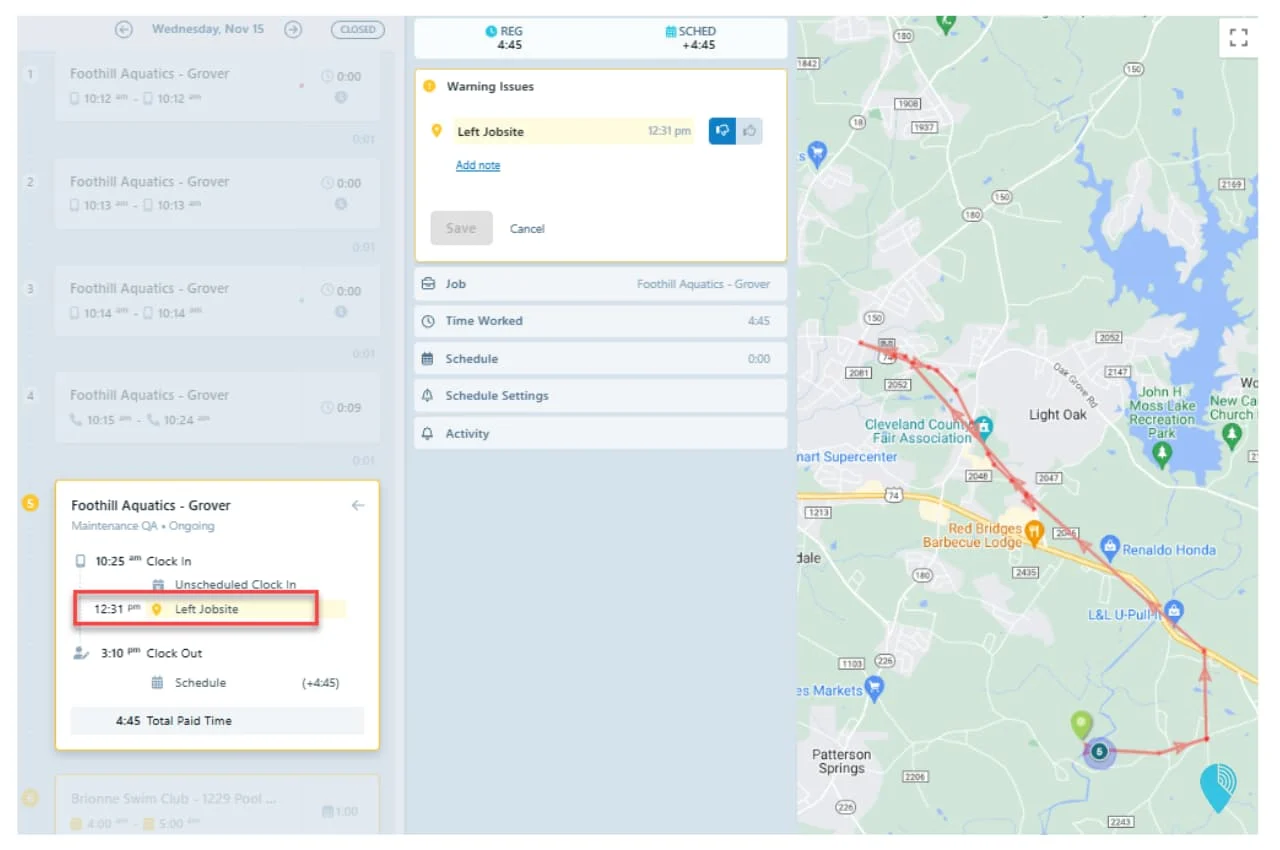
GPS That Works for You
Smart GPS filters the noise and alerts managers only on real issues, so you can focus on what matters. Over time, the system surfaces key insights at a glance: how often employees clock out away from the jobsite, trends of leaving the job while still on the clock, and tardiness patterns you'd never spot on paper timecards.
- Off-site clock-out frequency at a glance
- Left-job-while-on-clock trends
- Tardiness patterns by employee and job
- Alerts only on real issues — the noise is filtered out
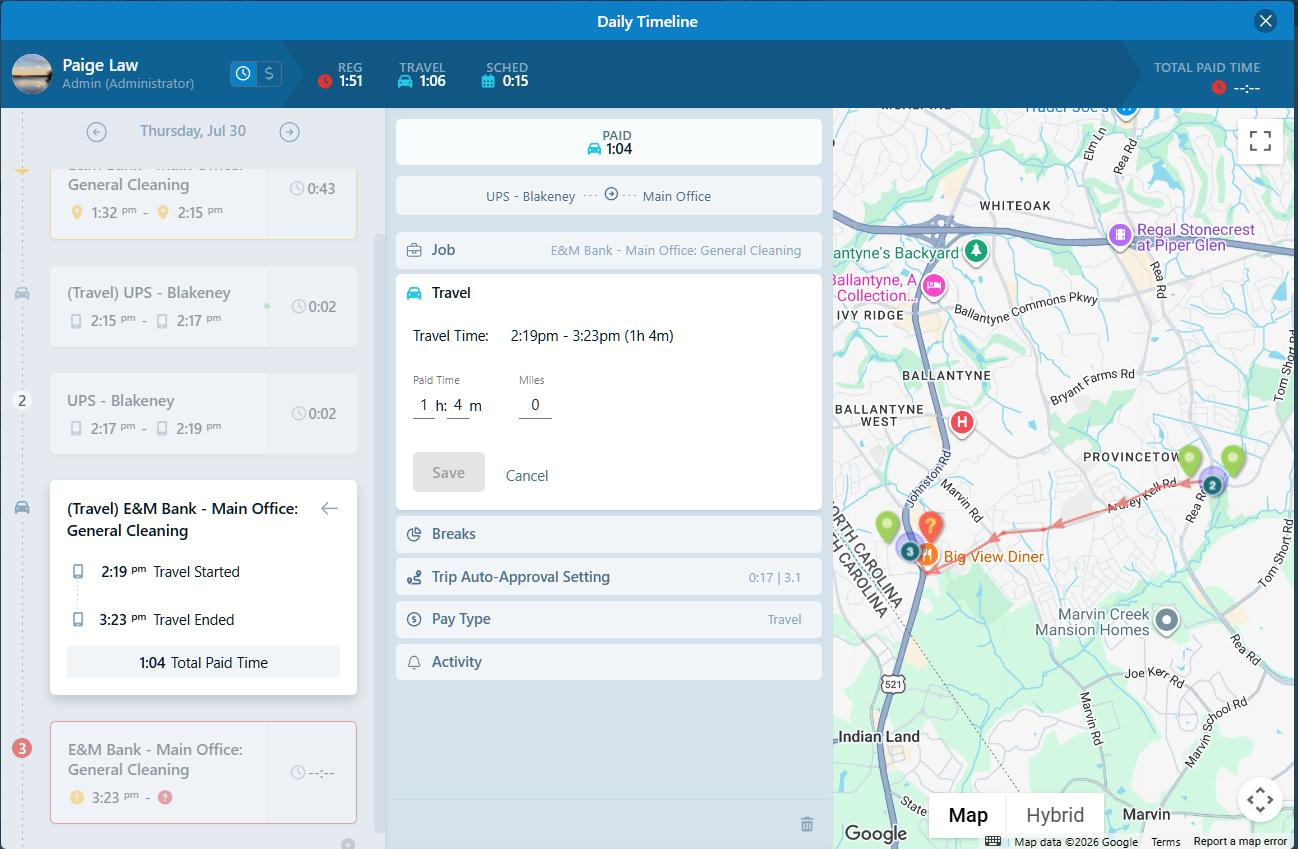
Travel and Mileage Tracking
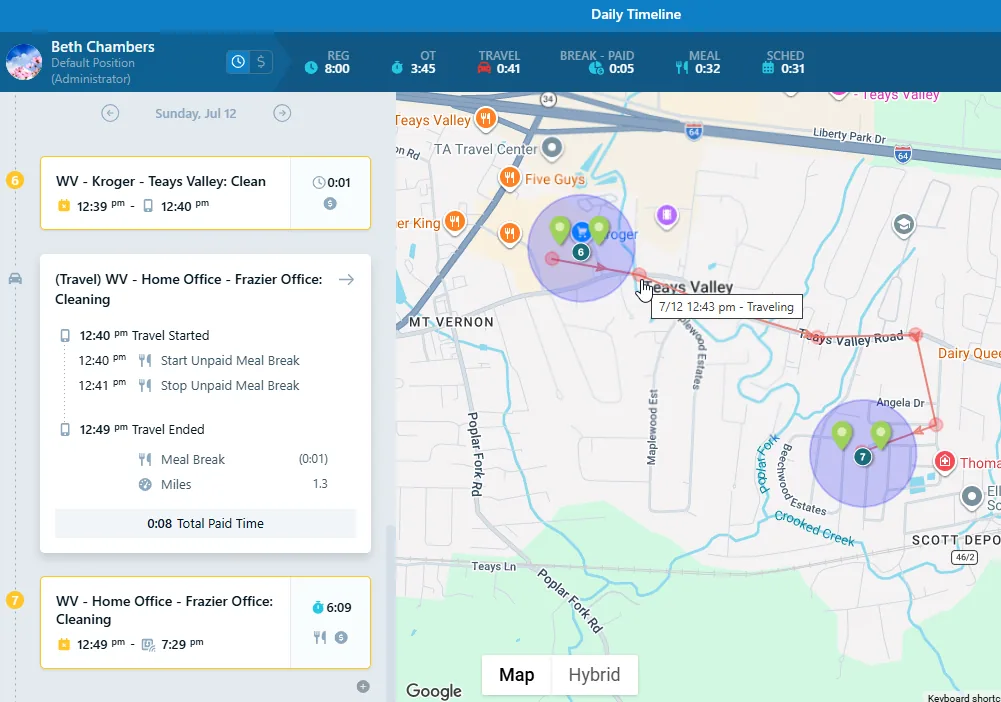
Travel between job sites is paid work time — and Chronotek Pro documents every trip for you. Each Travel Time Card captures drive time, mileage, and breaks, so payroll is accurate without chasing anyone down. Set Auto-Approved Travel Thresholds and trips within your limits approve themselves.
- Travel Time Cards with drive time, mileage & GPS activity
- Breaks during travel documented on the same trip
- Approve actual time or the Google travel estimate
- Auto-Approved Travel Thresholds for hands-off management
GPS Time Clock App — Frequently Asked Questions
The Chronotek Pro app requires employees to enable location services on their phone when clocking in using our GPS feature. In addition, we notify your supervisors if employees leave the jobsite while still on the clock.
We also offer our exclusive technology, TimeTiles™, which can be installed directly at the jobsite and does not require GPS, and will ensure your employees are exactly where they need to be when clocking in. Read more about TimeTiles™ below.
When employees call from job site landline phones, we report the caller ID, verifying they are on-site when clocking in and out.
Get started with Chronotek Pro in just 3 easy steps
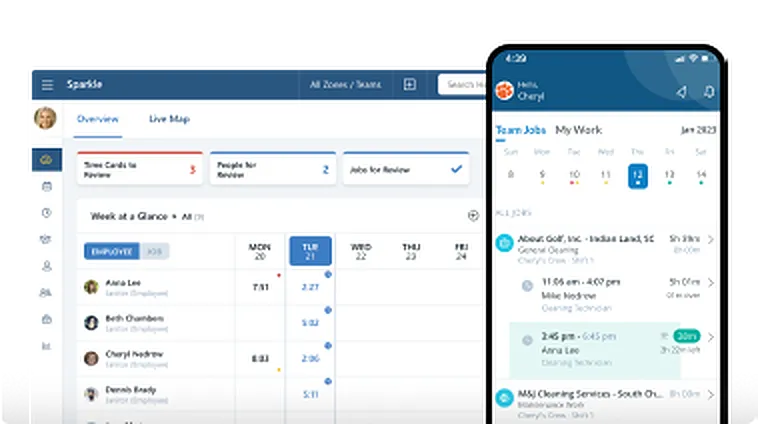
Take a Test Drive
Start by adding a few employees and try Chronotek free for 30 days. You can be up and running in three simple steps - experience how easy it is to use!
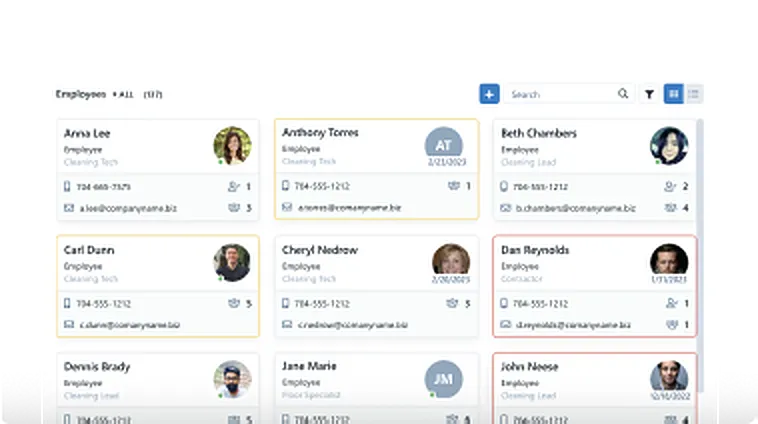
Onboard Your Company
Our team will help you seamlessly onboard to Chronotek. We can assist with transferring data from your current software and customize the system to meet your specific needs.
Account Tune-Up
Support doesn't end there – we're committed to helping you get the most out of the system. Your account manager will schedule regular check-ins to ensure everything is running smoothly.