


Scheduling
Scheduling Your Teams Has Never Been Easier
Perfect time cards involve more than people & time slots. Smart scheduling prevents employees from clocking into the wrong jobs and aligns your schedules with budgets. Scheduling like a Pro gives you control today & tomorrow.
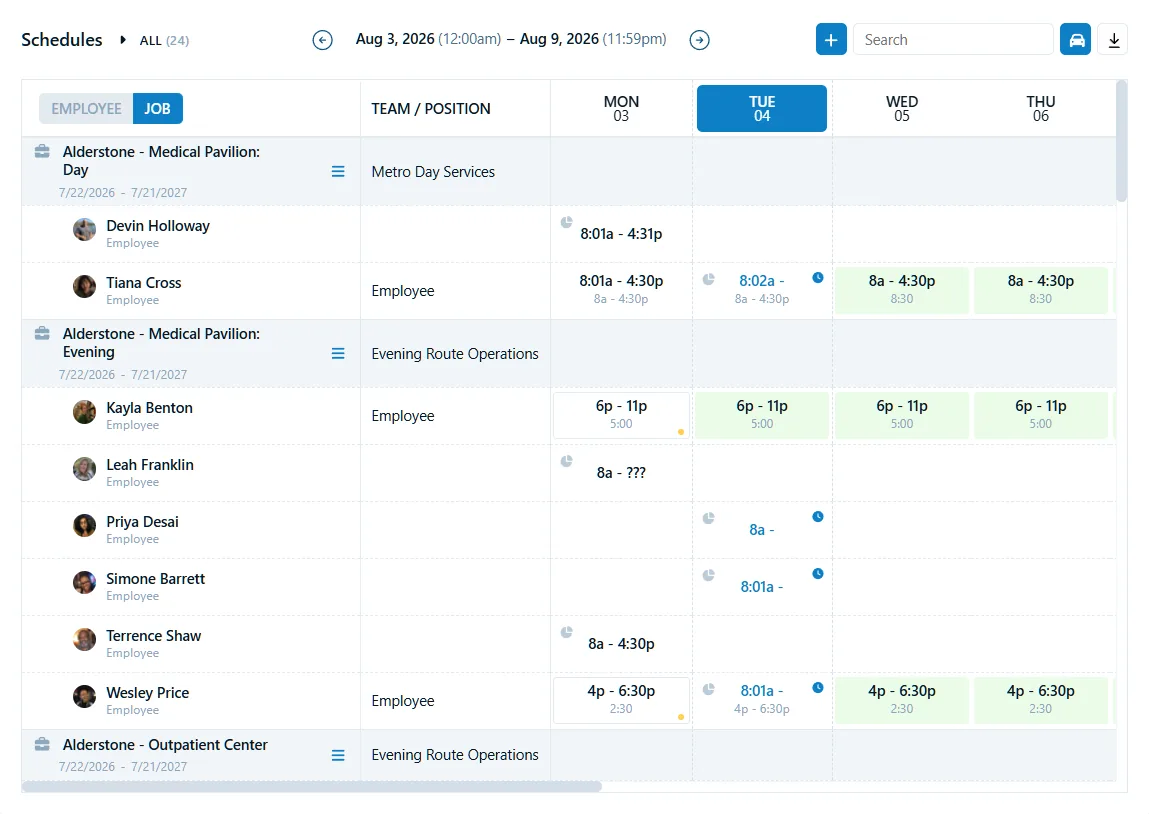
Simple and Smart Scheduling
Smart Schedules
Be confident that employees always clock into the right jobs. Flexible shifts allow anyone on the scheduled Team to clock in anytime during the day.

Budget & Insights
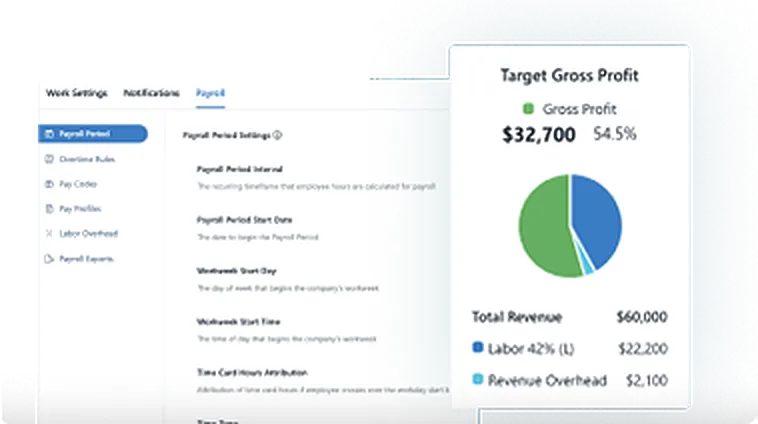
Control your budgets and drive every contract to target profit by using schedules. See real-time projections for OT & travel that impact budgets. Quickly adjust schedules and get back on track.

Crucial Alerts
Scheduling like a Pro means staying ahead of your problems. Receive mobile alerts for missed jobs and see budget issues as the real-time dashboard turns red, revealing unplanned work hours, overtime, or travel.
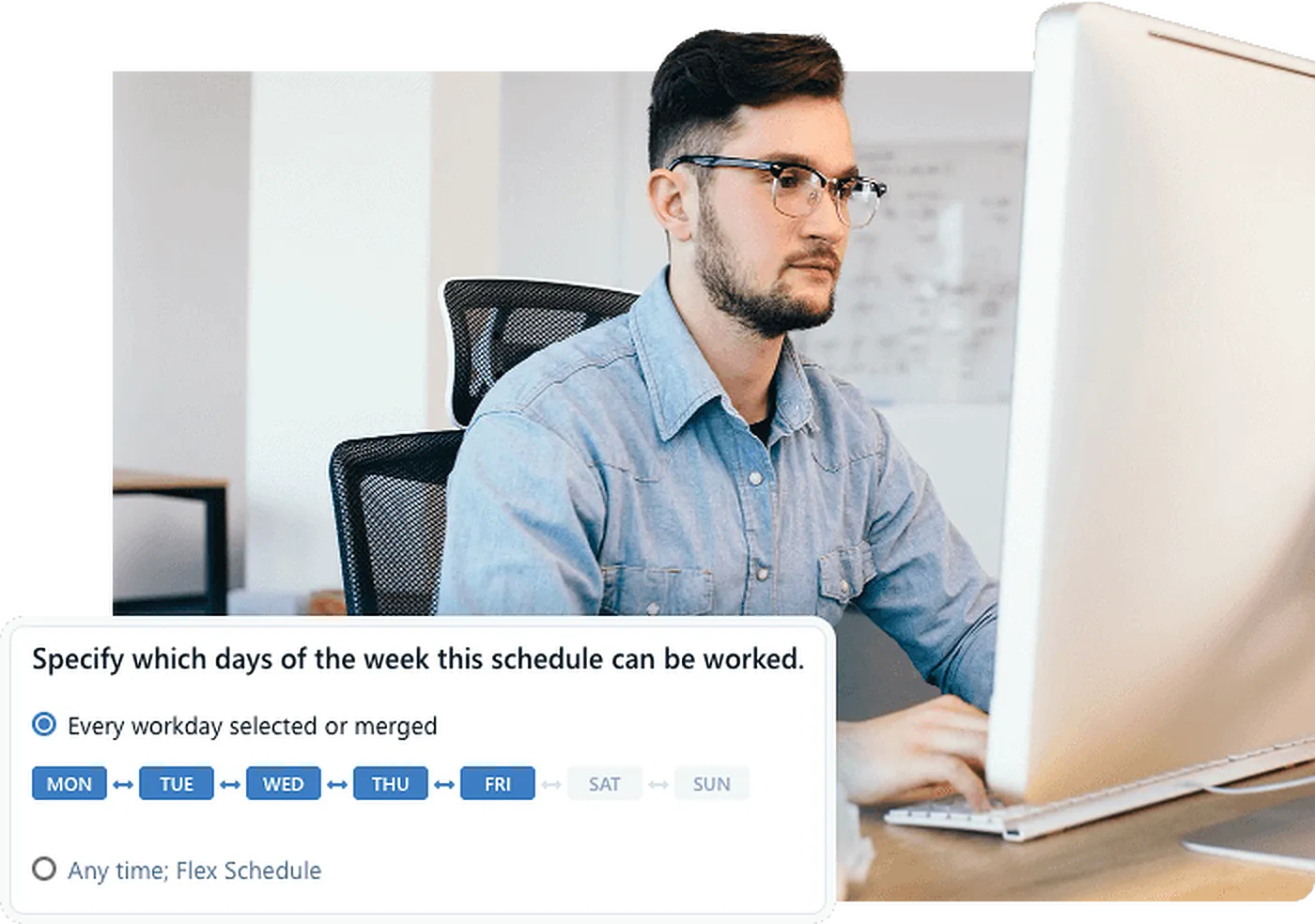
Promote Flexible Work
Pro's smart scheduling involves more than people & time slots. Create flexible 'anytime' shifts so employees can clock in during a window — great for sites without fixed start times. Everyone works to the right job, every time.
- Flexible "anytime" shifts for open-time work
- Assign Teams to jobs so only the right people can clock in
- One-click repeat for weekly recurring schedules
- Drag-and-drop schedule builder published straight to the app
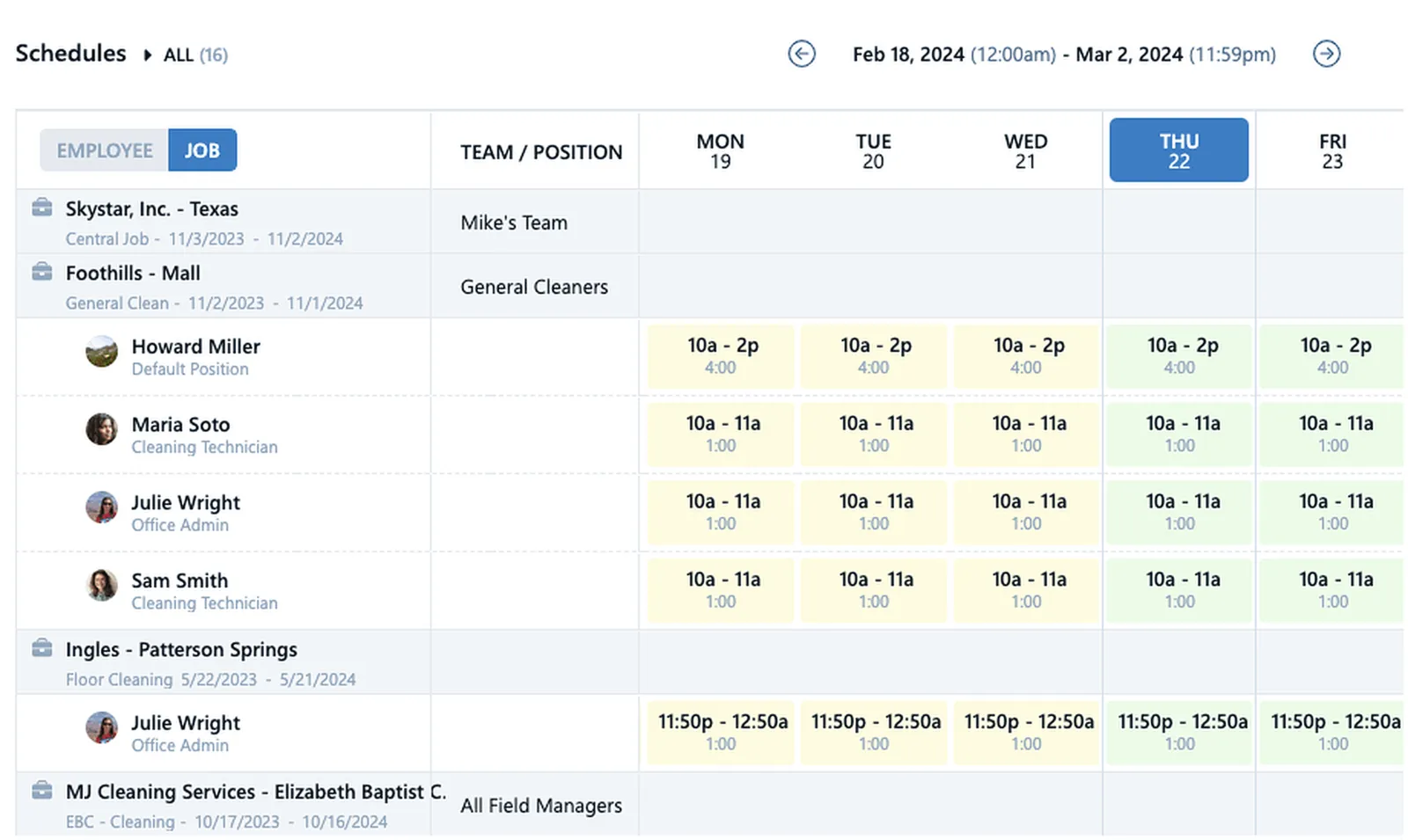
Smart Scheduling Drives Your Profits
Pro's scheduling goes beyond people and time slots. Ensure profits by creating shifts with pay codes and seeing far in advance if schedule changes impact your budgets. Guarantee everyone clocks into the right job. Assign positions to shifts to ensure you have qualified staff on site. That's scheduling like a Pro!
- Late & No-Show Alerts
- Flexible schedules
- Actual v. Scheduled hours
- Totals by day, week, & pay period
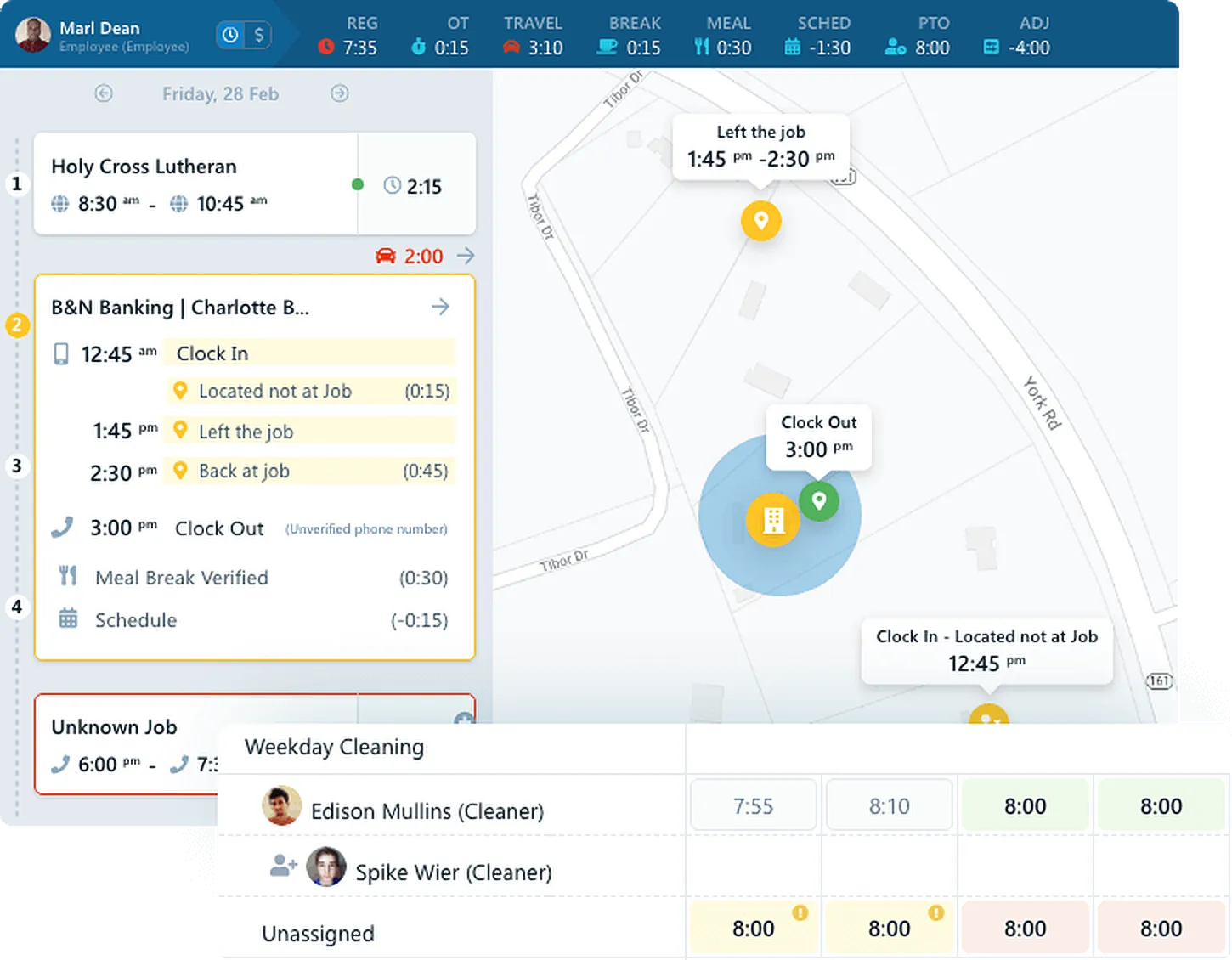
See Budget Impact Before It Happens
Can a spreadsheet predict overtime next week? Pro's live-streaming dashboards do. See real-time projections for overtime and travel the moment a schedule changes — giving you time to reassign work and protect your margins before it's too late.
- Real-time OT projections per employee and per job
- Travel time factored into budget forecasts
- Dashboard turns red when a budget is at risk
- Coverage view shows open shifts before clients notice
Common Questions About Scheduling
Chronotek allows you to create flexible "anytime" schedules, allowing employees to clock in anytime within the day. The exact in/out times are flexible, but you can enter durations for profit forecasting.
Get started with Chronotek Pro in just 3 easy steps
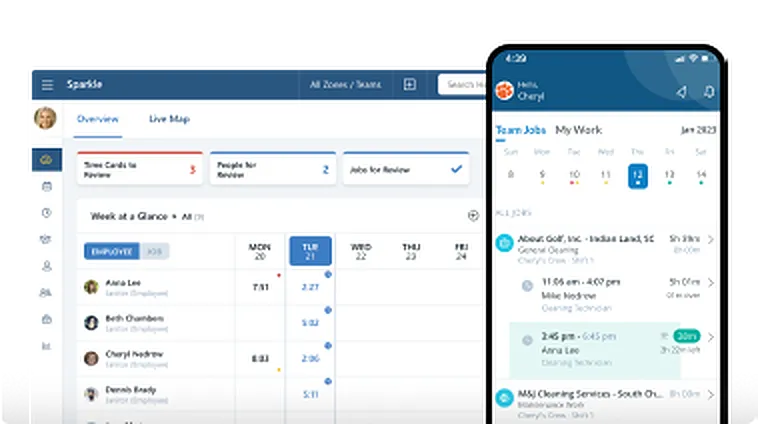
Take a Test Drive
Start by adding a few employees and try Chronotek free for 30 days. You can be up and running in three simple steps - experience how easy it is to use!
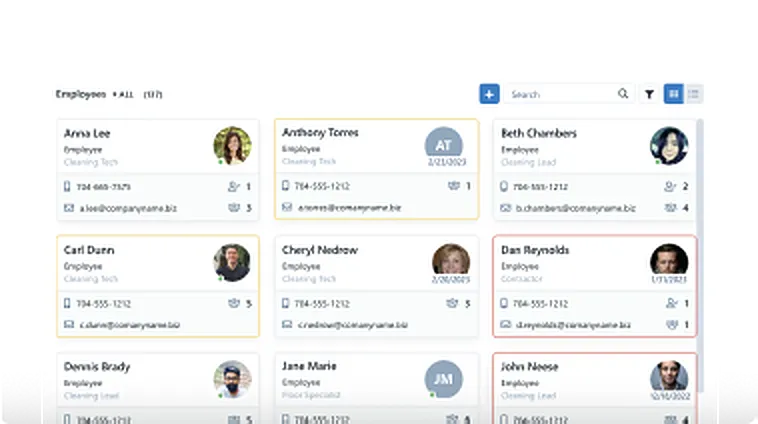
Onboard Your Company
Our team will help you seamlessly onboard to Chronotek. We can assist with transferring data from your current software and customize the system to meet your specific needs.
Account Tune-Up
Support doesn't end there – we're committed to helping you get the most out of the system. Your account manager will schedule regular check-ins to ensure everything is running smoothly.