


Messaging
Manage Like a Pro With Easy-to-Use Messaging Tools
Connect your teams on one easy-to-use platform and don't get swept away in a confusing swirl of personal texts, emails, and phone calls. Access every word in one place at one time.
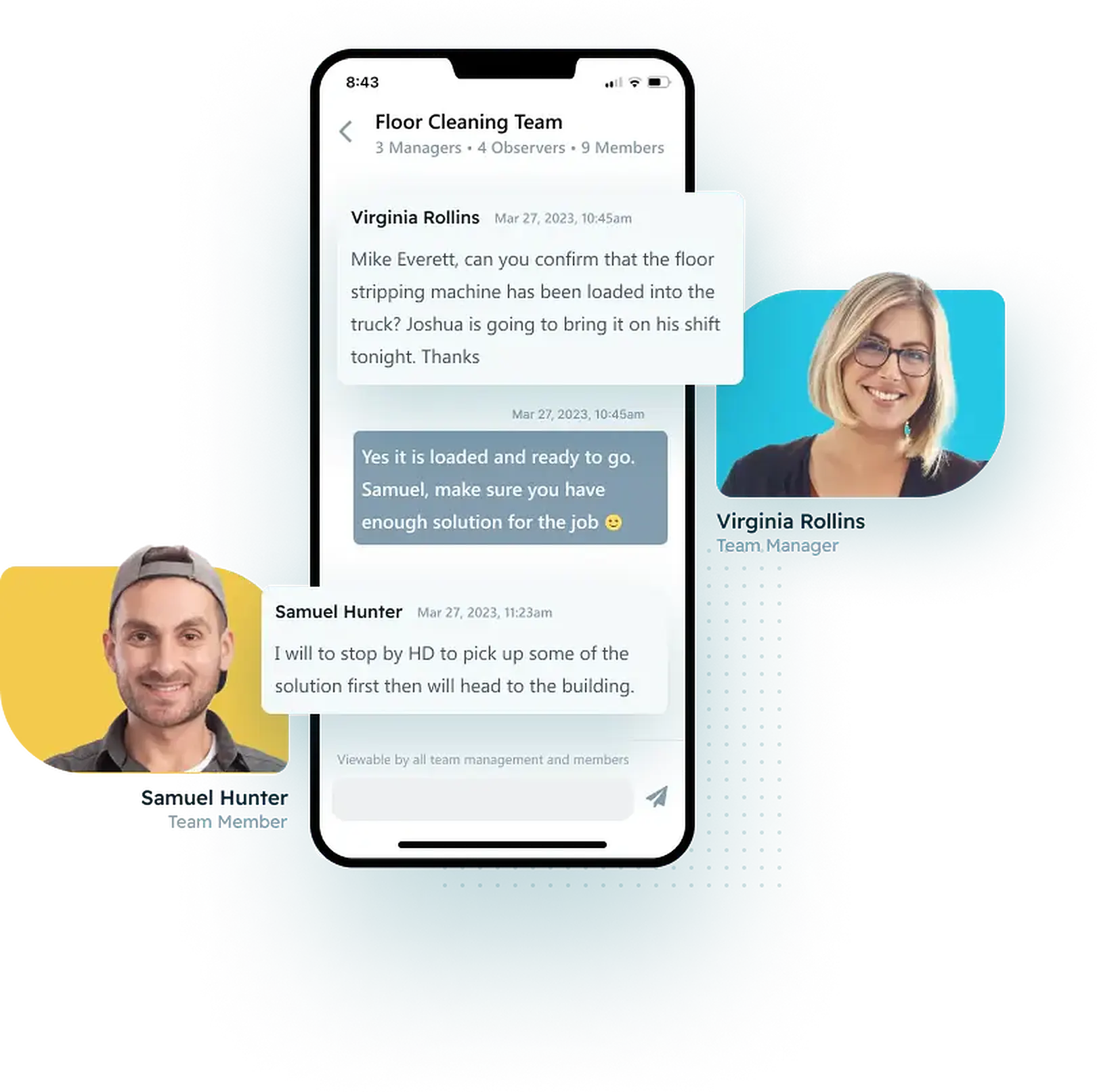
The Easiest Solution for Team Communication

Personalized Messaging
Ditch personal texting with employees! They can easily communicate from any screen on the app. Separating work and personal messages is the Pro way.

Team Messaging
Team & Job boards automatically ensure everyone gets the messages they need. Helping remote teams communicate is now effortless.

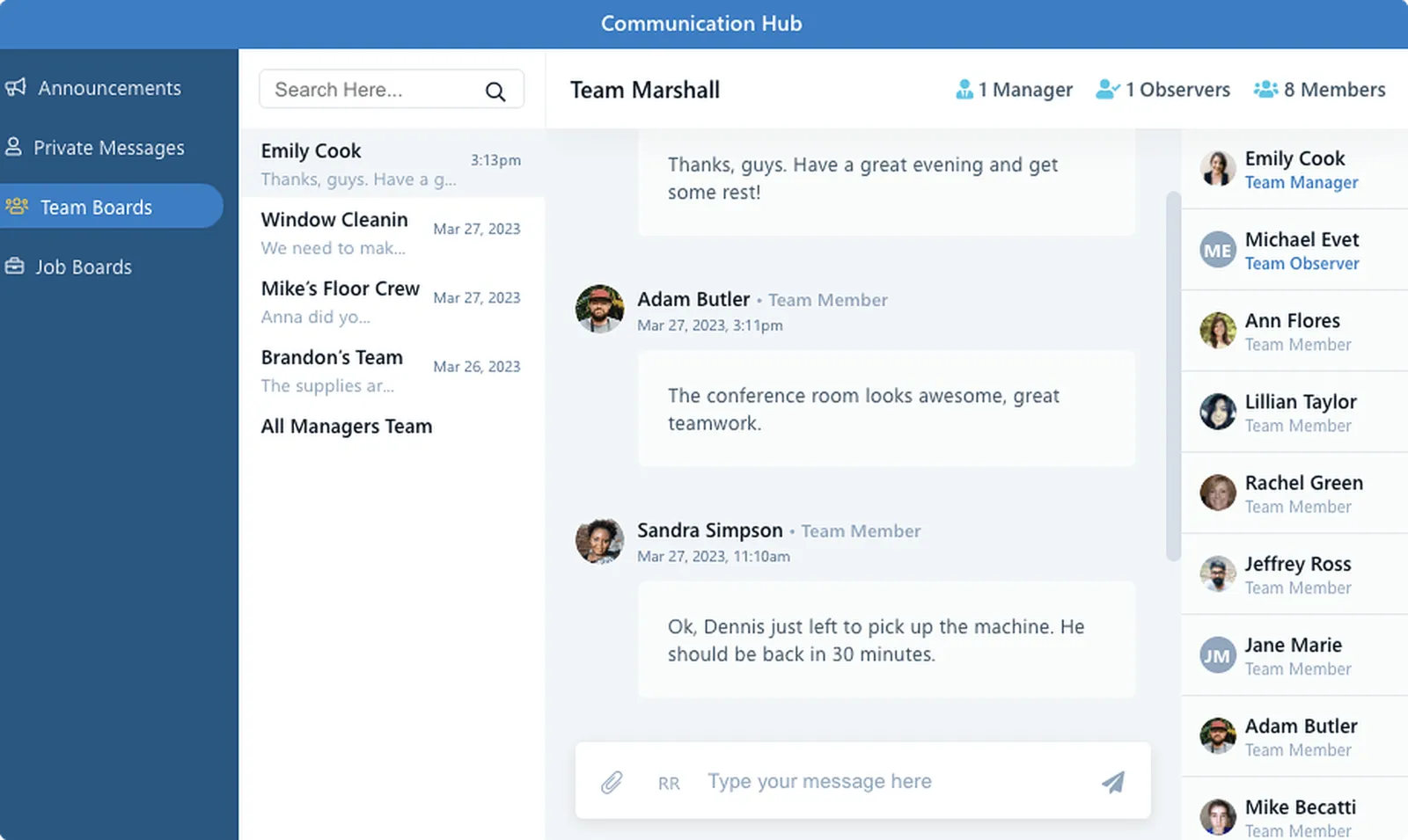
The Hub
Manage every message from the centralized Communication Hub, available on the website or mobile app. No one on your remote workforce will ever miss another message or have an excuse to say they did.
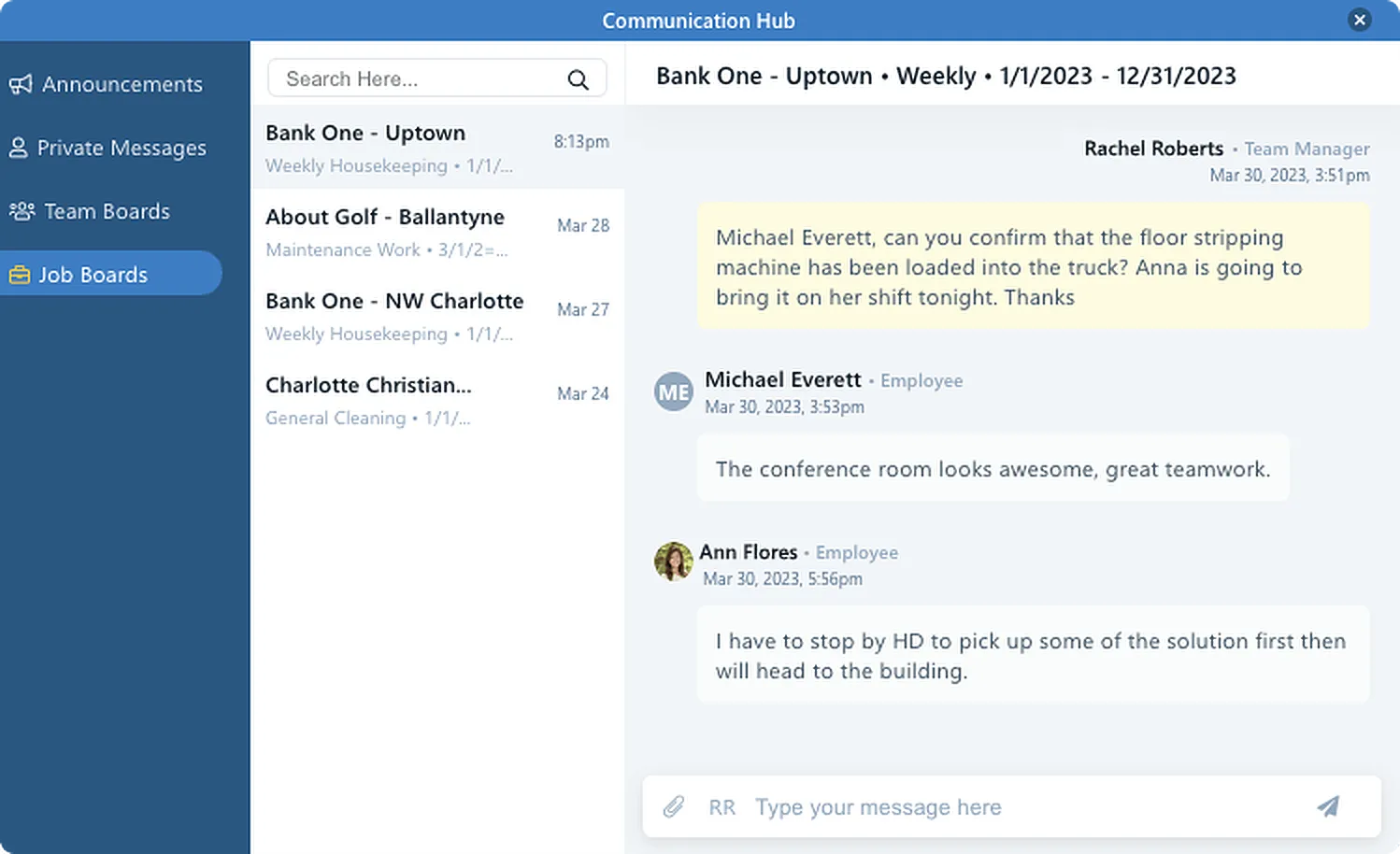
Master Messaging with Team & Job Boards
Communication among your remote employees has never been easier. Team boards get workers on the same page without the hassle of traditional group texts. Assign employees to a Team, and Pro automatically gives them access to the Team board. With Job boards, Pro targets only Team members at specific jobs, not the entire Team.
- Job & Team Boards automatically route messages to the right people
- Required-read messages employees must acknowledge before clocking in
- One-way announcements for company-wide news
- 1:1 private messages without sharing personal phone numbers
It's Time to Ditch Personal Group Texts and Voicemails
Imagine your entire cleaning company on one easy-to-use communication platform and no one ever misses a message. Sending & receiving is a snap with 35 languages automatically translated. The Hub is a click away for everyone.
- Auto-translation across 35+ languages
- Read receipts show who has actually seen the message
- No personal phone numbers to collect or share
- Shift notes and instructions live where the work is tracked
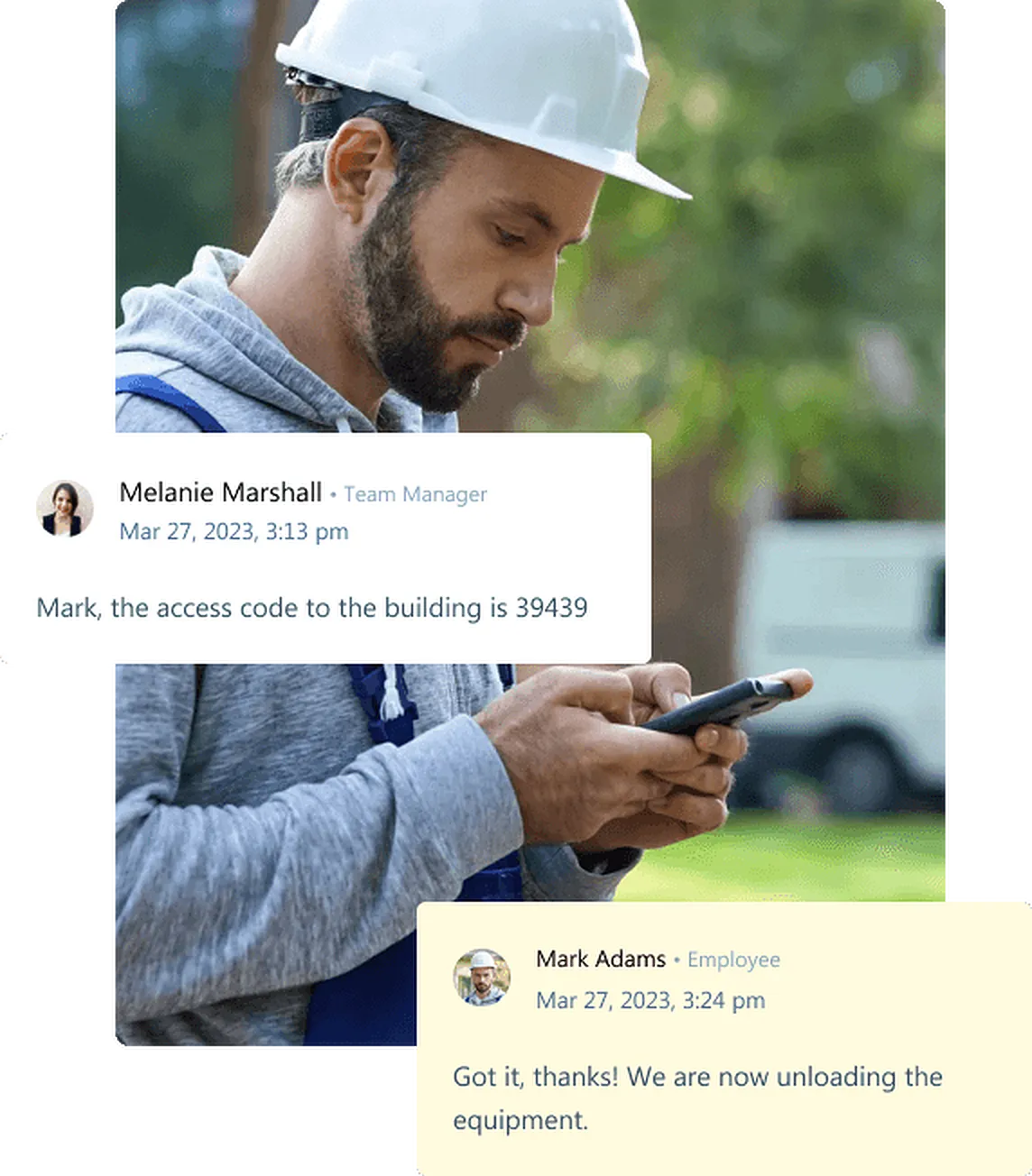
Announcements & Required Read — Never Miss a Message
With our system you can send 'announcements', which employees read before clocking in or out, or 'messages', which they can read at their leisure. You can also deliver the messages immediately or at their next clock-in. You're in charge.
- Deliver announcements at next clock-in or immediately
- Required-read gate: employees cannot clock in until they acknowledge
- Full message history in one centralized hub
- Push notifications and text alerts for critical events
Common Questions About Communications
Get started with Chronotek Pro in just 3 easy steps
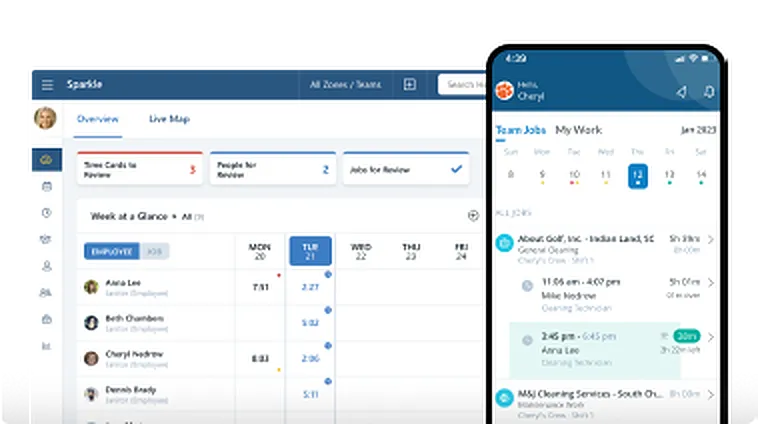
Take a Test Drive
Start by adding a few employees and try Chronotek free for 30 days. You can be up and running in three simple steps - experience how easy it is to use!
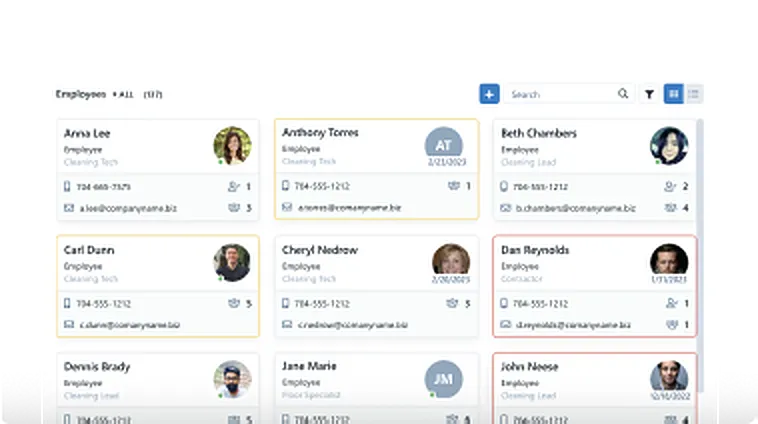
Onboard Your Company
Our team will help you seamlessly onboard to Chronotek. We can assist with transferring data from your current software and customize the system to meet your specific needs.
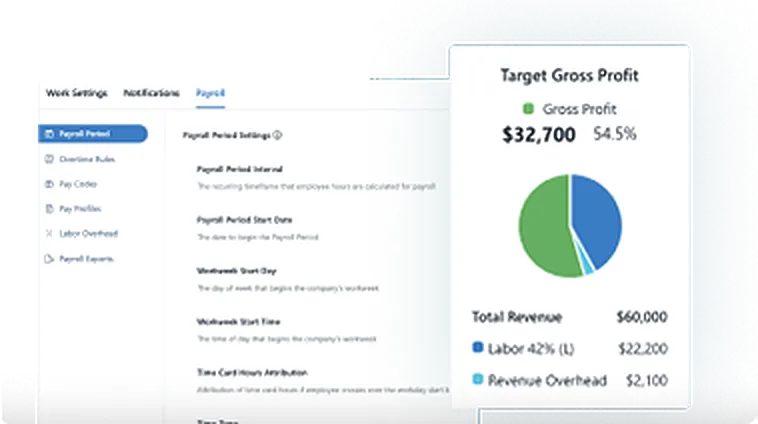
Account Tune-Up
Support doesn't end there – we're committed to helping you get the most out of the system. Your account manager will schedule regular check-ins to ensure everything is running smoothly.