



Managing Your Pool Management Company Has Never Been Easier
Your pools are covered, time cards are perfect, and all issues are reported and handled in real-time. Simplify your operations today.
 4.8
4.8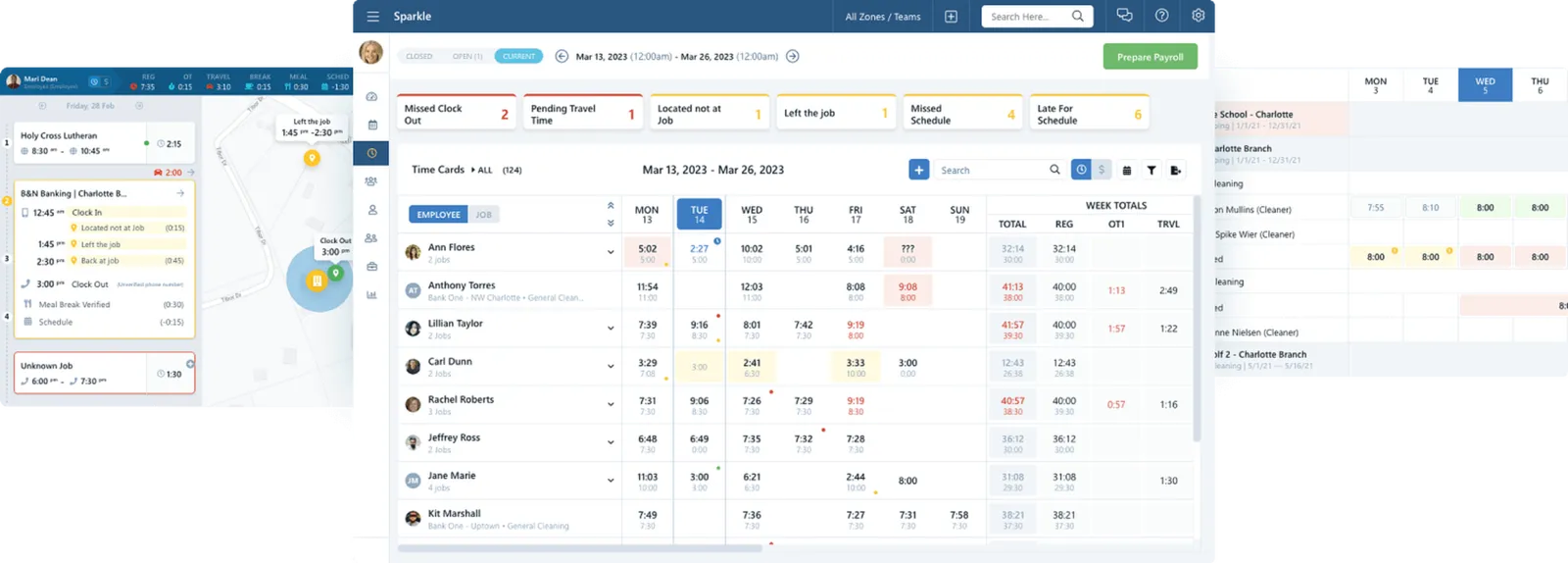
How Can Chronotek Pro Help Your Pool Management Business?
You face unique challenges managing remote employees. Your lifeguards can be anywhere, leave at any time, and how do you know?
Commercial swimming pool companies like yours have trusted Chronotek for over 30 years. We built a GPS time-tracking system specifically for you because you need answers before they become problems.
By handling no-shows & GPS infractions in real time and ensuring lifeguards clock in at the pool site, you will have perfect time cards. Staying on budget and preparing payroll is now effortless!
- Know about no-shows & GPS infractions in real-time with live-streaming dashboards, activity feeds, and mobile alerts. You will never be caught off guard again.
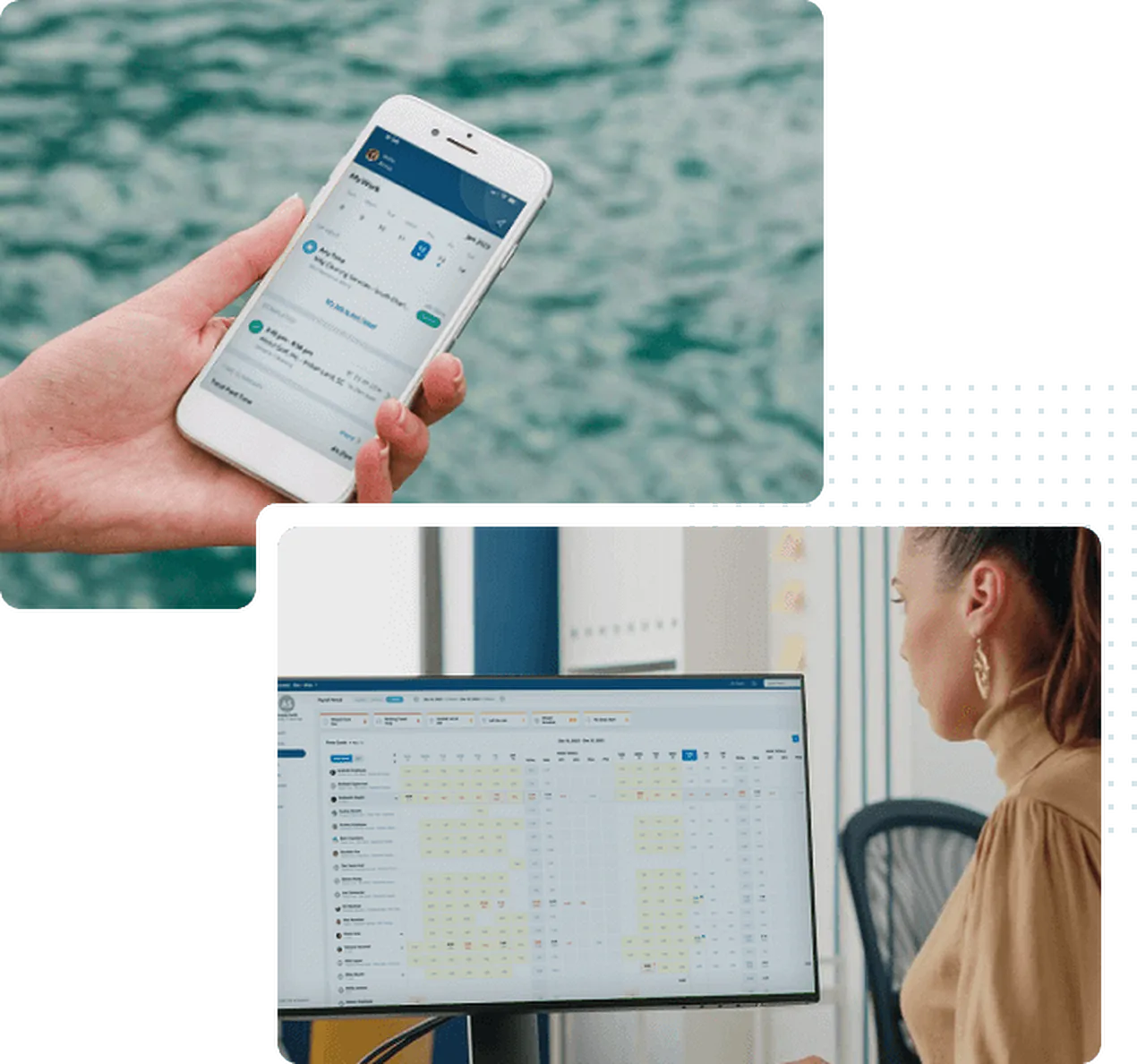
- Have eyes on everything all the time. Oversee operations from your desk or on the go with our comprehensive mobile app.
- Can a spreadsheet predict overtime next week? Pro's live-streaming dashboards do, giving you time to reassign lifeguard duties.
Hundreds of pool companies choose Chronotek

No-show alerts are a lifesaver in the busy season for my pool company.
It is a great way to keep track of employee hours. I am thrilled that I didn’t have to invest in equipment. And, payroll was so much quicker with everything right at my fingertips.
I'm a huge fan of Chronotek - excellent features and customer service.
Thank you so much! Chronotek played a significant role in preventing employee time theft. When I showed them their timesheets, they were shocked. I appreciate it greatly!
Hassle-Free Control for Your Pool Management Company
Your pool employees work all over town every hour of the day, and you are in the dark. Marco Polo is fun, but you don't want to be "it" playing the real-life game with your remote staff. Live-streaming dashboards & GPS infraction alerts open your eyes to everything.
Ensure Everyone is On-Site with TimeTiles™ & GPS Tracking
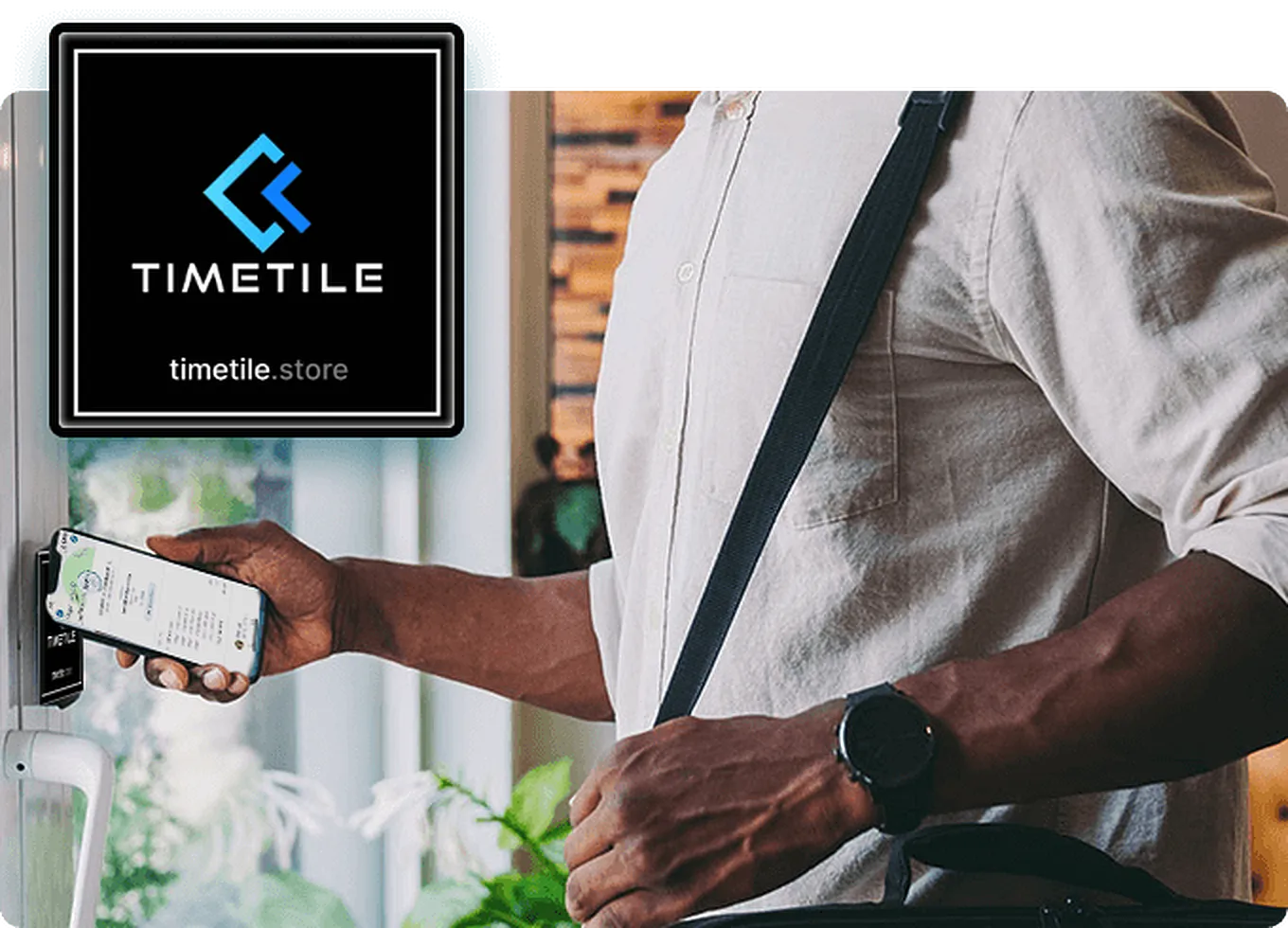
Do you want peace of mind that your lifeguards clock in at the pool sites? You can have it with TimeTiles™. Affix these small tiles at your pools, and lifeguards must be close enough to tap them to clock in. TimeTiles™, along with GPS, are the perfect pair for tracking employees on the clock, with GPS alerting you when they leave the geofence.
- Easy to set up and use
- Affix anywhere at your pools
- Require TimeTiles™ for clock-in
- No power needed
Dive into worry-free pool management.
Explore the GPS Time Clock App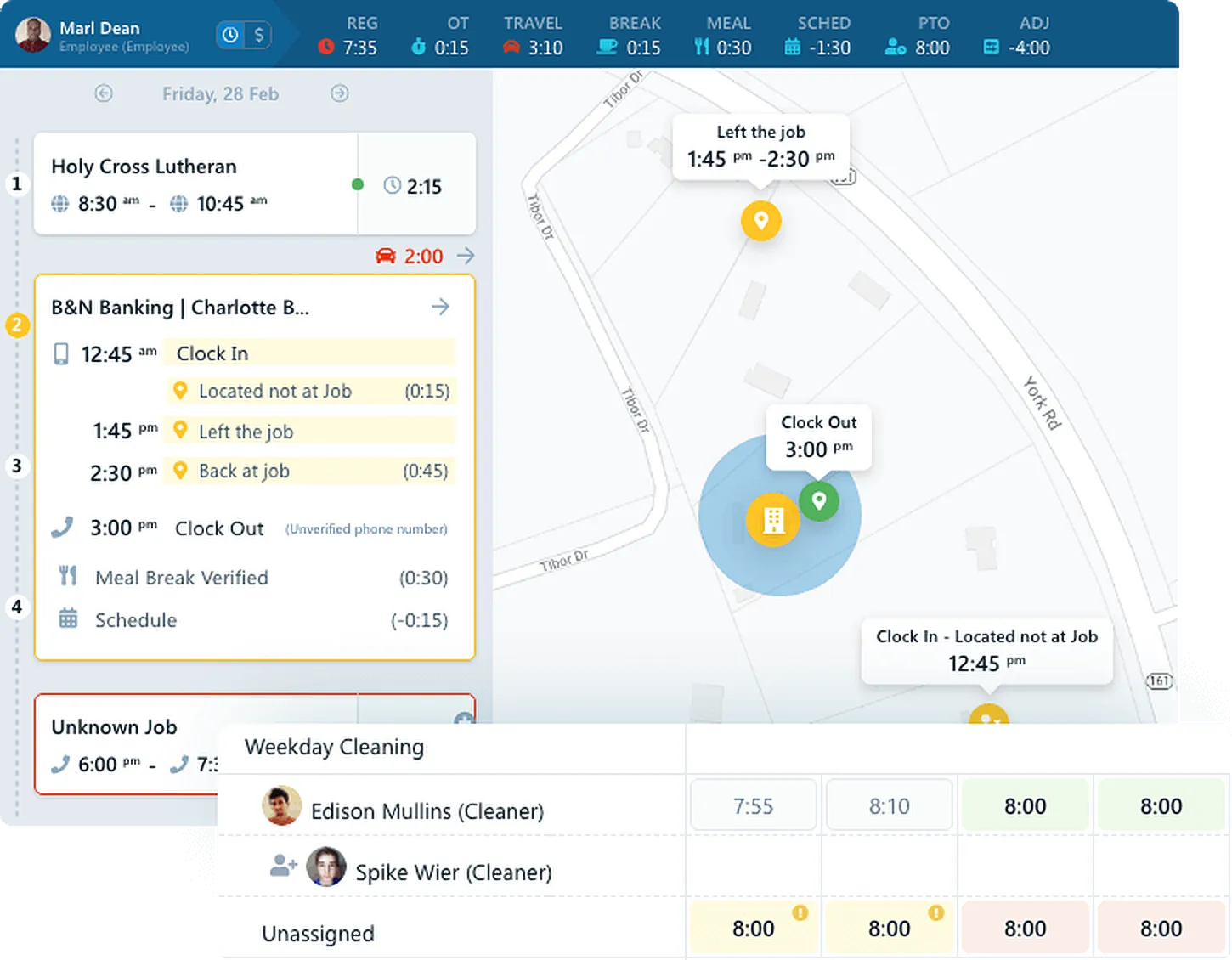
Control Your Entire Workforce in Real-Time
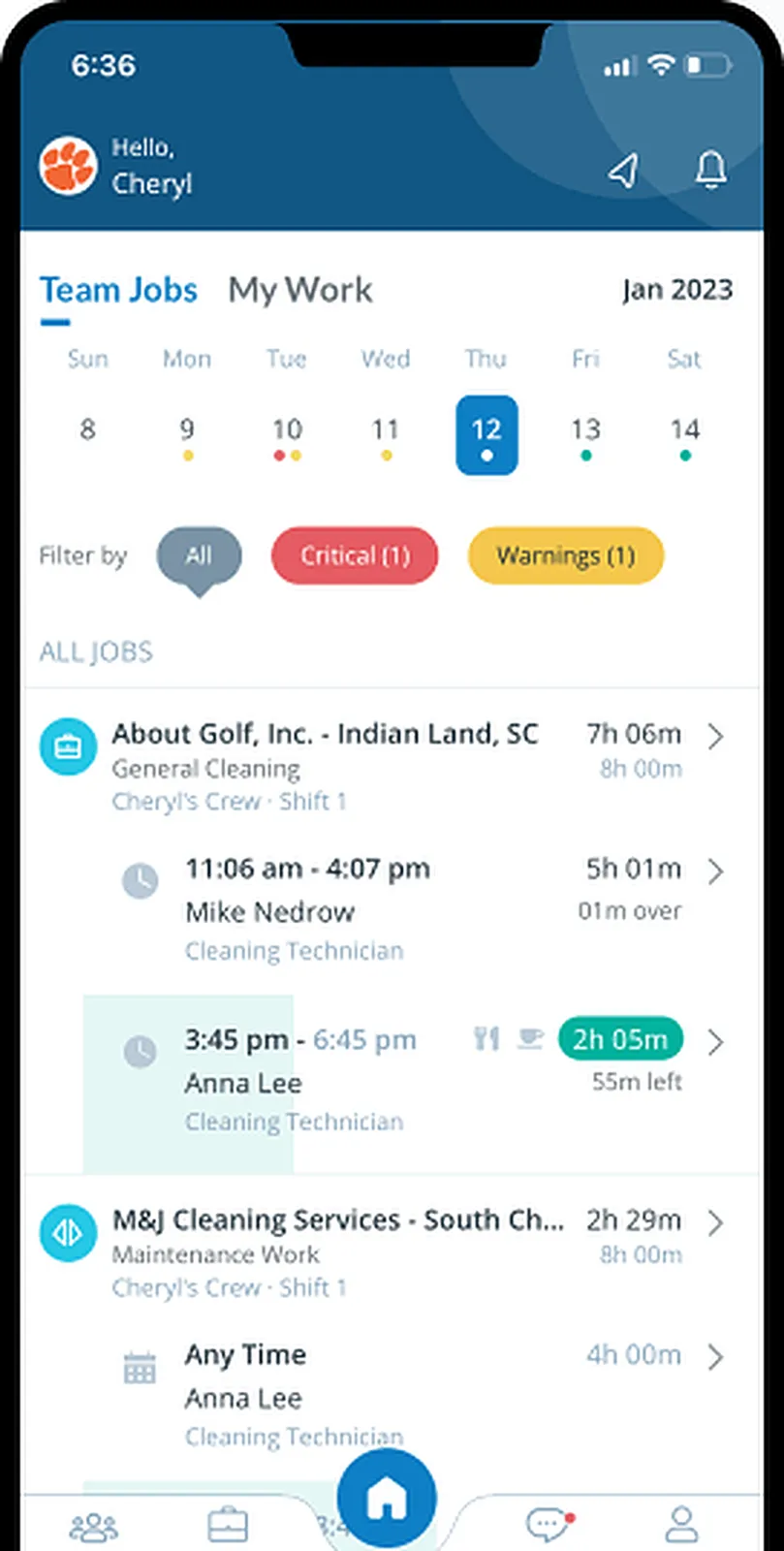
Get a complete overview of your company's daily operations with a live-streaming dashboard. See where everyone is clocked in, get alerts if they leave, and know if they don't show up. Communication is also a breeze with everyone on one platform. Create Teams for lifeguards, maintenance techs, and office staff to send messages & alerts to the right people.
- Live Map
- No-show alerts
- GPS infraction alerts
- Team Shifts
Handle issues in real time.
See How Timekeeping Works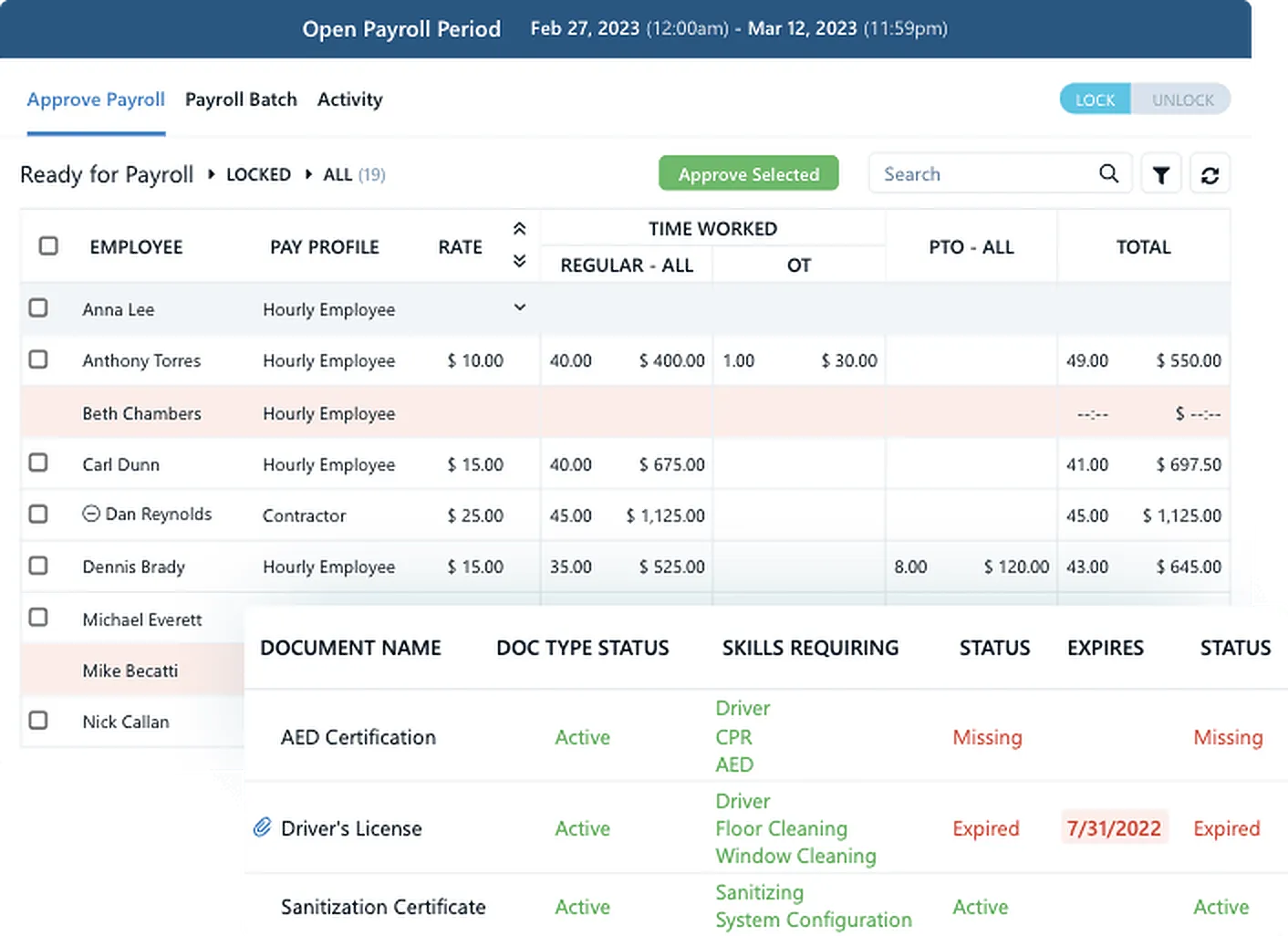
Effortlessly Manage HR and Payroll
Manage HR & payroll like a Pro with a virtual assistant flagging issues 24/7/365. Store personnel documents and never miss an expiring certification or birthday. Preview payroll with total hours for every pay code. For ultimate ease, group salaried, hourly, and contractors.
- Time card issues flagged
- Lock pay periods
- Pay codes for projects
- Payroll company exports
You'll be doing backflips with joy off the high dive!
Explore HR & Payroll Tools
 Location Verification
Relax knowing where all your employees are
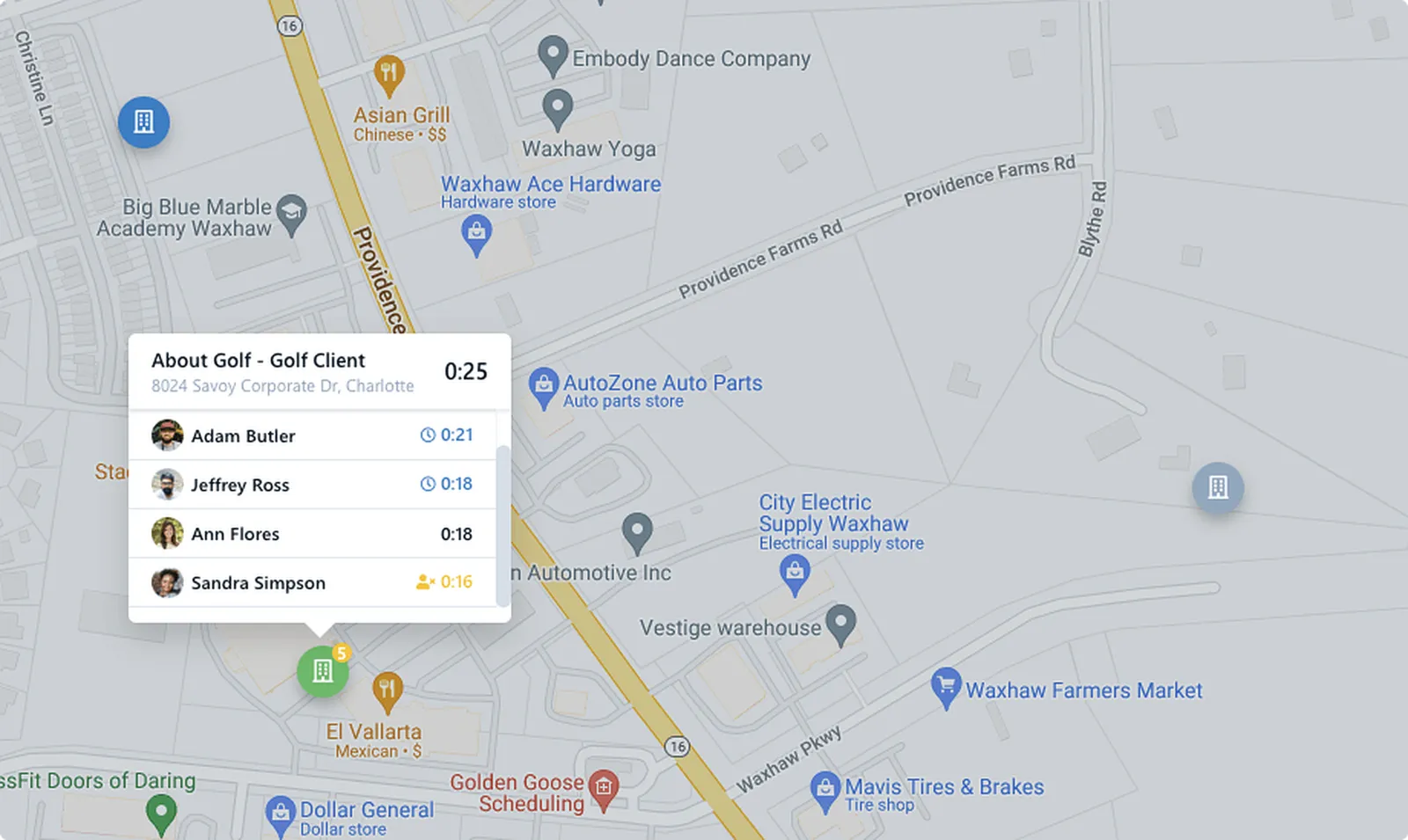
Chronotek Pro is your virtual eyes in the field. With exclusive GPS tracking, clock-in TimeTiles™, and alerts when employees leave the job, you will always know where your employees are. View a Live Map showing where everyone is clocked in.
- Ensure on-site clock-ins
- Live Map
- Left job alerts
- Live-streaming dashboards
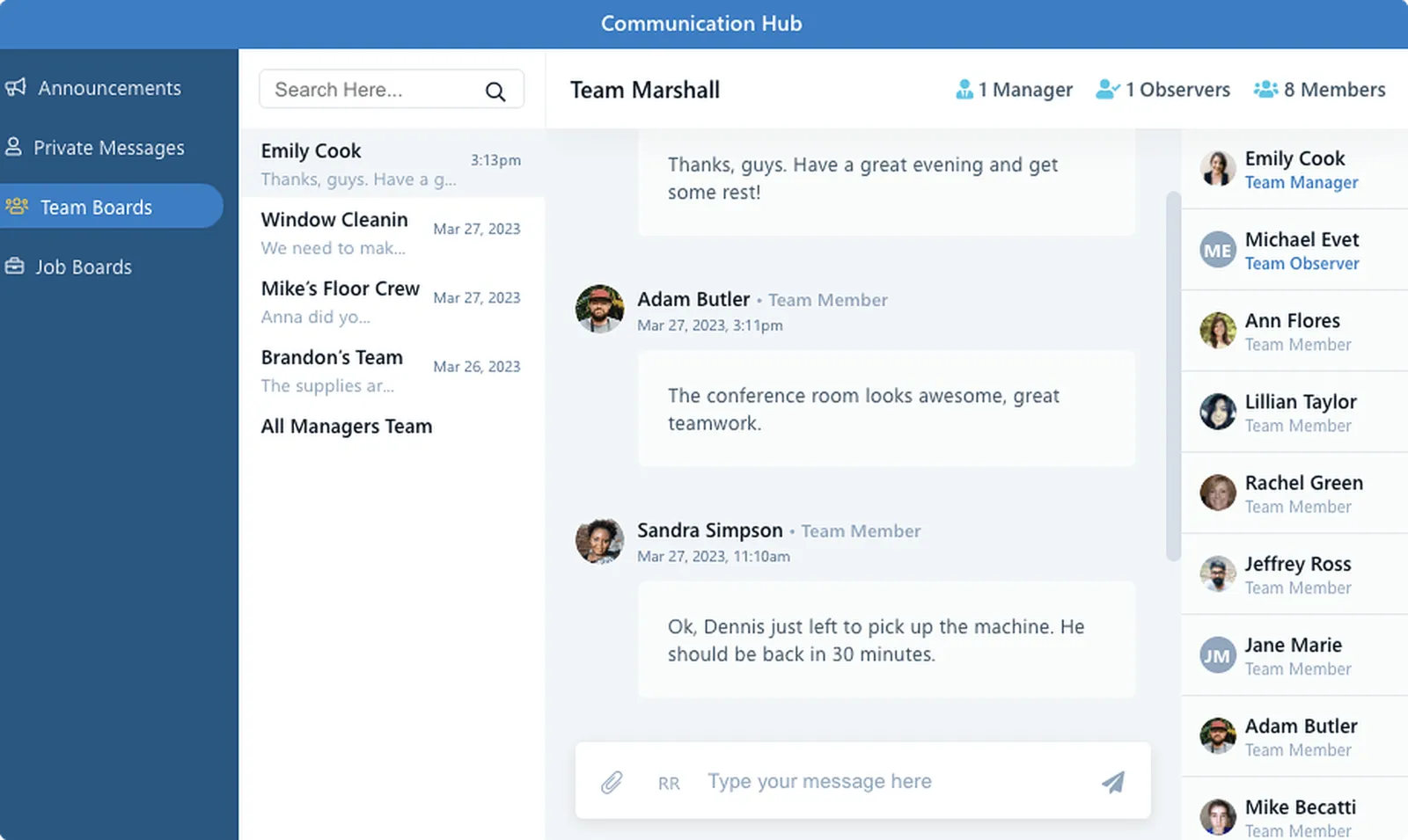
 Communication
It's time to ditch personal group texts and voicemails
Imagine your entire pool staff on one easy-to-use communication platform and no one ever misses a message. Sending & receiving is a snap with 35 languages automatically translated. The Hub is a click away for everyone.
- Job & Team Boards
- Required-read messages
- One-way announcements
- 1:1 messages
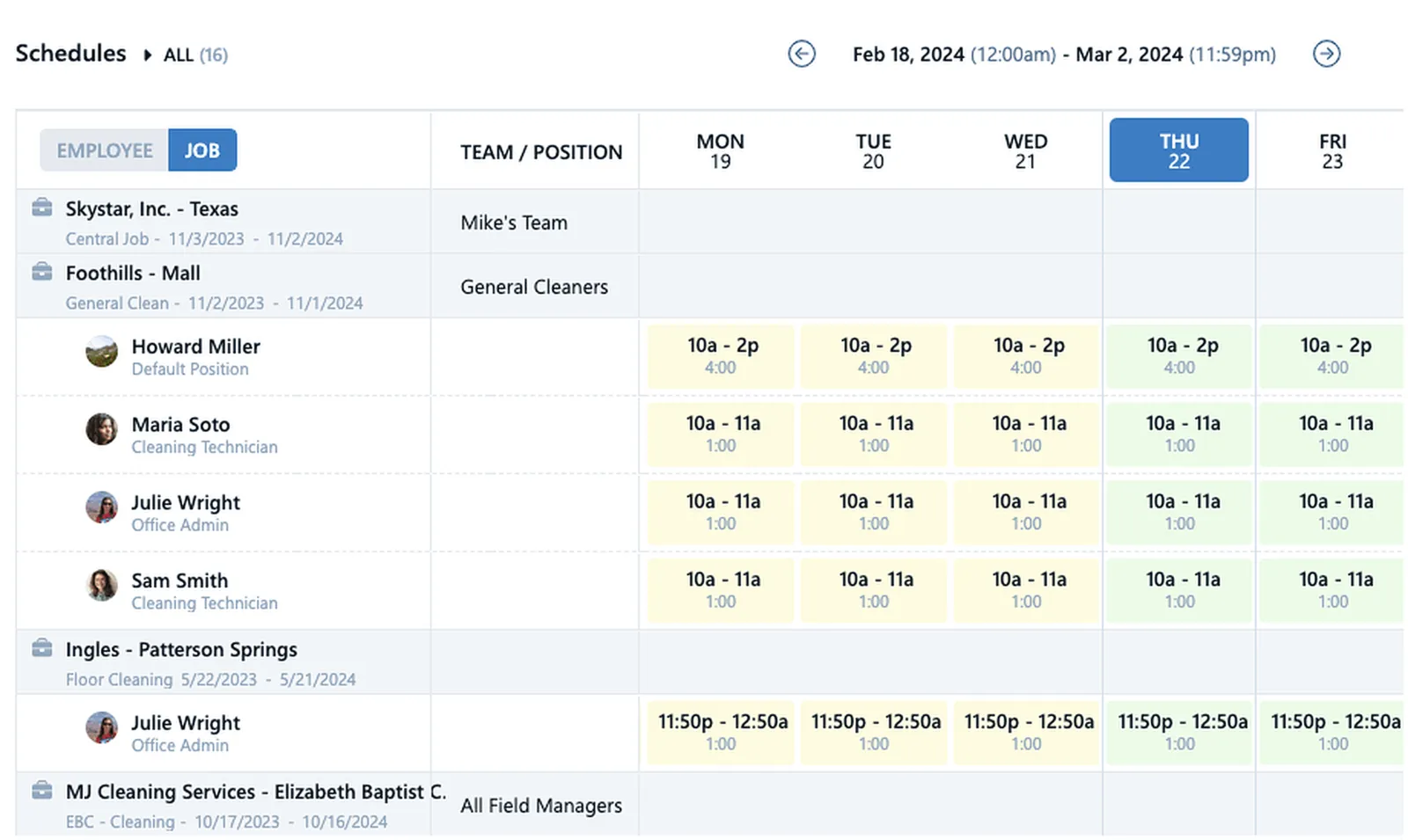
 Scheduling
Smart Scheduling protects you from losses
Poor scheduling can lead to losses in customers and profits. Avoid losing customers by creating schedules with real-time late & no-show alerts. Additionally, Smart Schedules show you when an employee is headed toward overtime. Adjust the schedule to protect your profits. Assign positions to shifts to ensure you have qualified staff on site.
- Late & No-Show Alerts
- Actual v. Scheduled hours
- See future OT & Travel
- Totals by day, week, & pay period
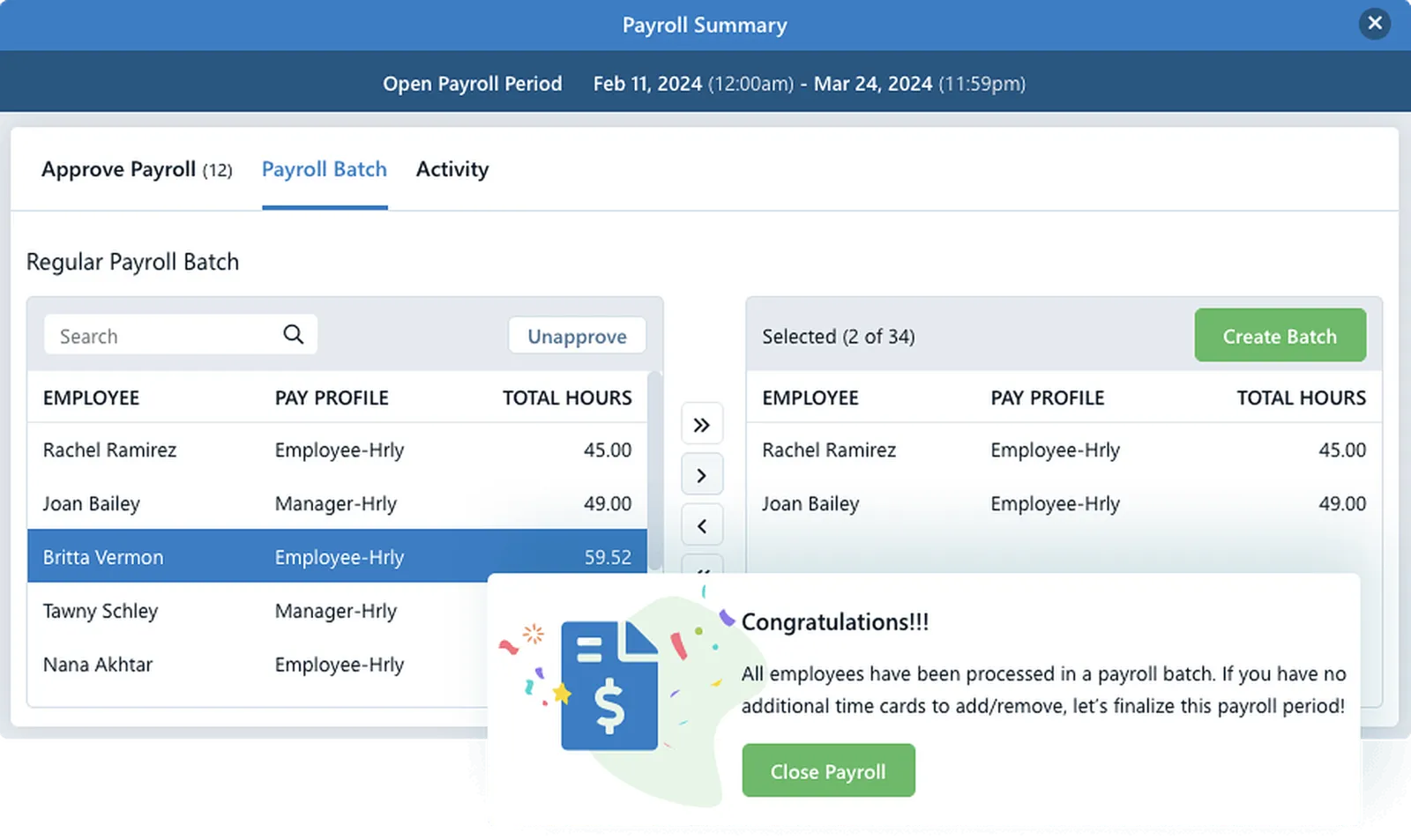
 Payroll Prep
Your cure to loathing payroll day
Fix time card issues in real-time and guarantee everyone gets assigned the correct pay, even for special projects. Run payroll in-house or seamlessly export to ADP, Paychex, Paycom, or PDP. It's easy with Pro.
- Total hours by pay codes
- Batch different workers
- Different pay schedules
- Custom Pay Codes
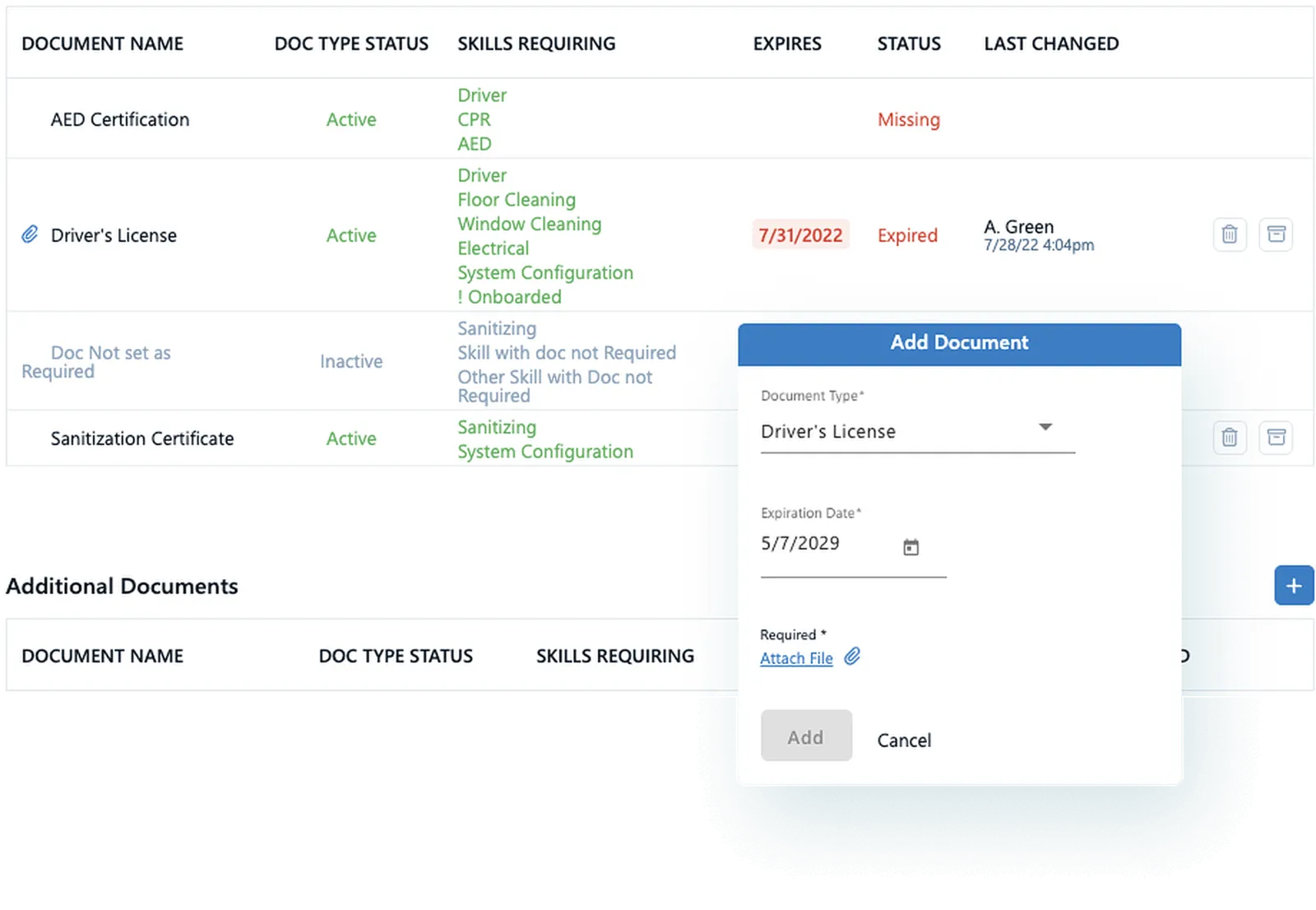
 Documents
Clear the clutter with digital document storage
How do you keep up with your employees' driver's licenses, training certifications, and work permits? Store & track it all in Pro and get notifications when expiration dates are approaching.
- Track birthdays
- Expiring doc alerts
- Emergency contacts
- Easy onboarding workflows
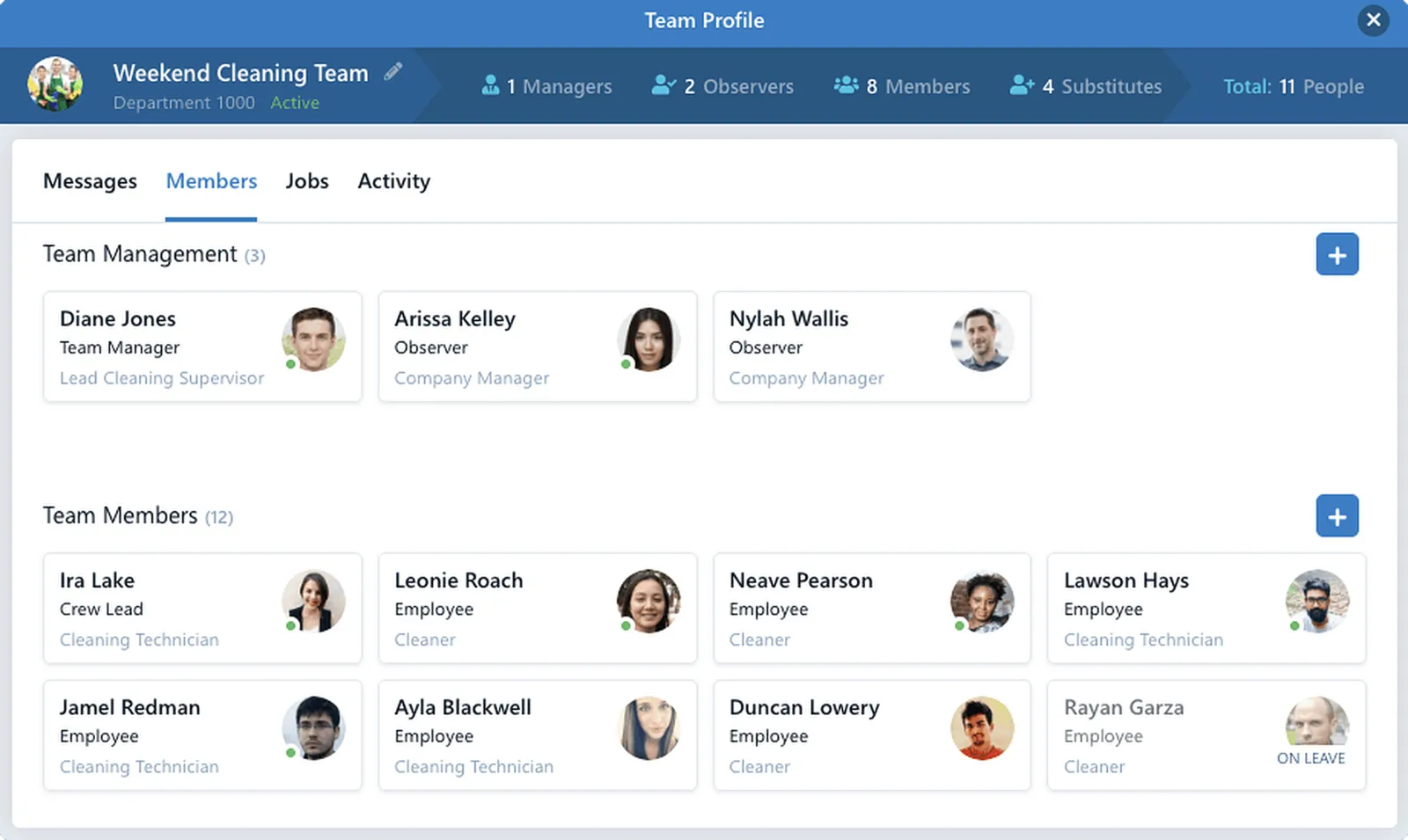
 Teams
TeamsFor the Way You Assign Work
Teams are your people organized. Do you have techs who only do maintenance work? Create a Maintenance Team. Put weekend lifeguards on a weekend Team. Add people to a Team, and they can communicate on their Team Board. Supervisors manage their Teams from the app. Teams also ensure that everyone clocks into the right work.
- Team message board
- People on Multiple Teams
- Assign Teams to Jobs
- Custom Teams
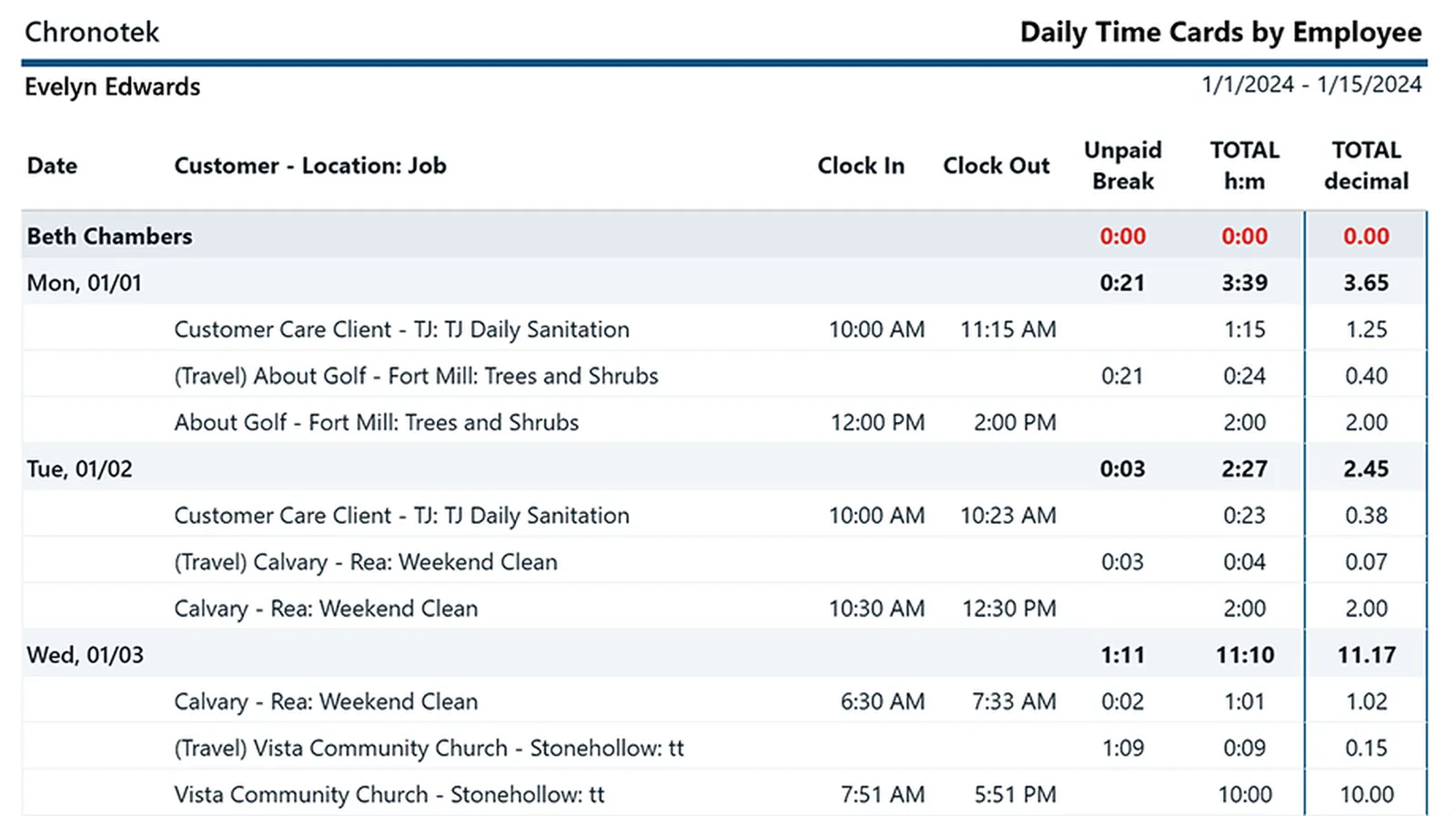
 Reports
Detailed reports for everything you need to know
Run reports by employees, jobs & customers. Verify timesheets & schedules. You may discover that Pro's live-streaming dashboards make reports a thing of the past. But don't worry. We provide a full suite of them.
- Timesheet Verification
- Customer Detail Log
- Weekly Schedules
- Daily Time Cards & more!
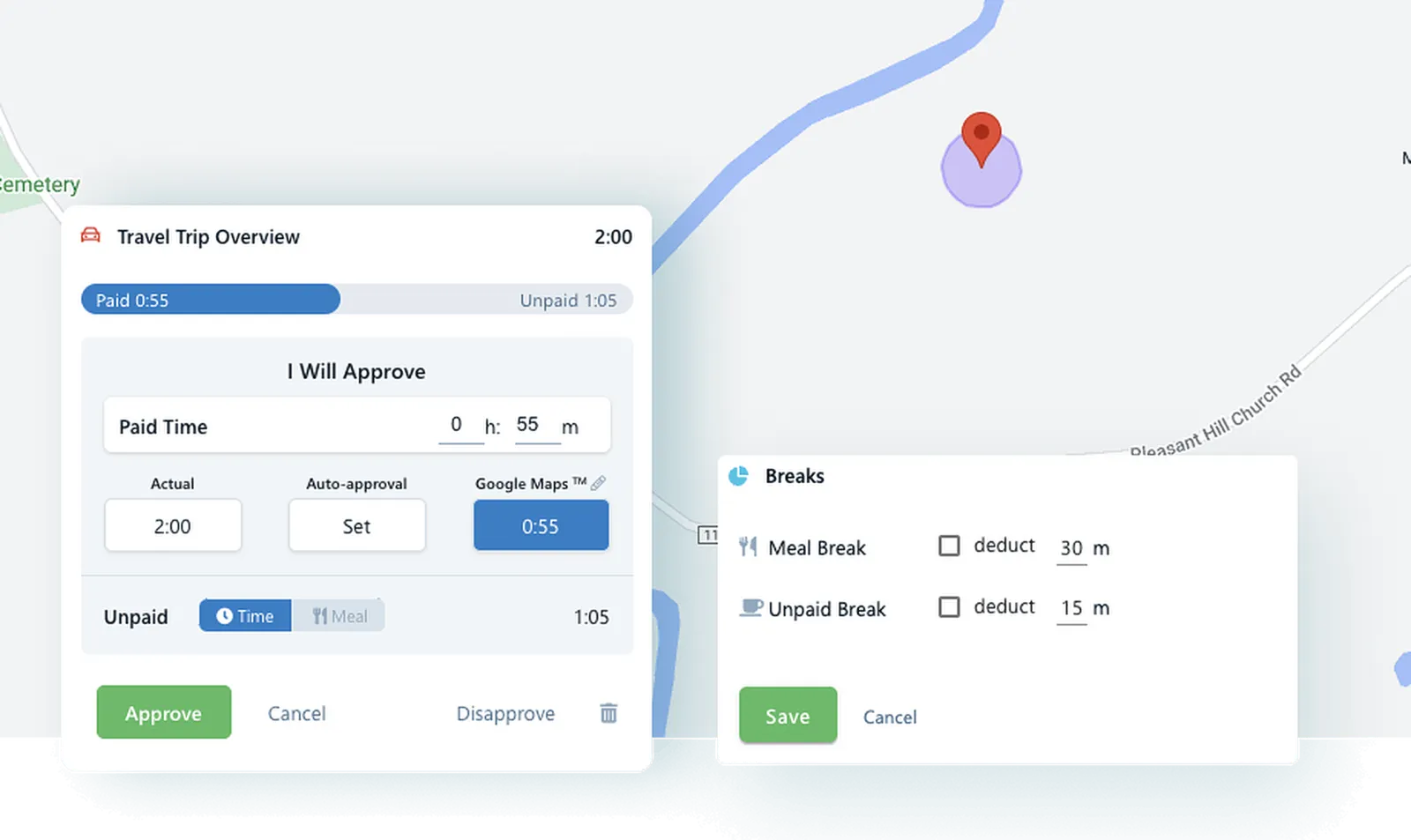
 Travel & Breaks
Take the hassle out of tracking travel time & breaks
Automate travel time calculations & track breaks with ease. Employees clock into different jobs, and Pro creates travel records. Set your travel time thresholds & Pro will flag you when employees go over. A simple button on the app makes taking unpaid breaks a breeze. Welcome to Professional Grade!
- Set travel limits
- Time and Mileage
- Google Maps or Actual
- Breaks on time cards
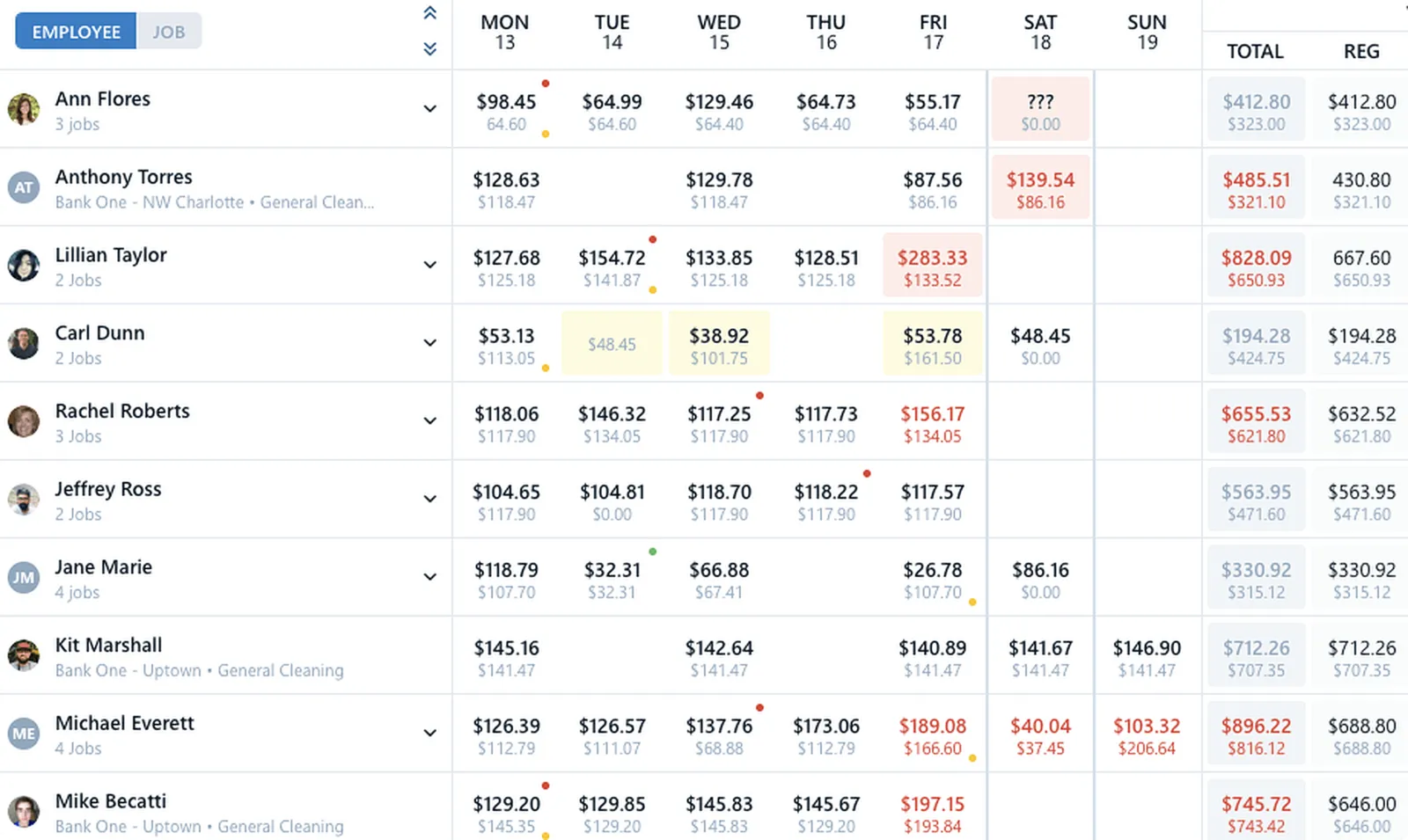
 Job Costing
See in living color what you've spent and predicted to spend
Take control of spending and see in real time where every labor dollar goes. Make better decisions with up-to-the-minute cost data instead of relying on last week's spreadsheet. Did OT creep into the schedule next week? No problem. Fix it with a quick schedule change.
- Custom budgets
- Overtime by job
- Travel by job
- Predicted costs
Pool Management Software FAQs
It is workforce software for companies that staff lifeguards across many pools — scheduling, verified on-site timekeeping, team communication, and payroll prep in one platform. Chronotek Pro geofences every pool, alerts you to no-shows the moment a chair would sit empty, and turns verified hours into payroll-ready time cards.
With the mobile app, GPS confirms the lifeguard is at the geofenced pool when they clock in. Pools can also carry an NFC TimeTile™ — a physical tap to clock in that needs no GPS signal — and guards without smartphones call a toll-free number, with landline caller ID verifying they are on-site.
Store every guard’s lifeguard, CPR, and first-aid certifications digitally against their record, and Chronotek Pro alerts you before anything expires — so an out-of-date certification never puts a pool out of compliance mid-season. Onboarding documents and emergency contacts live in the same place.
You know immediately: Chronotek Pro compares every scheduled shift against actual clock-ins and fires a no-show alert the moment a shift doesn’t start, on live dashboards, activity feeds, and mobile alerts — leaving time to move a guard from another pool before the gate is supposed to open.
Chronotek Pro costs $19 per month plus $6 per employee per month, with a 5-employee minimum — so the entry price is $49 per month. Prepaying annually saves 15%, and every account starts with a 30-day free trial with full access and no credit card. See current pricing.
Get started with Chronotek Pro in just 3 easy steps
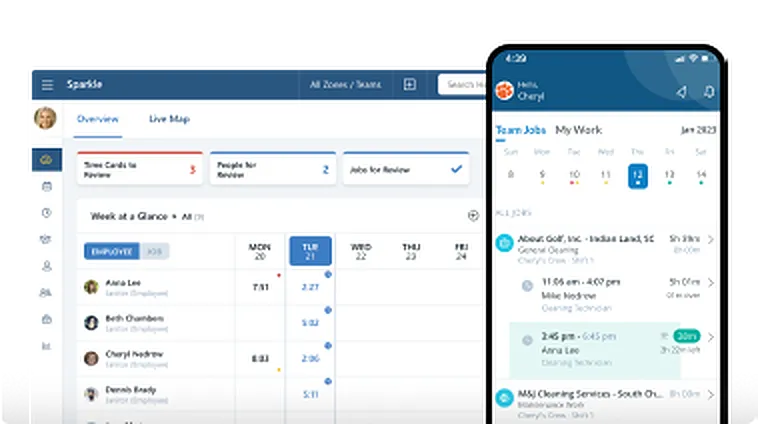
Take a Test Drive
Start by adding a few employees and try Chronotek free for 30 days. You can be up and running in three simple steps - experience how easy it is to use!
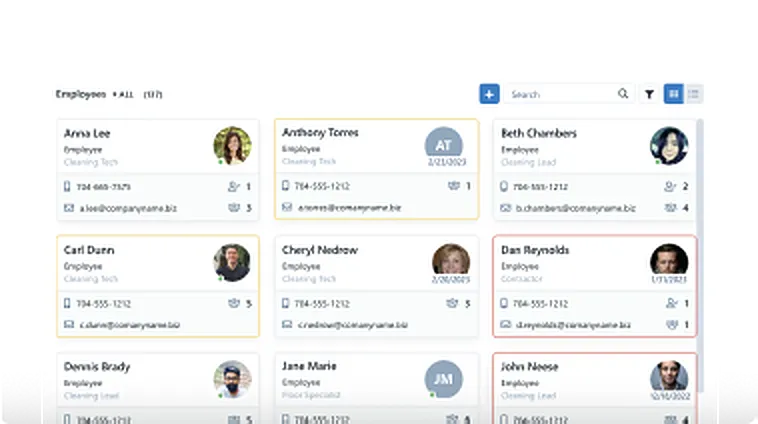
Onboard Your Company
Our team will help you seamlessly onboard to Chronotek. We can assist with transferring data from your current software and customize the system to meet your specific needs.
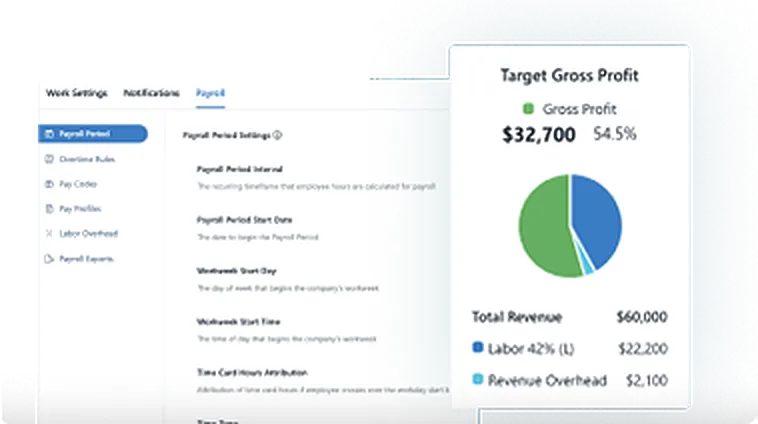
Account Tune-Up
Support doesn’t end there – we’re committed to helping you get the most out of the system. Your account manager will schedule regular check-ins to ensure everything is running smoothly.