


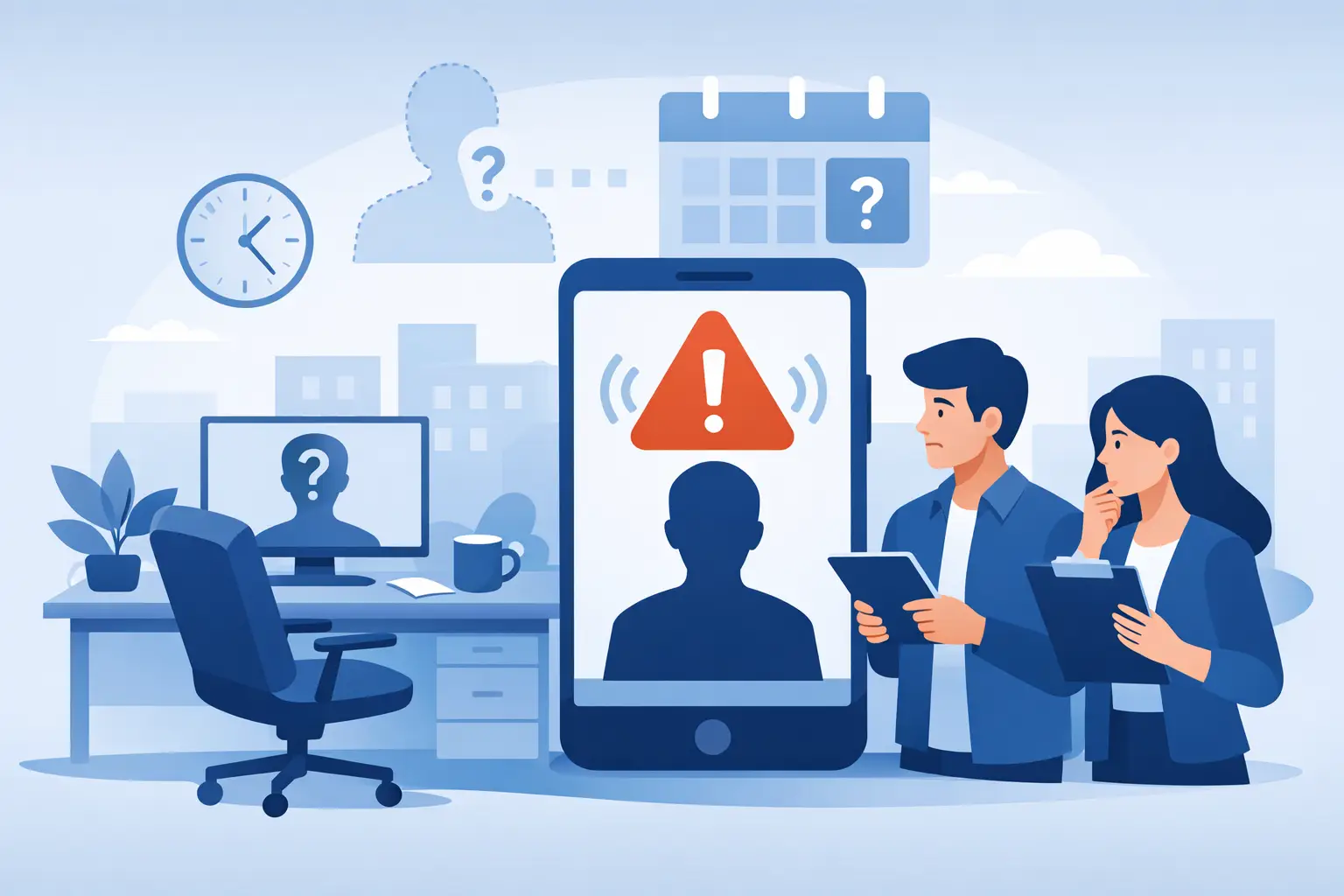
A missed shift at a customer site rarely stays a simple attendance issue. It turns into a service failure, a supervisor scramble, overtime for someone else, and a margin problem before the office even knows what happened. That is why an employee no show alert system matters so much for companies managing hourly teams across multiple locations.
For janitorial contractors, security firms, facility service providers, and other field-based operations, the real problem is not just that someone did not show up. The real problem is delayed visibility. If managers learn about a no-show an hour after the scheduled start time, the damage is already in motion. Customer expectations are at risk, replacements are harder to find, and labor costs rise as the team tries to recover.
- Flags when a scheduled employee hasn't clocked in by a defined point in time, comparing the schedule against actual clock activity in real time
- Shows which location is affected, how long the coverage gap has lasted, and who is responsible for responding
- Relies on verified clock-ins, such as GPS mobile, phone-based IVR, or site-based controls, so alerts are based on real absences rather than bad data
- Lets managers reassign coverage, call in backup staff, or notify the customer early instead of discovering the gap at end of day
What an employee no show alert system should actually do
At a basic level, an employee no show alert system should tell you when a scheduled employee has not clocked in by a defined point in time. But for field operations, basic is not enough. The alert needs to connect scheduling, attendance, job site verification, and manager response into one process.
A useful system compares the schedule against actual clock activity in real time. If an employee is assigned to a 6:00 p.m. shift and no clock-in is recorded by 6:05 or 6:10, the system should automatically flag it. That alert should go to the right person, quickly, without forcing someone in the office to manually check every site.
The best systems go further. They do not just report that someone is absent. They show which location is affected, which shift is open, how long the coverage gap has lasted, and who is responsible for responding. For a company managing dozens or hundreds of off-site workers, that context is what turns an alert into action.
Why missed shifts are expensive even when they look small
A no-show can seem like a one-person problem. In practice, it creates a chain reaction. A cleaner misses a building opening shift and the account manager hears from the customer. A security officer does not report on time and another officer has to stay late. A field technician misses a scheduled visit and the dispatcher has to rebuild the route.
Those disruptions affect more than service. They affect payroll, overtime, labor allocation, and profitability. If supervisors spend the morning calling employees, checking texts, and trying to confirm who is actually at work, they are spending management time on preventable chaos.
This is where operations teams often feel trapped. They know missed shifts hurt the business, but they are still relying on spreadsheets, call-offs, paper rosters, or delayed timesheet review to catch the problem. That approach may work with one location. It breaks down fast across a distributed workforce.
Real-time alerts beat end-of-day discovery
An employee no show alert system is most valuable when it gives managers enough time to fix coverage before the customer feels it. End-of-day timesheet review does not help. Neither does discovering a missed shift when payroll is being processed. By then, the only thing left to do is explain what happened.
Real-time visibility changes the timing of the decision. Supervisors can reassign a nearby worker, call in backup staff, shift task priorities, or notify the customer early if needed. Even when a no-show cannot be fully prevented, the response is faster and more controlled.
That timing also reduces unnecessary overtime. If no one realizes a shift is uncovered until much later, the most available solution is often to extend the hours of whoever is already working. That may save the day operationally, but it can quietly damage labor margins over the week.
The role of verified clock-ins in a no-show process
A no-show alert is only as good as the attendance data behind it. If employees can clock in from anywhere, or if managers are working from unverified entries, the alert becomes less reliable. You may be reacting to bad data instead of an actual absence.
That is why verified clock-ins matter. GPS mobile clock-ins, phone-based IVR clock-ins, and site-based controls help establish whether the employee actually arrived at the right location at the right time. For off-site teams, that level of confirmation is not about adding complexity. It is about reducing uncertainty.
There is a practical trade-off here. The stricter the verification rules, the more control you gain, but the setup has to fit the workforce. A janitorial crew working the same buildings every night may benefit from location-based controls. A mixed workforce with some employees who cannot use smartphones may need telephone clock-in options as well. The system should support the reality of the job, not force operations into awkward workarounds.
What managers need after the alert fires
The alert itself is only the first step. Once a no-show is flagged, managers need a clear way to act. That means seeing the schedule, identifying qualified replacements, checking who is already close to overtime, and contacting the right people quickly.
This is where disconnected tools cause friction. If scheduling lives in one place, attendance in another, and team communication in a separate app or text chain, every missed shift takes too many steps to resolve. By the time a supervisor pieces together what happened, the site is still uncovered.
A stronger setup keeps those actions close together. The manager can see the missing shift, review available employees, send a message, and document the change without jumping between systems. That saves time, but more importantly, it preserves control during the busiest parts of the day.
No-show alerts should support accountability without creating noise
Not every late clock-in should trigger a full escalation. If alerts are too aggressive, managers start ignoring them. If they are too loose, the system misses the moment when action matters. The right threshold depends on the operation.
For some businesses, a five-minute grace period makes sense. For others, especially where customer access windows are tight or site openings depend on one employee arriving on time, the alert may need to trigger faster. The same is true for who receives the alert. Some organizations want site supervisors notified first. Others need operations managers or office staff included immediately.
This is one of those areas where flexibility matters more than flashy features. A useful employee no show alert system should fit your workflow, your escalation path, and the actual cost of a missed start time.
How an employee no show alert system improves payroll and planning
The operational value is obvious, but the back-office value matters too. When attendance exceptions are caught in real time, payroll teams spend less time untangling missing punches, disputed hours, and supervisor notes added after the fact.
Better alerting also improves future scheduling decisions. Over time, patterns become easier to spot. You can see which sites have repeat attendance issues, which shifts are hardest to fill, and where labor plans are too thin to absorb normal call-offs. That kind of visibility helps managers move from constant reaction to better planning.
It also strengthens customer service. When you can respond quickly to an uncovered shift, you protect consistency at the site. Customers may never know there was a staffing issue at all. That kind of reliability is hard to measure on a single day, but it shows up in retention and account stability.
Choosing a system that fits field operations
If your workforce is spread across buildings, routes, properties, or job sites, an employee no show alert system should be part of a broader operations platform, not an isolated alert tool. It should connect schedules, verified time collection, messaging, and labor visibility in one place.
That matters because no-shows are rarely isolated events. They affect coverage, payroll, overtime, customer service, and job profitability at the same time. A standalone alert may tell you there is a problem. A connected system helps you solve it.
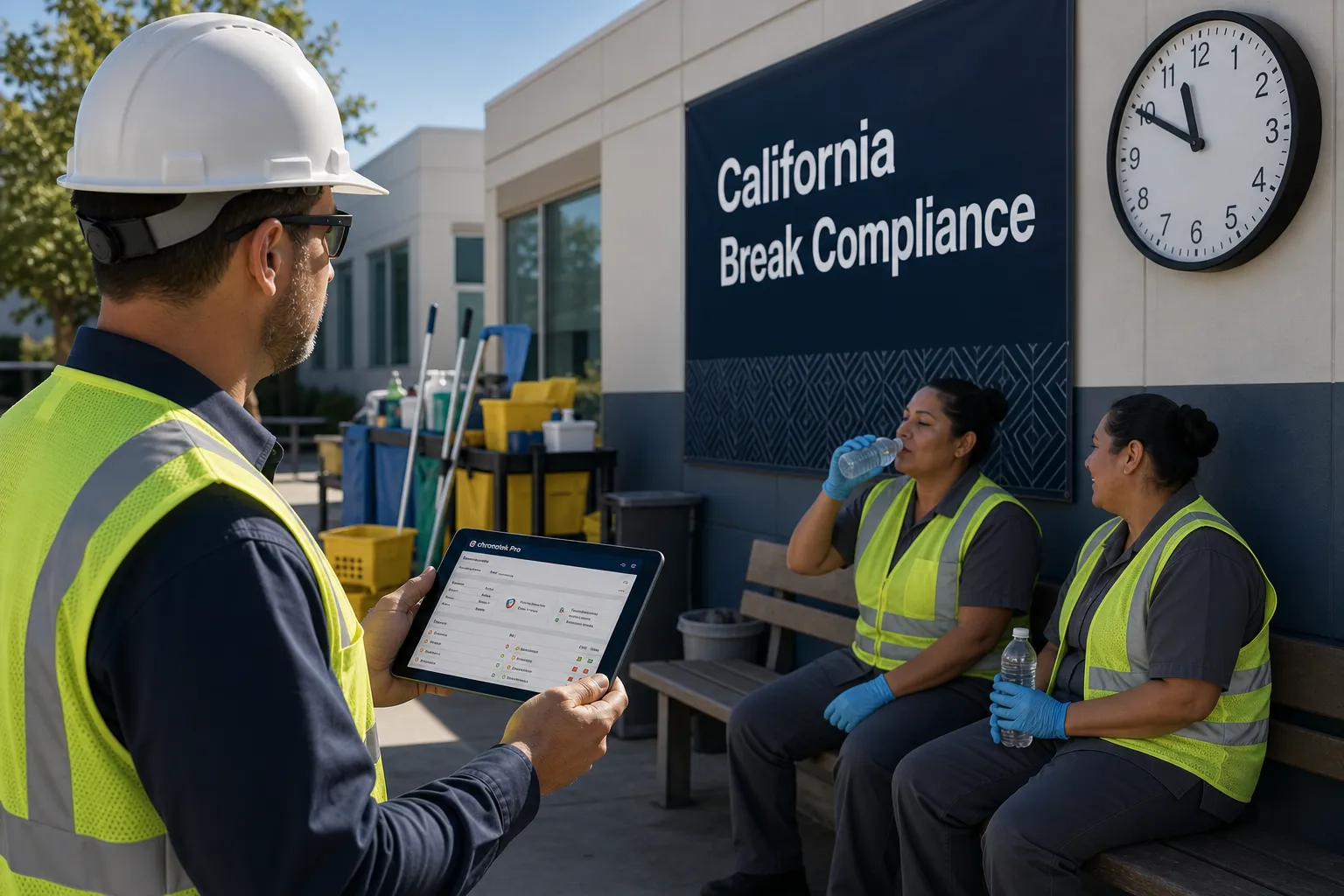
Chronotek Pro is built for that kind of field accountability, with tools that help managers know who is working, where they are, and whether scheduled work is actually being covered. For businesses running dispersed hourly teams, that visibility is not a luxury. It is how missed shifts stop turning into expensive surprises.
The best time to deal with a no-show is not after a customer complains or payroll flags a problem. It is in the first few minutes, while there is still time to make a better decision.
Frequently Asked Questions
What is an employee no-show alert system?
An employee no-show alert system compares an employee's schedule against actual clock-in activity in real time and automatically flags it when a scheduled employee hasn't clocked in by a defined point. The strongest systems go further, showing which location is affected, how long the coverage gap has lasted, and who is responsible for responding, turning an alert into something a manager can act on immediately.
How fast should a no-show alert fire?
It depends on the operation. A five-minute grace period makes sense for many businesses, but sites with tight customer access windows or shifts that depend on one employee opening the building may need the alert to trigger faster. The right threshold should match your escalation path and the actual cost of a missed start time at that site.
Why are real-time no-show alerts better than end-of-day timesheet review?
End-of-day review or payroll processing only tells you a shift was missed after the damage is already done. Real-time alerts give managers enough time to reassign a nearby worker, call in backup staff, shift task priorities, or notify the customer early. That timing also reduces unnecessary overtime, since supervisors aren't forced to extend whoever is already on shift as the only available fix.
How do verified clock-ins improve no-show alerts?
A no-show alert is only as reliable as the attendance data behind it. GPS mobile clock-ins, phone-based IVR clock-ins, and site-based controls confirm whether an employee actually arrived at the right location, so managers are reacting to a real absence rather than an unverified or missing punch.
Who should receive a no-show alert?
That depends on your operation's escalation path. Some organizations want site supervisors notified first so they can react locally, while others need operations managers or office staff included immediately, especially for accounts with tight service windows. A useful system should let you configure who is notified and how quickly, rather than forcing one fixed workflow on every site.
How does a no-show alert system help control overtime and payroll?
Catching a coverage gap in the first few minutes lets a manager reassign a nearby employee instead of defaulting to overtime for whoever is already working. It also reduces payroll cleanup, since fewer disputed hours and missing punches make it to processing. Over time, the alert history also reveals patterns, such as which shifts are hardest to fill or which sites have repeat attendance issues.