
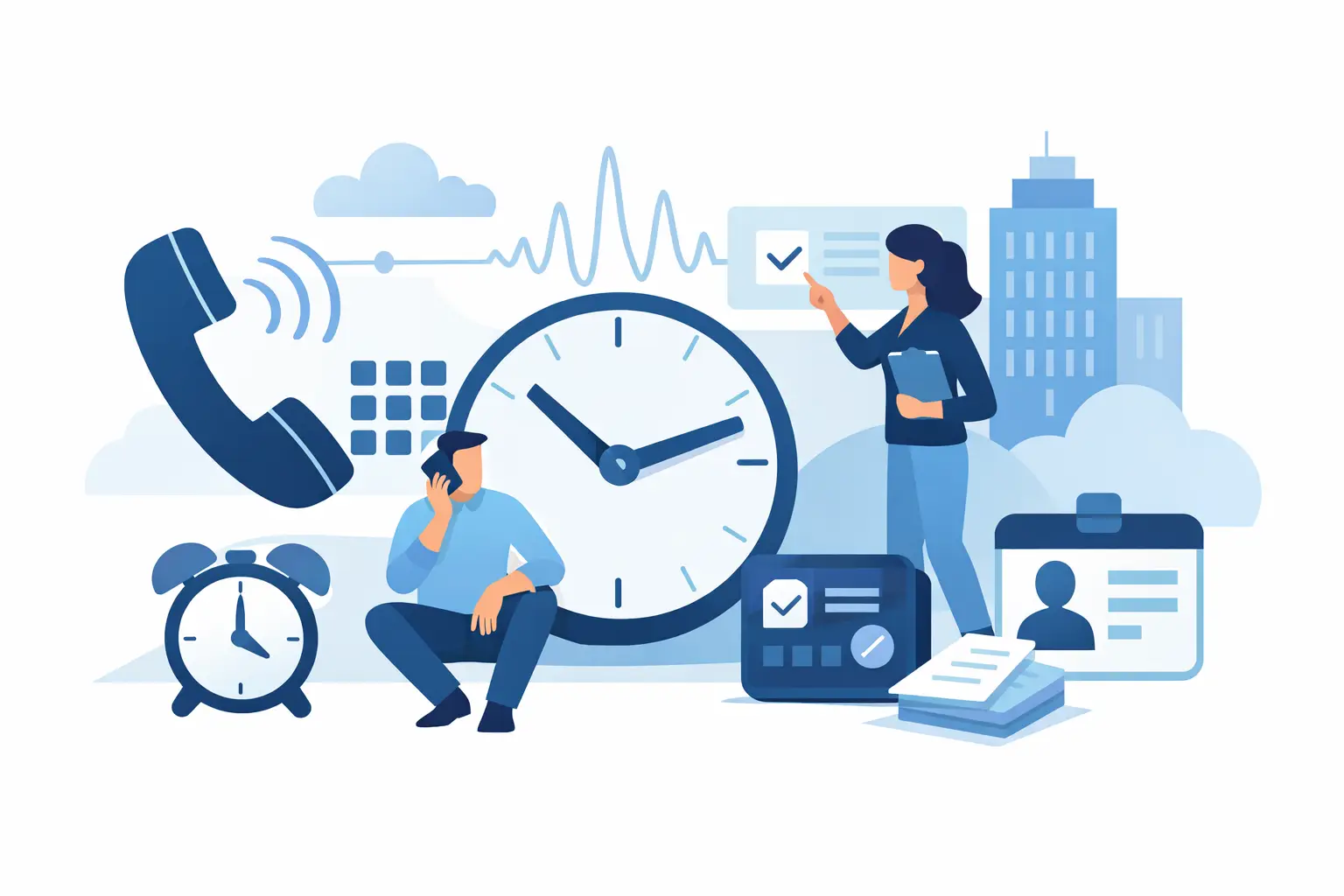
IVR timekeeping is a way to record work hours by telephone. IVR stands for interactive voice response: an automated system answers an employee's call, guides them through spoken prompts, and records a clock-in or clock-out event. It can be useful when a worker needs to report time from a fixed job site but does not use a smartphone app.
Why telephone timekeeping exists
Punch clocks were built for workplaces where everyone reports to the same building. Dispersed hourly work never fit that model: a cleaning crew arriving at a customer's office in the evening, or a guard reporting to a fixed post, has no company wall clock to punch. The telephone already installed at most buildings offered a practical substitute. An automated system on the other end of the line can answer at any hour, walk the caller through short prompts, and stamp the event with the time of the call. That is the gap IVR timekeeping was built to fill, and it explains why the method remains common in janitorial, security, and facilities work even though smartphone apps now exist alongside it.
How does a phone clock-in work?
- The employee calls the timekeeping number from a phone available for that shift.
- The call flow asks the employee to identify themselves using the method their employer has provided.
- The employee follows the prompts for the appropriate time event, such as starting or ending a shift.
- The system records the event and time so the employer can review the time record.
The exact identification method and prompts depend on the provider and the employer's setup. A successful call creates a time event; it does not, by itself, mean that every minute of a shift was worked.
What the call is like for the employee
From the caller's side, the routine is short and repetitive by design. With Chronotek, the employee dials a toll-free number from a job-site landline or a cell phone, an automated system answers, and voice prompts walk them through identifying themselves and recording the event. The call is quick—the employee is on the clock in seconds once it completes—and the prompts are available in English and Spanish, so a worker can follow the call flow in the language they are more comfortable with.
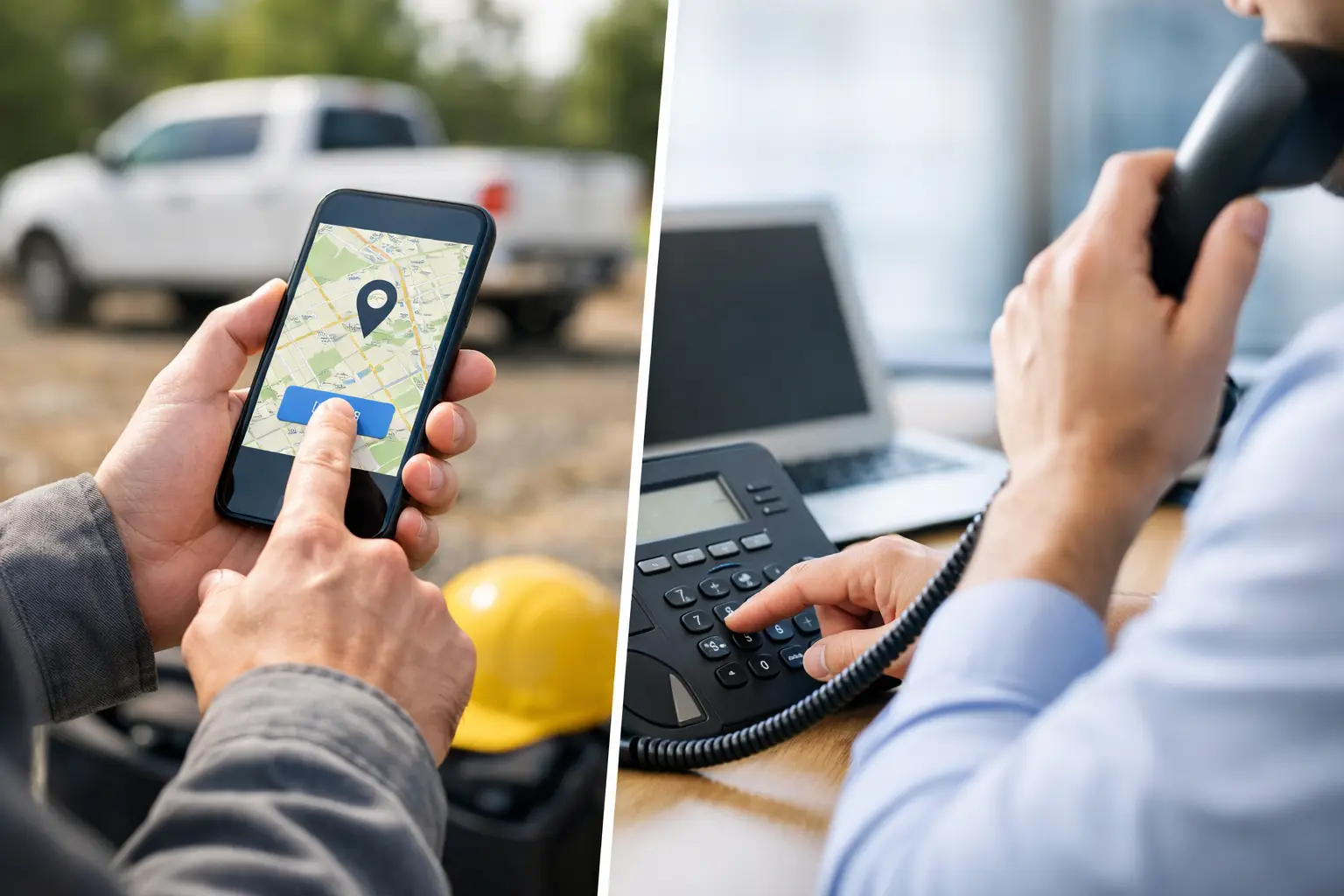
Because the time clock is simply a phone call, there is nothing for the employee to install, update, or charge. That matters for crews that include workers without smartphones, workers who prefer not to put a work app on a personal device, and high-turnover roles where a new hire needs to clock in reliably on their first shift. The trade-off is location evidence: a call from a cell phone does not provide GPS data, so a mobile call records the time of the event without placing the caller anywhere.
What does an employee need?
An employee needs access to a working telephone, the correct number to call, their employer's identification instructions, and an understanding of when to clock in and out. They also need to know whom to contact if a call cannot be completed. A telephone clock-in does not require the employee to install a smartphone app. Chronotek describes telephone timekeeping alongside its other timekeeping options.
Site landline versus personal mobile phone
A fixed-site landline can provide a useful site clue: when the employer associates its calling number with a particular building, a call from that number can be associated with that site. Chronotek supports telephone clock-ins from job-site landlines and reports the caller ID on the time record, so the office can see which line each call came from. The clue is the calling number, not a GPS coordinate. A personal mobile phone travels with its owner, so its number alone does not place the call at a particular job site. If site-phone access is part of the policy, the employer should confirm that the site permits it and that employees can actually reach that phone.
What can a phone-based time record establish?
A completed IVR event documents the time of the call and the employee identifier entered during the call; when a recognized site line is used, its calling number may also associate the event with that site. A recognized number is not independent proof of the caller's identity or GPS location. Nor does it establish continuous presence, a completed cleaning or security round, or the quality of work. Managers still need to review exceptions and use other appropriate evidence when a shift is disputed.
A phone-based shift from start to finish
A hypothetical evening cleaning shift shows how the pieces fit together; this is an illustration, not a customer account. A cleaner arrives at an office building at 6 p.m., walks to the approved phone at the reception desk, dials the timekeeping number, and follows the prompts to identify herself and record a start event. The system logs the time of the call, and because the call came from the building's recognized landline, the calling number associates the event with that site. She hangs up and starts work—no app, no login screen, no mobile data required.
At the end of the shift she calls again to record the end event. The office now has a start time, an end time, and the calling line on her time record, instead of a handwritten sheet turned in at the end of the week. If a call had failed, or she had been sent to a different building mid-shift, she would report it so a supervisor could correct the record—the same exception handling any timekeeping method needs.
When is IVR useful, and where are its limits?
Phone clock-ins can fit recurring shifts at buildings with accessible phones, such as janitorial or facilities jobs, or serve as a phone-based option for employees without smartphones. They are less convenient where site telephones are unavailable, customer phone use is not permitted, or workers move frequently between stops. A missed call, wrong job assignment, or unreachable phone can still leave a record needing correction. For the practical steps behind using phone clock-ins across locations, read the IVR employee time clock setup guide for field teams.
IVR does not supply GPS or geofencing on its own. If your choice depends on whether staff work at fixed sites or move between them, see the GPS clock-in versus IVR decision guide for a fuller comparison.
Frequently Asked Questions
What does IVR stand for in timekeeping?
IVR means interactive voice response. An automated telephone system gives spoken prompts and records the employee's clock-in or clock-out event after the employee follows them.
Does IVR require a smartphone?
No. An employee can use a telephone, including an accessible job-site landline where that is permitted. They do need the correct calling instructions and a way to identify themselves during the call.
Does caller ID prove an employee was at the job site?
No. If a known site line is used, its calling number can associate a time event with that phone or site. It does not independently verify who placed the call, track where a mobile phone was, or show that the employee stayed and completed the work.
Is IVR the same as calling a supervisor to report time?
No. IVR uses an automated call flow to record a time event. A call to a supervisor is a conversation; reporting a start time verbally does not by itself create an IVR clock-in.
Are IVR clock-in prompts available in Spanish?
Yes. Chronotek's dial-in prompts are available in English and Spanish, so an employee can complete a clock-in call in the language they prefer. Language support varies between providers, so confirm it before relying on the phone method for a bilingual crew.