


A job that looked profitable on paper can turn thin fast when labor hours drift, overtime goes unnoticed, or crews clock in under the wrong site. That is why job costing software for labor matters most in field operations. If you manage janitorial crews, security officers, maintenance teams, or other hourly staff across multiple locations, labor cost control is not a back-office exercise. It is a daily operating requirement.
The challenge is simple. Labor is usually your biggest variable cost, but it is also the hardest one to see in real time when employees work off-site. Managers cannot stand at every customer location. Payroll often finds problems after the fact. By then, the margin is already gone.
What job costing software for labor should actually do
A lot of systems claim to help with job costing, but many are really accounting tools that work after the work is done. They can assign hours and wage rates to a job code, but they do not help you control labor while the shift is happening. For businesses with distributed hourly teams, that gap matters.
Good job costing software for labor should connect the field to the office. It should capture:
- Who clocked in
- Where they clocked in
- When they started
- Whether they stayed on schedule
- How those hours compare to the labor budget for that job
It should also make it easier to prepare payroll accurately, because payroll errors create a second layer of cost.
That means the system cannot stop at timesheets. It needs verified time collection, scheduling, site-level visibility, alerts for exceptions, and reporting that shows whether a job is staying within plan. If your software only gives you totals at the end of the week, you are managing labor after the money has already been spent.
Why labor costing breaks down in field-based businesses
In office settings, time and attendance are easier to observe. In field operations, the picture is different. Crews may move between sites, cover call-outs, pick up extra hours, or start early without approval. Supervisors are stretched across multiple locations. Customers expect coverage, but no one wants unplanned labor creeping into the job.
Janitorial and building service contractors feel this pressure every day. A contract may be priced tightly, with only a small margin for extra minutes per shift. Add a few recurring issues such as late arrivals, unscheduled extensions, or time entered to the wrong account, and a profitable account starts underperforming.
This is where many companies rely on manual corrections. A manager reviews paper timesheets, compares them against the schedule, calls supervisors for clarification, and sends payroll a revised version. That process is slow, and it depends too much on memory. It also makes labor reporting less useful because by the time the numbers are clean, the week is over.
The features that make a real difference
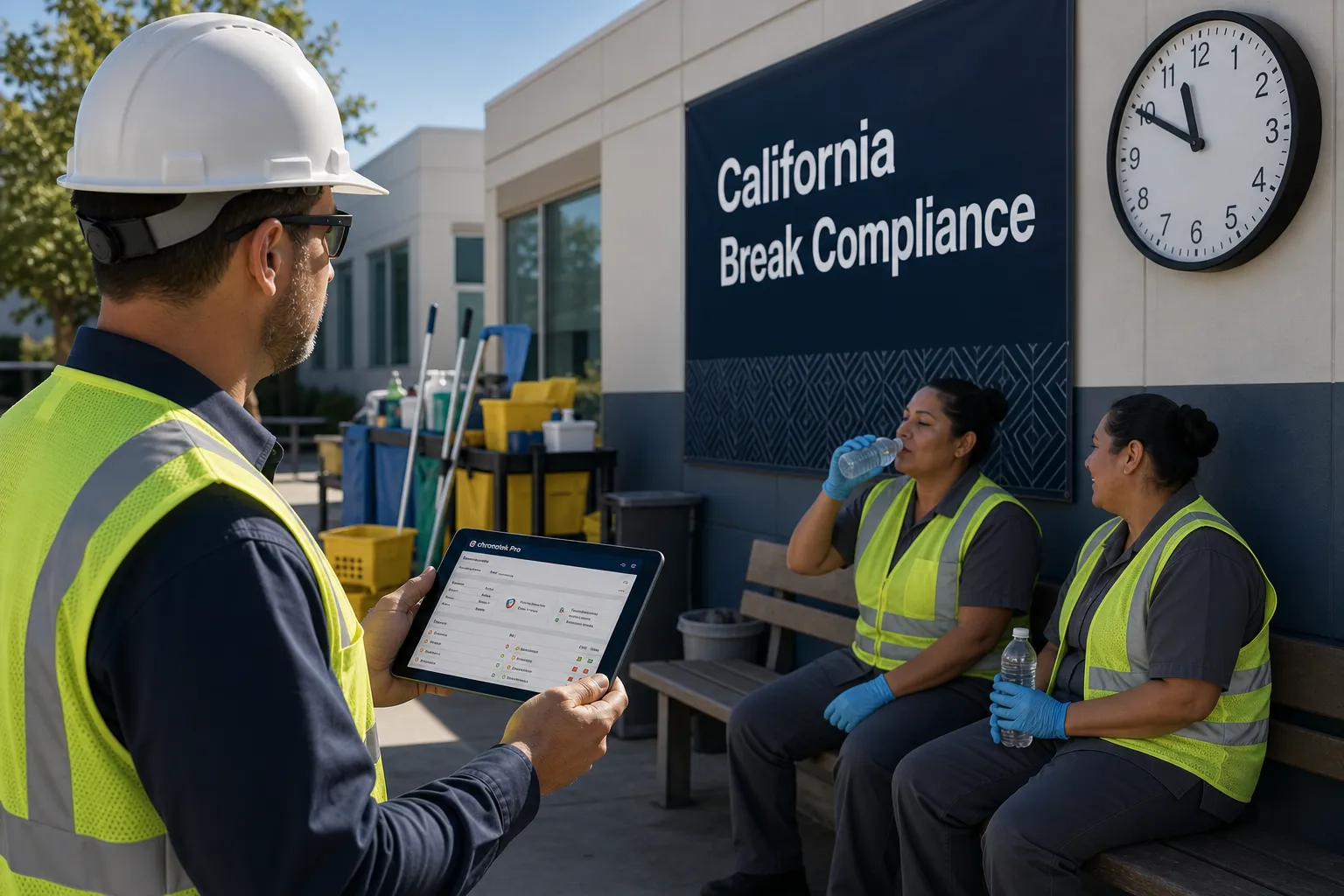
The most useful systems start with verified clock-ins. GPS-based mobile time capture can confirm that the employee is at the expected job site when the shift begins. In some environments, telephone or IVR clock-in may be a better fit, especially when employees do not use smartphones on the job. The right method depends on the workforce, but the goal is the same: reliable attendance data tied to the correct location.
Scheduling matters just as much. If the schedule lives in one system and time collection in another, job costing gets messy. Managers need to compare planned hours to actual hours without stitching together multiple spreadsheets. A connected system shows where labor is running high before it becomes a payroll surprise.
Overtime visibility is another must-have. Overtime is not always bad. Sometimes it is necessary to keep a site covered or respond to a customer need. But it should be visible early. Software that flags approaching overtime gives operations managers a chance to reassign shifts, approve the extra cost knowingly, or adjust staffing before the overage hits the books.
Communication tools also play a bigger role than many buyers expect. When field teams are hard to reach, schedule changes and site instructions can get missed. That creates coverage issues and labor waste. Messaging tied to jobs and shifts helps managers solve problems while work is still in motion.
What to look for beyond the feature list
Not every company needs the same level of detail. A construction contractor tracking labor by phase, crew, and cost code may need more complexity than a recurring janitorial operation with fixed nightly service windows. The mistake is assuming more complexity always means better control.
For most service businesses with hourly field teams, ease of use is part of cost control. If employees cannot clock in correctly, supervisors cannot review exceptions quickly, or payroll has to clean up exports every cycle, the software adds friction instead of fixing it.
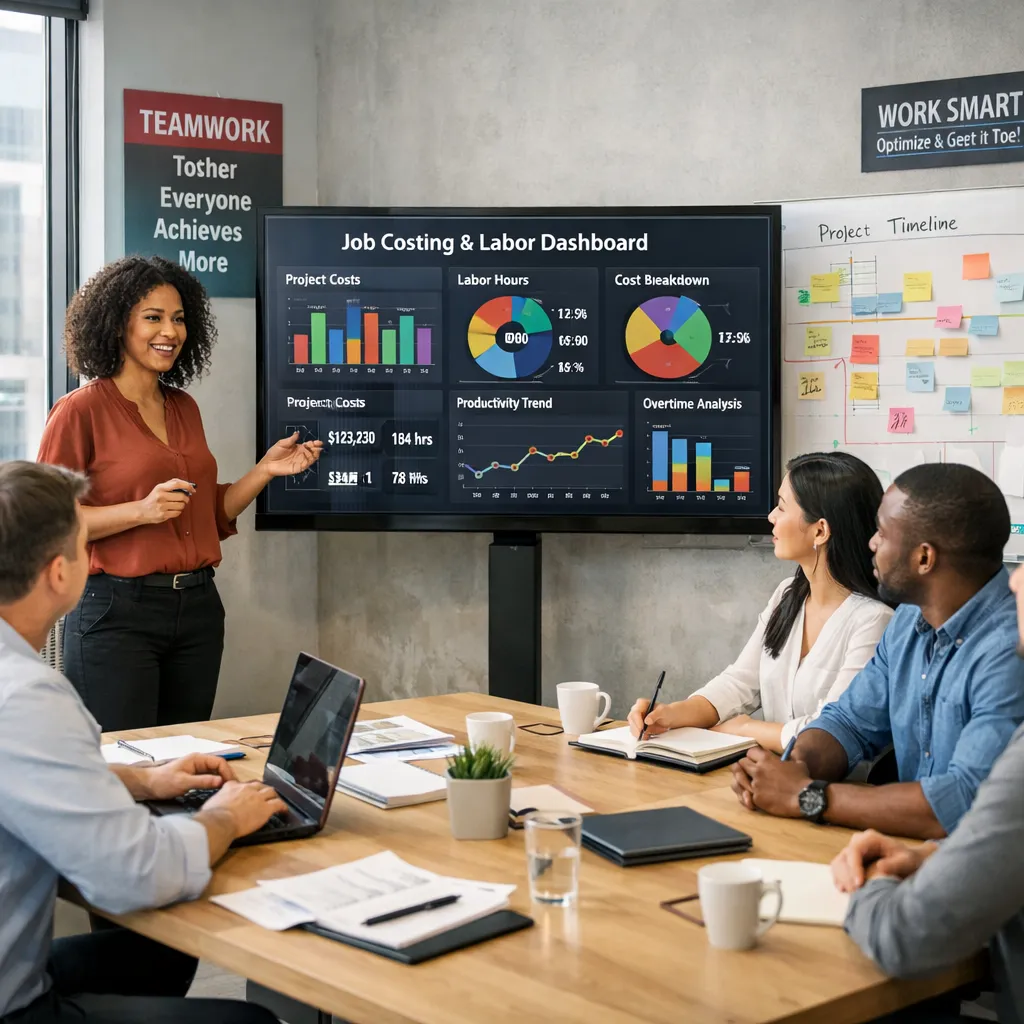
Look for a system that frontline employees can use without training fatigue and that office staff can trust without constant auditing. Real-time dashboards matter, but only if they highlight the right operational issues: missed shifts, early departures, unplanned overtime, job-site exceptions, and labor budget status.
It also helps to ask how quickly managers can act on what they see. Reporting is valuable, but response time is what protects margin. If a site is uncovered, a shift is running long, or hours are posting against the wrong job, the software should make that clear fast.
How job costing software for labor improves profitability
Profitability usually improves in small operational wins, not one dramatic event. A verified time system reduces inaccurate punches. Better scheduling lowers unnecessary overtime. Faster exception handling cuts payroll corrections. Site-level labor tracking shows which accounts are drifting over budget and which ones are consistently on target.
These improvements compound. When payroll data is cleaner, office time spent on corrections drops. When labor budgets are visible during the week, managers can make adjustments before costs pile up. When attendance is tied to the actual worksite, disputes over hours become easier to resolve.
There is also a customer service angle. If you know whether a site was covered on time and for the expected duration, you can respond to service questions with confidence. That matters for account retention, especially in contract-based industries where one weak location can affect the whole relationship.
Common buying mistakes
One mistake is choosing accounting-first software for an operations problem. Financial reporting is necessary, but field labor control starts before invoices and payroll are finalized. If the system cannot capture and verify labor accurately at the source, the reports will always be reactive.
Another mistake is overbuying. Some companies end up with software built for large enterprise environments when they really need clear scheduling, accurate time capture, exception alerts, and labor budget visibility. Extra modules can sound impressive, but if they slow adoption, they work against the goal.
A third mistake is ignoring implementation. Even the right platform needs job structures, pay rules, locations, and schedules set up correctly. Buyers should ask how the system handles real-world conditions such as shared crews, last-minute replacements, multilingual teams, and sites with limited mobile access.
Where the right system fits in daily operations
The best software becomes part of the daily operating rhythm. Supervisors check coverage and exceptions early. Office teams review labor status by site. Payroll works from cleaner data instead of chasing missing details. Owners and operations leaders get a clearer view of which accounts are producing margin and which ones need attention.
That is where a platform like Chronotek Pro fits well for businesses with off-site hourly workforces. The value is not just time capture. It is the combination of site-verified clock-ins, scheduling, communication, overtime visibility, and labor-budget tracking in one operating system. For companies managing recurring service work across multiple customer locations, that combination is what turns labor data into job control.
Software alone will not fix underpriced contracts, weak staffing plans, or inconsistent supervision. But it does give managers something they rarely have enough of in field operations: timely, reliable visibility. And when labor is your biggest controllable cost, visibility is what gives you room to protect the job before the numbers go sideways.
The right choice comes down to this. Do you want to explain labor overruns after payroll, or do you want to see them early enough to do something about them?
Frequently Asked Questions
What is job costing software for labor?
Job costing software for labor connects time tracking to the job so managers can see who clocked in, where, when they started, whether they stayed on schedule, and how those hours compare to the labor budget for that job. Unlike accounting tools that assign hours to a job code after the work is done, it is meant to help you control labor while the shift is happening, not just report on it afterward.
How does job costing software help control labor costs?
It ties verified clock-ins, scheduling, and site-level visibility together so managers can compare planned hours to actual hours in real time. If a crew scheduled for four hours at a site repeatedly logs six, or if overtime is building by Thursday, that pattern becomes visible before payroll closes instead of after. See Chronotek's job costing tools for how site-level labor tracking works.
Why does labor costing break down in field-based businesses?
In field operations, crews move between sites, cover call-outs, pick up extra hours, or start early without approval, and supervisors are stretched across multiple locations. Many companies rely on manual corrections: a manager reviews paper timesheets, compares them to the schedule, calls supervisors for clarification, and sends payroll a revised version. That process is slow and depends on memory, so by the time the numbers are clean, the week is already over.
Is overtime always something to avoid?
No. Overtime is not always bad; sometimes it is necessary to keep a site covered or respond to a customer need. The key is visibility. Software that flags approaching overtime early gives operations managers a chance to reassign shifts, approve the extra cost knowingly, or adjust staffing before the overage hits the books, rather than discovering it after payroll runs.
What is the biggest mistake companies make when buying job costing software?
One common mistake is choosing accounting-first software for what is really an operations problem. Financial reporting matters, but field labor control starts before invoices and payroll are finalized; if the system cannot capture and verify labor accurately at the source, the reports will always be reactive. Another mistake is overbuying enterprise-level complexity when a business really needs clear scheduling, accurate time capture, exception alerts, and labor budget visibility.
Should I choose GPS-based clock-in or phone/IVR clock-in for field crews?
It depends on the workforce. GPS-based mobile time capture can confirm an employee is at the expected job site when a shift begins, while telephone or IVR clock-in may be a better fit when employees do not use smartphones on the job. The right method depends on the workforce, but the goal is the same: reliable attendance data tied to the correct location.