

When a building manager says a cleaner never showed up, you need more than a paper timesheet and a guess. Janitorial time tracking software gives you a clear record of who clocked in, where they clocked in, when the shift started, and whether the job stayed on schedule. For janitorial contractors managing multiple accounts, that visibility is not a nice extra. It is how you protect service quality, payroll accuracy, and job profitability.
The challenge in janitorial operations is simple to describe and hard to control without the right system. Your workforce is spread across customer sites. Shifts start early, end late, and often happen when office staff is not around. Supervisors cannot physically stand at every location. That creates gaps, and gaps turn into missed cleans, payroll disputes, overtime surprises, and margin loss.
Good software closes those gaps. But not every timekeeping tool is built for janitorial work. A basic clock app may record hours, yet still leave you blind to location, schedule adherence, and labor performance by account. In this industry, those details are where money is won or lost.
- Tracks who clocked in, where, when the shift started, and whether the job stayed on schedule
- Connects time collection with scheduling, location verification, and alerts instead of just recording hours after the fact
- Surfaces approaching overtime before payroll closes so managers can adjust coverage instead of losing margin
- Offers job-site phone clock-ins or on-site devices for cleaners without smartphones
What janitorial time tracking software should actually solve
At a minimum, janitorial time tracking software should help you answer four operational questions in real time. Who is working? Are they at the right site? Are they on the correct schedule? Are labor hours staying within budget?
If the system only helps with payroll after the fact, it is solving the problem too late. Janitorial businesses need day-to-day control, not just a digital version of timesheets. The strongest platforms connect time collection with scheduling, location verification, alerts, and labor visibility so managers can respond before a small issue becomes a customer complaint or a margin problem.
That matters most in recurring service environments. A medical office, school, dealership, or commercial building does not just need someone to clock in. It needs the right employee at the right place for the right amount of time, according to the scope of work you sold.
The features that matter most in janitorial time tracking software
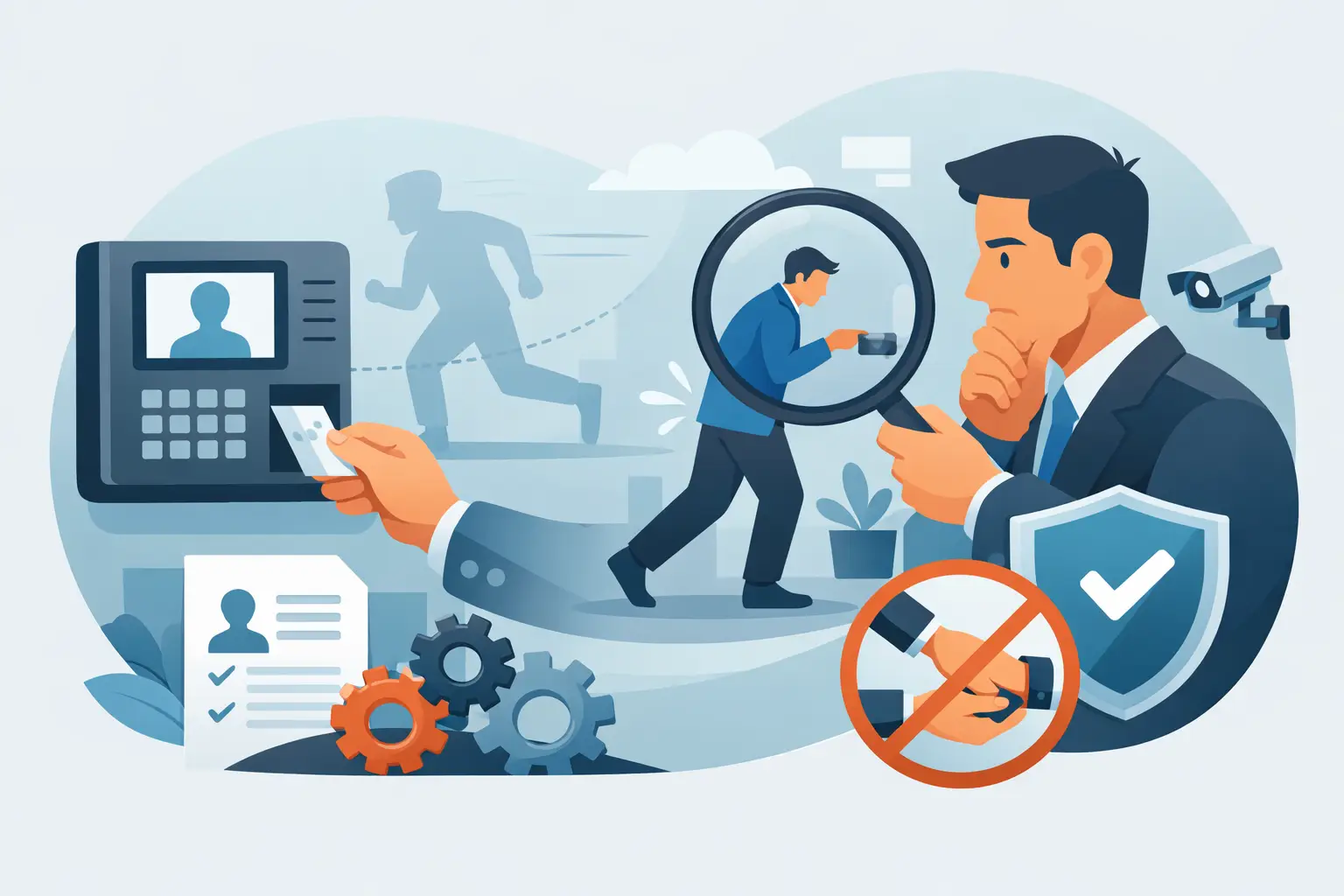
Location-aware clock-ins are one of the biggest differentiators. If employees can clock in from anywhere without verification, you still have uncertainty. GPS-based mobile punches and fixed-location options such as job-site phone clock-ins or on-site devices help confirm attendance at the correct account. That protects both your customers and your payroll process.
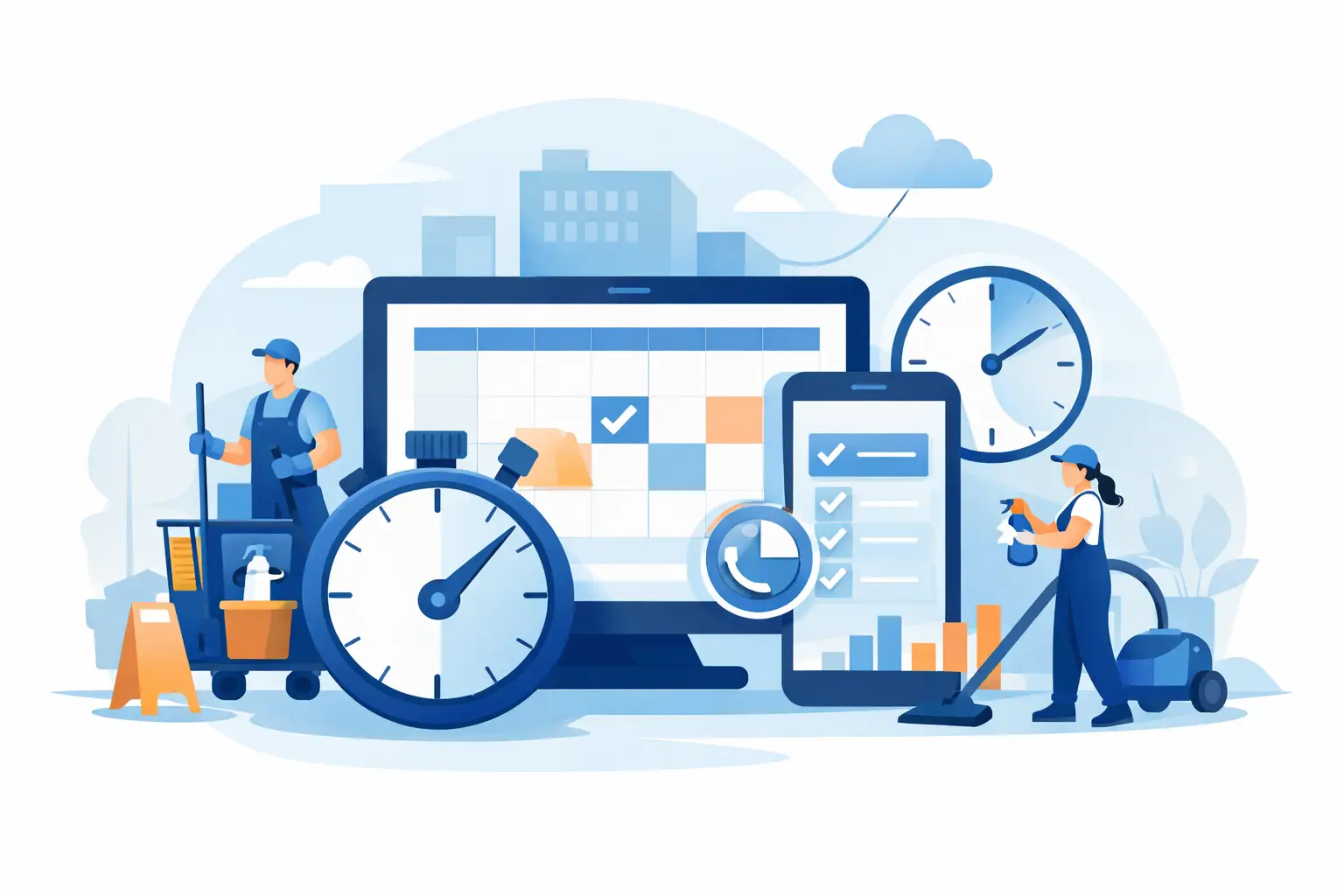
Scheduling is just as important. In janitorial operations, time tracking without scheduling leaves managers piecing together the story manually. A connected schedule shows who was supposed to be on site, who actually worked, and where there are gaps. If a cleaner is late or absent, the office should know quickly enough to reassign the shift instead of finding out the next morning from an unhappy client.
Overtime visibility is another feature that sounds administrative but has direct profit impact. A few extra minutes across many sites can quietly erode margins. When managers can see approaching overtime before payroll closes, they can redistribute hours, adjust coverage, or approve extra labor intentionally rather than by accident.
Communication tools also belong in the same system. Janitorial teams often work across languages, buildings, and odd hours. If schedule updates, coverage requests, and shift instructions live somewhere separate from time records, managers lose speed and context. A unified platform makes it easier to act on attendance issues right away.
How to choose a time tracking app for cleaning companies
The best time tracking app for cleaning companies gives every cleaner a dependable way to clock in at the job site itself, not just from somewhere near it. In practice, that means three clock-in methods working together in one system: GPS mobile punches, on-site NFC tiles, and telephone clock-ins.
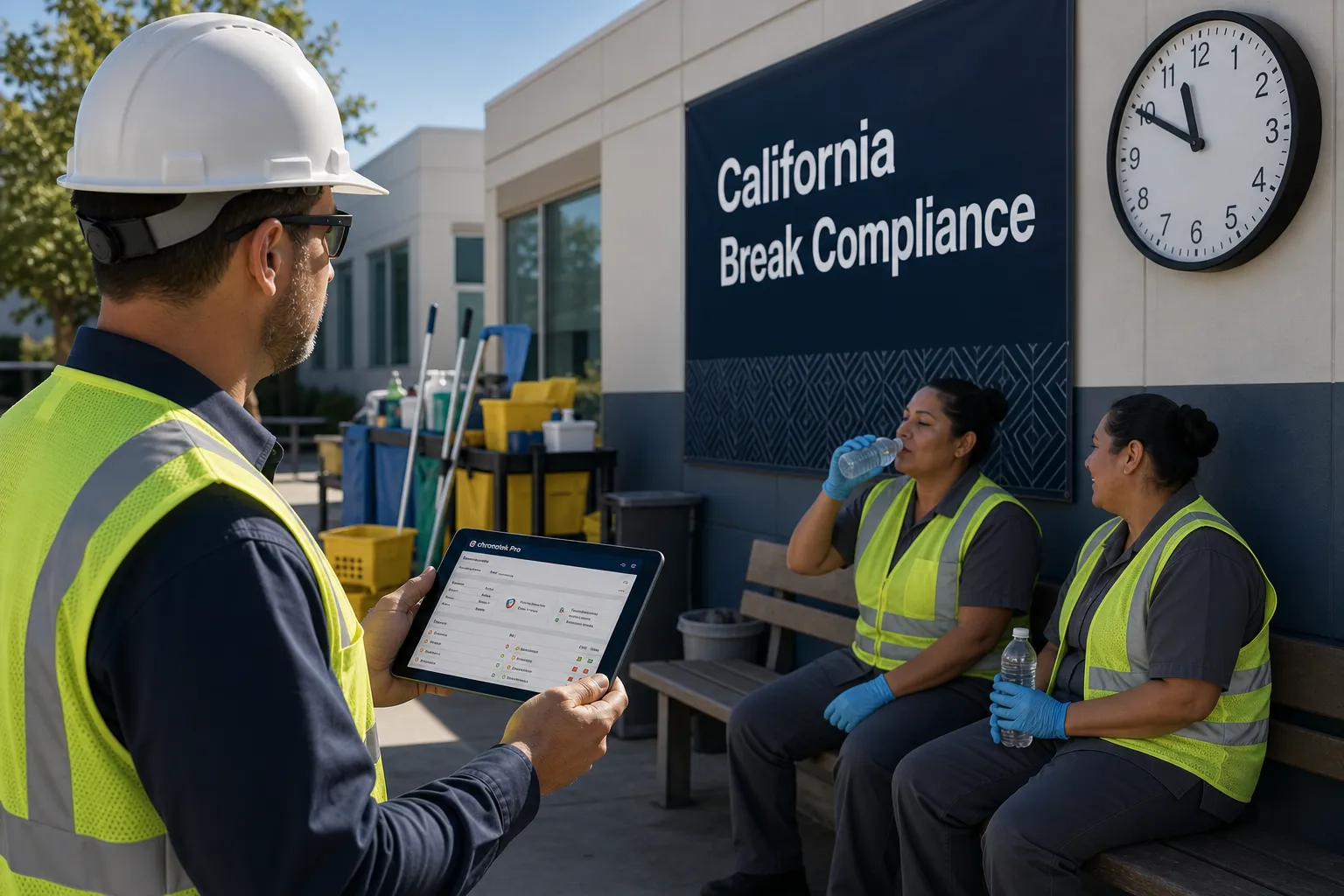
Mobile GPS clock-ins are the everyday workhorse. Cleaners clock in on a simple app — Chronotek Pro uses each person's cell phone number as their login, so there are no emails or passwords to remember — and geofencing confirms the punch happened at the job. Supervisors are alerted if someone leaves the site while still on the clock.
TimeTiles™ cover buildings where GPS struggles. Interior offices, basements, and dense commercial buildings can produce weak or drifting GPS readings. TimeTiles™ are small NFC tiles placed at the job site: employees must physically tap the tile with the app to clock in, which verifies location within centimeters without relying on a GPS signal — and the tiles need no power source or internet connection.
IVR phone clock-ins include cleaners without smartphones. Employees call a toll-free number from a cell phone or a landline job-site phone, with prompts available in English and Spanish. Calls from a landline job-site phone report the caller ID, which verifies the cleaner is on-site. No one gets left out of the system because of the phone in their pocket.
A time tracking app is also strongest when every punch is checked against the schedule behind it. Pairing verified clock-ins with janitorial scheduling software means the system knows who was supposed to be on site, at which account, and when.
Why basic payroll apps often fall short
Many janitorial companies start with generic timekeeping tools because they seem affordable and simple. That can work for a small team in one location. It usually breaks down when the business grows.
The main issue is that generic systems are built to record hours, not manage distributed field operations. They may not verify the job site. They may not show attendance exceptions fast enough. They may not tie labor to customer locations or budgets in a useful way. So while payroll still gets processed, operations remain reactive.
That is where costs hide. A missed shift can trigger a service credit. An unverified punch can create a payroll dispute. An unnoticed overtime trend can drag down the margin on an account for months before anyone sees it clearly. Software should reduce those risks, not document them after they happen.
How the right system improves daily control
For janitorial contractors, control does not mean making work harder for employees. It means reducing confusion and making expectations clear. When employees have a simple way to clock in correctly, see schedules, and receive updates, the workday runs with fewer avoidable problems.
Managers benefit just as much. Instead of calling around to confirm attendance, they can look at a dashboard and know which jobs are covered, which shifts are late, and where intervention is needed. That saves time in the office, but more importantly, it helps protect customer commitments.
Payroll teams also gain cleaner records. Verified time data reduces manual edits, missing hours, and conflicting reports from the field. If your payroll process depends on supervisors texting corrections or turning in handwritten notes, the system is absorbing unnecessary risk every pay period.
Janitorial payroll software: from verified time cards to clean paychecks
Janitorial payroll software should carry verified time cards all the way to the paycheck without re-keying. For cleaning companies, the pieces that matter most are pay codes, automatic issue flagging, locked pay periods, and direct exports to your payroll provider.
Pay codes solve a problem nearly every janitorial contractor has: not every hour pays the same rate. Floor work, special projects, and premium accounts may carry different pay. With HR and payroll tools built into the same platform as the time clock, time cards are calculated automatically using every pay code on your books, so no one has to pull premium hours out by hand. Salaried employees, hourly workers, and contractors can be grouped separately, and contractor hours can be exempted from overtime calculations.
Issue flagging keeps payroll day short. Instead of reading every time card, payroll admins review only the exceptions the system flagged along the way — a missed punch, a break issue, an unusual shift. Locking the pay period after approval prevents after-the-fact edits, so the hours you exported are the hours that stay on record.
Exports close the loop. Chronotek Pro exports payroll-ready hours to ADP, Paychex, Paycom, and PDP at no extra charge, so hours move to your payroll service without manual entry — one of the most common sources of payroll errors. And because pay rates live alongside the time data, it is easier to see what an hour of labor truly costs; the free labor cost calculator shows how payroll taxes, workers' comp, and benefits load a base wage.
What to look for before you choose a platform
Start with your operational reality. If your cleaners work at fixed customer sites, job-site verification should be a priority. If some employees do not use smartphones, phone-based clock-in options may matter. If you run many small accounts with tight labor allocations, labor-budget tracking by location will be more valuable than a generic total-hours report.
Ease of use matters too. A powerful system fails if frontline employees struggle to use it consistently. The best platforms for janitorial businesses are straightforward for workers in the field and detailed enough for managers in the office. That balance is important. You do not want enterprise complexity when what you really need is reliable adoption and fast visibility.
Reporting should also be practical. Look for reports and dashboards that help answer operational questions, not just historical ones. Which sites had attendance issues this week? Which accounts are trending over labor budget? Where is overtime building? Which employees missed scheduled shifts? Useful software turns raw punches into decisions.
Finally, think beyond implementation day. Support, onboarding, and setup matter because janitorial operations have real-world complexity. Multiple customer sites, varied schedules, supervisor roles, payroll rules, and language needs all affect how quickly the system delivers value.
The business case for better janitorial time tracking software
Most janitorial contractors do not lose money because they lack effort. They lose money because they lack timely visibility. When labor is your biggest variable cost, every unverified hour, missed shift, and budget overrun matters.
The right software helps you tighten that control without adding layers of administrative work. It gives operations leaders faster awareness, payroll staff cleaner data, and owners better insight into whether accounts are performing the way they should. In practical terms, that can mean fewer service failures, fewer payroll corrections, less unnecessary overtime, and stronger confidence in job profitability. When you are ready to take verified hours a step further into contract budgets and bids, janitorial job costing software builds on the same time data.
There is no perfect setup for every company. A smaller contractor may care most about accurate attendance and payroll prep. A larger operation may need tighter schedule enforcement, multilingual communication, and location-based labor tracking across many accounts. It depends on the structure of your workforce and the pressure points in your operation.
But the bigger point stays the same. Janitorial time tracking software should do more than capture hours. It should help you run a cleaner, more accountable operation with less guesswork. Platforms built for off-site hourly teams, including janitorial management software like Chronotek Pro, are strongest when they connect attendance, schedule coverage, location verification, and labor visibility in one place.
If your team is still chasing timesheets, confirming attendance by phone, or discovering labor overruns after payroll is processed, the problem is not just inefficiency. It is delayed visibility. And delayed visibility is expensive. The right system gives you a clearer picture while there is still time to act.
Frequently Asked Questions
What is janitorial time tracking software?
Janitorial time tracking software is a system built for cleaning companies that verifies who clocked in, where they clocked in from, when the shift started, and whether the job stayed on schedule. Unlike a basic clock app, it connects time collection with scheduling, location verification, and labor visibility so managers can catch problems in real time instead of discovering them after payroll runs. Learn more about GPS-based time tracking.
How does janitorial time tracking software confirm cleaners are at the right site?
The strongest platforms use location-aware clock-ins, including GPS-based mobile punches and fixed-location options such as job-site phone clock-ins or on-site devices. These confirm attendance at the correct customer account rather than just recording a timestamp, which protects both service quality and payroll accuracy for recurring accounts like offices, schools, and commercial buildings.
Can janitorial time tracking software help control overtime costs?
Yes. Overtime visibility lets managers see approaching overtime before payroll closes, so they can redistribute hours, adjust coverage, or approve extra labor intentionally instead of by accident. Across many small accounts, a few extra minutes per site can quietly erode margins, so catching overtime trends early is one of the more direct ways janitorial time tracking software protects job profitability.
What's the difference between janitorial time tracking software and a basic payroll app?
A basic payroll app records hours after the fact. Janitorial time tracking software is built to manage distributed field operations day to day, verifying job sites, surfacing attendance exceptions fast, and tying labor to customer locations and budgets. Generic tools may still process payroll, but they leave a company reacting to missed shifts, unverified punches, and overtime trends instead of preventing them.
Does janitorial time tracking software work for cleaners who don't use smartphones?
Yes. Fixed-location options such as job-site phone clock-ins or on-site devices give cleaners without smartphones a reliable way to start a shift, while still confirming they are at the correct account. That flexibility matters for janitorial crews, who often work early morning, evening, or overnight shifts with limited supervisor presence at the job site.
What should I look for before choosing janitorial time tracking software?
Start with your operational reality: prioritize job-site verification if cleaners work at fixed customer sites, phone-based clock-in if some employees lack smartphones, and labor-budget tracking by location if you run many small accounts. Also weigh ease of use for frontline workers, practical reporting on attendance and overtime trends, and the quality of onboarding support before committing to a platform.
What is the best time tracking app for cleaning companies?
The best time tracking app for cleaning companies verifies location at clock-in and offers more than one way to punch in: GPS mobile clock-ins with geofencing for most cleaners, NFC TimeTiles™ for buildings where GPS is unreliable, and toll-free telephone clock-ins for employees without smartphones. Chronotek Pro combines all three in one system, so every cleaner on the roster clocks into the same verified time records — smartphone or not.
Is there janitorial payroll software that exports to ADP or Paychex?
Yes. Chronotek Pro exports payroll-ready hours to ADP, Paychex, Paycom, and PDP at no extra charge, so approved time cards move to your payroll service without manual entry. Time cards are calculated automatically using every pay code on your books, pay periods can be locked after approval, and salaried, hourly, and contract workers can be grouped separately. See the HR and payroll tools for details.
Do janitorial time tracking apps work in buildings with bad GPS reception?
Yes. TimeTiles™ are small NFC tiles placed at the job site that employees must physically tap with the Chronotek Pro app to clock in, verifying location within centimeters without relying on a GPS signal — and the tiles need no power source or internet connection. Clock-ins from a landline job-site phone are another option, since the caller ID verifies the cleaner is on-site.
How much does janitorial time tracking software cost?
Chronotek Pro costs $19 per month plus $6 per employee per month, with a 5-employee minimum, so entry pricing is $49 per month. Prepaying annually saves 15%, and every account starts with a 30-day free trial with full access to the system.