

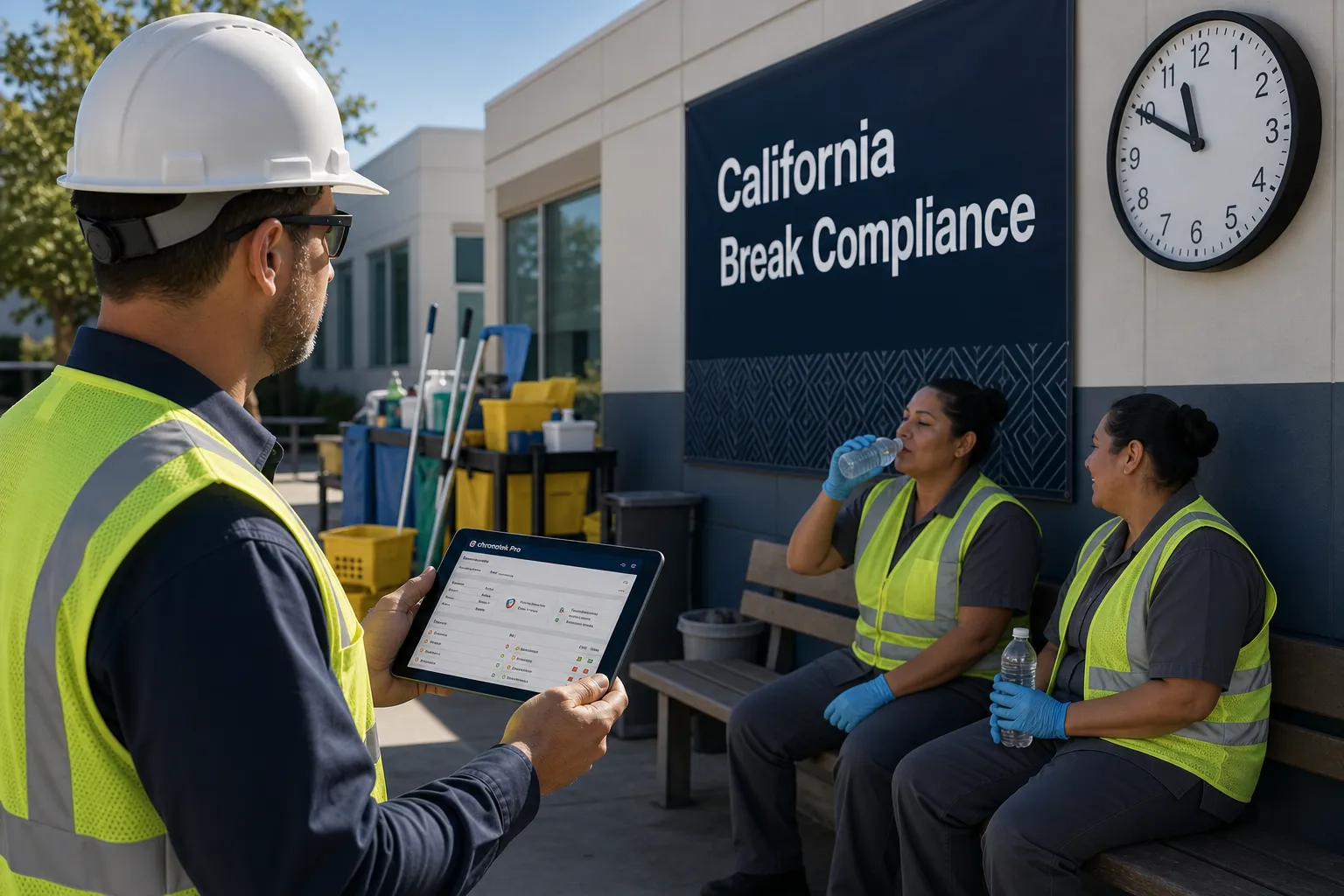


Do you pay your employees to travel between work sites? Let's talk before the Department of Labor knocks on your door.
The U.S. Department of Labor requires employers to pay for travel time. The DOL's website says,
"Time spent traveling during normal work hours is considered compensable work time."
U.S. Department of Labor
Travel time is a serious matter, and disgruntled employees are suing companies for failure to comply. Most service-based businesses have hourly employees who work at multiple sites each day. The easiest way to comply with the travel time laws is to pay your employees from when they start their days to when they end. Easy? Yes. Best practice? No.
Let's establish the fact you should pay your hourly employees for travel between job sites. What's the best way to track travel time? Steer your company towards best business practices with our employee time clock app and our travel time tracker.
3 Reasons Tracking Travel Time is the Best Business Practice
1 - All the time between job sites shouldn't be paid
Your employees eat meals, buy lotto tickets, and pick up laundry between job sites. You don't want to pay for this personal time. Chronotek Pro's travel feature is integrated with Google Maps ™ and automatically creates a travel time card when your employee clocks out of one job and into a different one. We track the actual time your employee took, and Google Maps ™ estimates the time it should take. Set your default to pay the Google estimate, and don't sweat the stops at the convenience store.
2 - All the time at each job should be tracked
When employees clock in to start their shifts and out to end them and nothing in between, there's so much you don't know. For instance, how much time did your employees spend at each job site? The time worked at each job site should be tracked for proper job costing. Otherwise, how do you know if you're making money on each contract? When you have multiple jobs, you need to track labor costs at each one to know the winners and losers.
You might also discover an employee works an hour at a job, and you know it's always a 2-hour clean. You need employees to clock in and clock out at each job to prevent quality control issues.
3 - All the time between jobs should be tracked
Yes, paying for travel time is a federal law, but there are good business reasons to track travel time.
-
Your employee reports 5 hours of work every evening, but you don't know you're paying 2 hours between jobs. Travel Manager could reveal that travel time is closer to an hour and you're wasting an hour of pay.
-
Your employee drives 30 minutes each night to a job site or about 10 hours a month. The drive time is legitimate, but are you billing your customer for it? If not, that's $120-200 off your bottom line. Chronotek Pro's travel feature can apply travel time to the next job for accurate job costing and invoicing.
-
Your employee drives 30 minutes to a job for a one-hour clean. Is the job contract worth your time, or can you find another employee with a shorter distance to the job?
-
Your employees are paid a decent wage for work, but did you know you can pay a lower rate for travel time? You can as long as the lower wage meets minimum wage requirements and you have accurate tracking of work and travel time. Our travel time tracker breaks out work time and travel time to make paying different rates a breeze.
Save Time, Save Money and Stay Out of Trouble
Your best solution to the travel time issue is our employee time clock system. Employees clock in and out at each job location, and our system automatically creates travel time records. Pay the actual time between jobs or use Google MapsTM estimates. Use our job reports to analyze the time spent on the job against the time driving between jobs. We also capture mileage.
Let us help you avoid this major pitfall with travel time. Ensure compliance with the U.S. Department of Labor, get accurate time with great job reporting, save money, and stay focused on growing your business.
Try us free for 30 days and see if we can change your life.
Do You Have to Pay Employees for Travel Time Between Job Sites?
Yes. As the U.S. Department of Labor states, time spent traveling during normal work hours is considered compensable work time. If your janitorial crew, construction crew, or any other hourly team works at more than one site in a day, the time they spend traveling between those sites is generally time you need to pay for — the same rule that applies to any service business with employees moving from job to job.
Why Do So Many Service Businesses Get Travel Time Wrong?
The easiest approach is to pay employees from the start of their day straight through to the end, which technically covers travel time. But it is not the best practice, because it does not tell you which time was spent working and which was spent driving between jobs. Without that distinction, you cannot see how much you are really paying for travel versus billable work, and you have no way to apply a different rate to travel time even if you wanted to.
Can You Pay a Lower Rate for Travel Time Than for Work Time?
Yes — as long as the lower wage still meets minimum wage requirements, and you have accurate tracking that clearly separates work time from travel time. That second part is what trips most companies up. Without a system that reliably tells you how much of an employee’s day was travel versus work, you cannot defend a lower travel rate if it is ever questioned.
What Happens If You Don’t Track or Pay Travel Time Correctly?
You risk more than an unhappy employee. Disgruntled employees are suing companies for failure to comply with travel time pay requirements, and a business that simply guesses at travel time — or ignores it — is exposed to that same risk. Accurate tracking is what lets you show, if asked, exactly what an employee was paid for and why.
How Does Chronotek Pro Track Travel Time Automatically?
Chronotek Pro’s travel feature is integrated with Google Maps™ and automatically creates a travel time card the moment an employee clocks out of one job and into the next. It reports the actual time the employee took to travel, alongside what Google Maps™ estimates the trip should take, and mileage is captured right along with it. You can turn automatic travel tracking on for specific employees and leave it off for others, and the same reporting feeds your job costing and payroll numbers so nothing has to be reconciled by hand.
Putting this together, an automated travel time system should give you:
- A separate, automatic time card for travel between job sites
- Both actual travel time and a Google Maps™ estimate to compare against
- Mileage reported alongside travel time
- The option to apply travel time to the next job for accurate invoicing
- The ability to pay a lower, compliant rate for travel time when work and travel time are clearly separated
If you operate in California and want to see how break and rest requirements layer on top of travel time pay, our California compliance guide is a good next read, and general account questions are answered on our FAQ page.
Frequently Asked Questions
Do I have to pay employees for time spent traveling between job sites?
Yes. The U.S. Department of Labor states that time spent traveling during normal work hours is considered compensable work time. Most service businesses with hourly employees who work at multiple sites in a day need to pay for the travel time between those jobs, not just the time spent working once they arrive.
Can I pay a lower rate for travel time than for time spent working?
Yes, as long as the lower wage still meets minimum wage requirements and you have accurate tracking that separates work time from travel time. Without records that clearly distinguish the two, you have no reliable way to apply — or defend — a different pay rate for travel.
What happens if I don’t pay employees correctly for travel time?
You risk running afoul of Department of Labor requirements and potential legal action — employees are suing companies for failing to comply with travel time pay rules. Tracking actual travel time accurately, rather than guessing or ignoring it, is what protects you if your practices are ever questioned.
How does Chronotek Pro track travel time between job sites?
Chronotek Pro’s travel feature integrates with Google Maps™ to automatically create a travel time card when an employee clocks out of one job and into another. It records the actual time the employee took to travel and also shows the Google Maps™ estimate, so you can set your default to pay the estimate and only review exceptions.
Does Chronotek Pro track mileage as well as travel time?
Yes. Mileage can be set to be captured along with automatic travel time, and it can be adjusted if needed. Mileage is then reported together with the travel time on the same record, so you have both figures in one place for payroll and reimbursement purposes.
Can I turn on automatic travel time tracking for only some employees?
Yes. Automatic travel time tracking does not have to be all-or-nothing. You can turn it on for the specific employees who travel between job sites during the day and leave it off for employees whose roles do not require it.