
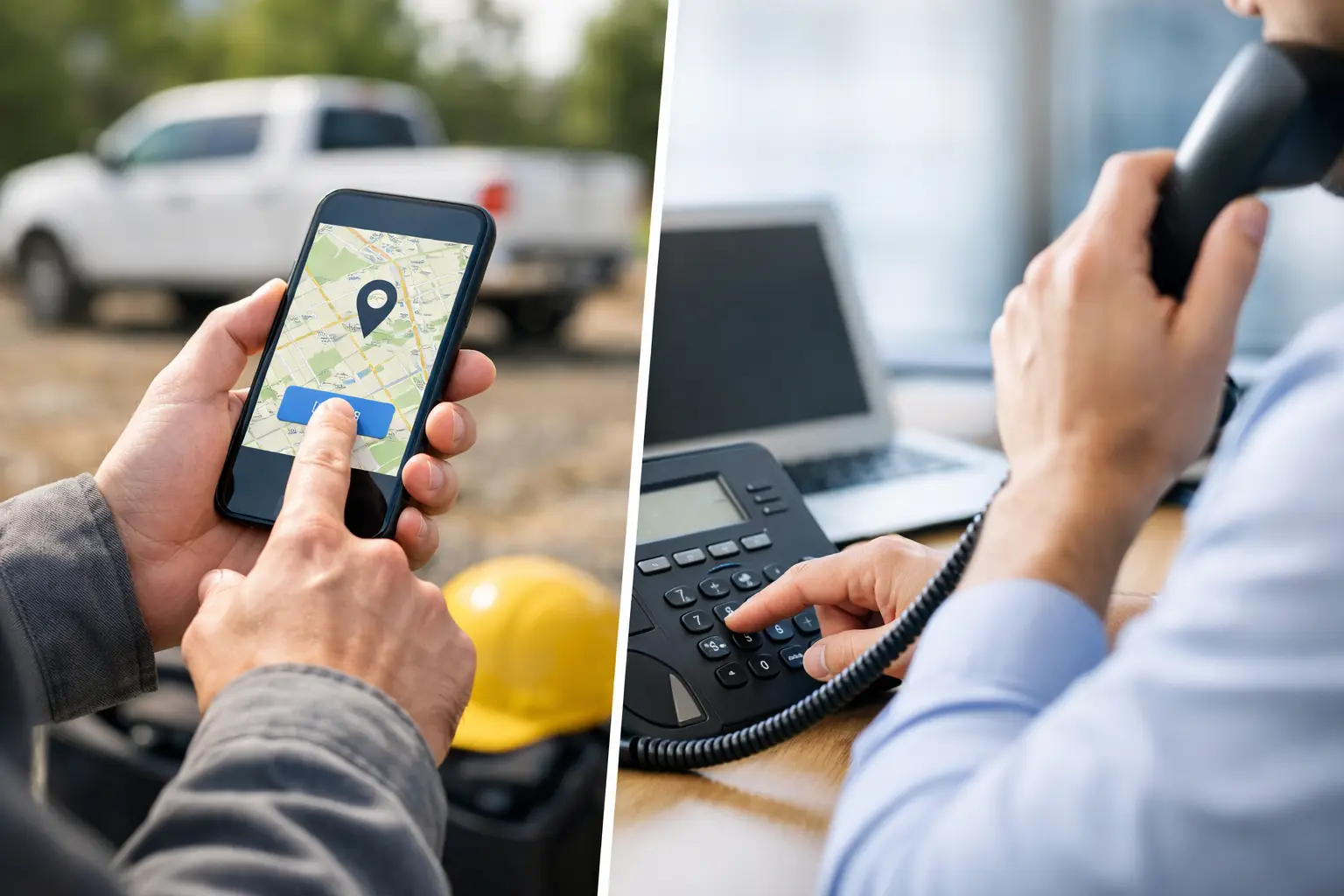
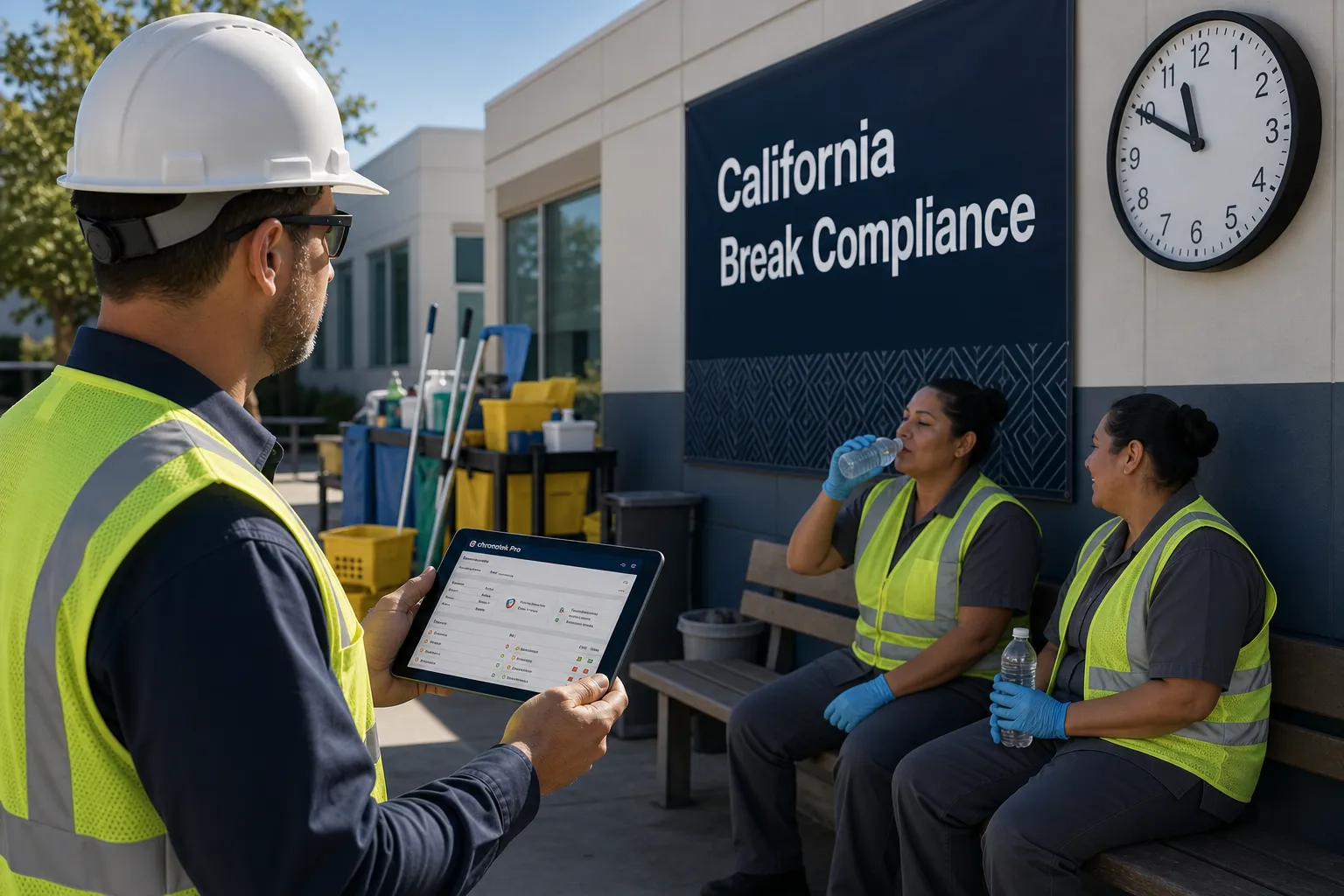
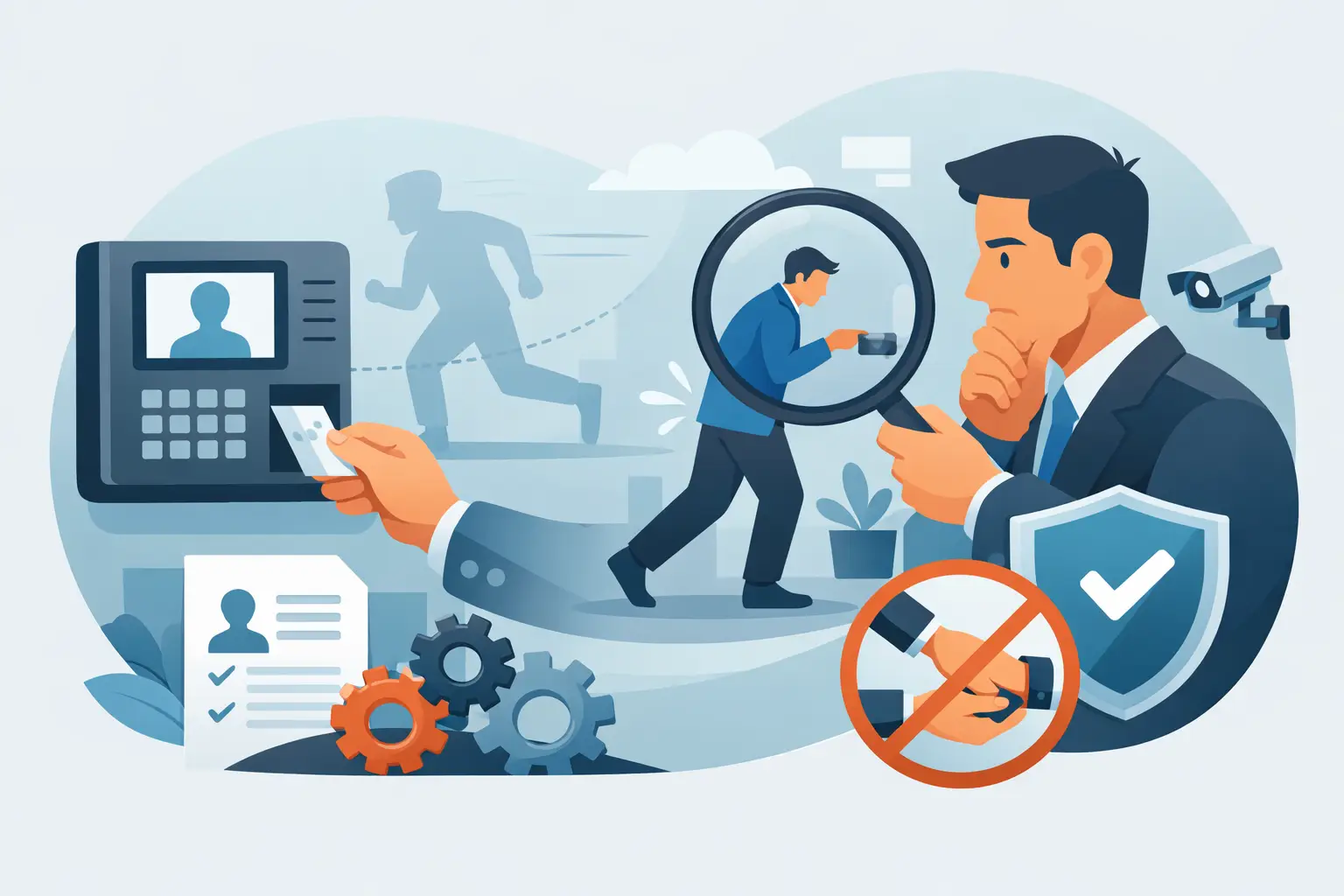
Using a time clock is simple: employees clock in when they start a shift and clock out when they finish, whether that means tapping an app, scanning a job-site tile, or calling in, and the system timestamps and stores each entry as part of their time card automatically. The rest of this guide covers exactly how that works with a modern GPS time clock like Chronotek Pro.
When tracking your employees' work hours, it can be easy to get lost in the influx of schedules, call-outs, timesheets, and payroll. Time cards have been used to record work hours since the late 19th century, evolving from mechanical punch clocks to today's digital systems. Using a time clock, like Chronotek Pro, saves you time with an automated system that simplifies and streamlines employee management. Read on to learn how to use a time clock for your business.
Clock In and Clock Out
A time clock lets employees track when they start and stop working each day. There are a few types of time clocks. A traditional time clock involves inserting a card or sheet of paper into a system that stamps the date and time. Web-based time clocks use digital time tracking to record the hours worked. Biometric time clocks use employees' physical characteristics, like fingerprints, to identify them and digitally record the times they clock in and out. No matter which type of time clock your business uses, clocking in and out is essential and allows you and your employees to keep track of work time.
GPS Time Tracking
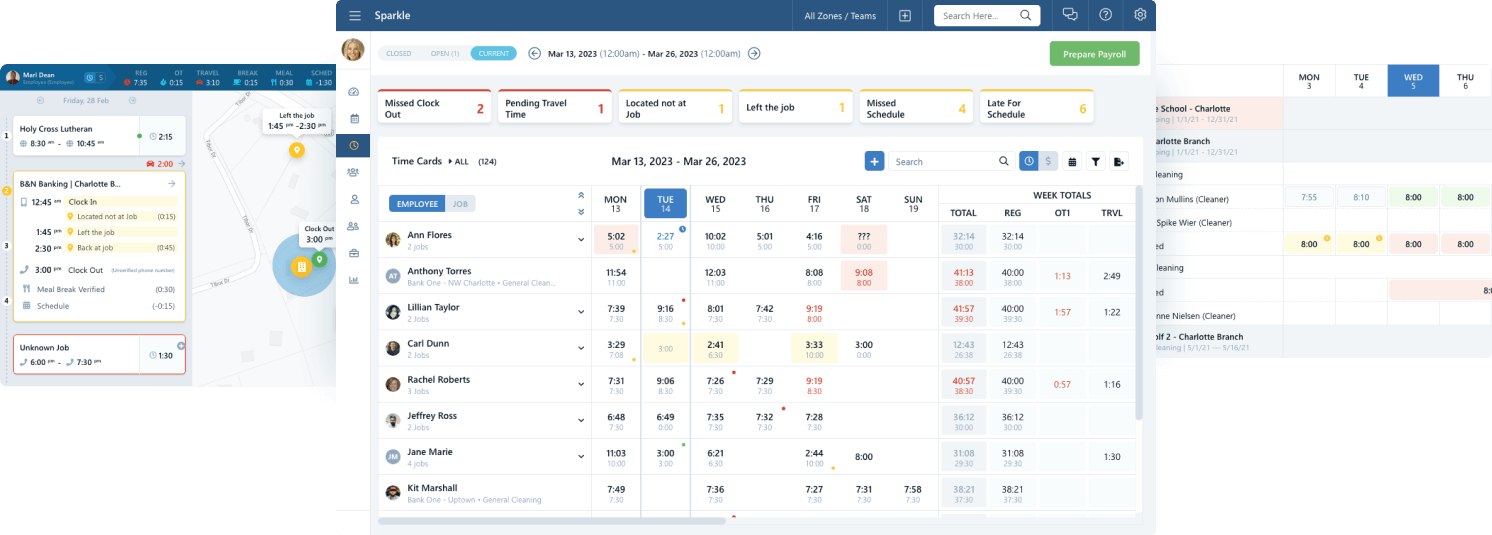
Chronotek Pro is a web-based time clock that uses GPS timestamps to track employee hours. This location tracking feature provides peace of mind, knowing your employees are located at the job site. When combined with supervisor notifications, a job will never go unstaffed again! The ultimate GPS time clock app ensures employees are at the job site when clocking in and informs you if they leave while on the clock.
Travel Time Calculator
If your employees travel on the clock, having a time clock that automatically calculates travel time is necessary. Chronotek Pro fully integrates with Google Maps™ to calculate the most accurate mileage maps possible. This eliminates the hours of paperwork that come with paying employees for travel time.
Communication
Chronotek Pro offers a unique advantage over other time-tracking means: communication. Pro has an easy-to-use centralized communication hub just one click away for admins, supervisors, and employees. With 35 languages automatically translated, it's a snap for everyone to stay in touch throughout the workday. Admins are ensured that everyone reads their essential messages with a required-read option that can be delivered immediately or before employees start their next shift.
Scheduling
Chronotek Pro goes beyond simple scheduling and makes scheduling smart. Create schedules to track your job budgets into the future, seeing overtime and travel before it happens. Pro's smart scheduling ensures everyone clocks into the right job - every time. Of course, scheduling isn't complete without late and no-show alerts, which Pro has to ensure you never miss a job.
Live-Streaming Dashboards
You will never get caught off-guard again with employee attendance issues. Chronotek Pro's live-streaming dashboards report problems as they happen, allowing you to deal with issues in real time. Did an employee leave the job site while still on the clock? You will never know with handwritten timesheets and most other timekeeping systems. But you will always know with Pro.
Time Card Reports
Time card reporting can become one of the most time-consuming parts of running a business. Pulling timesheets for and processing payroll is a time-sucker. Because Chronotek Pro automatically generates time cards, churning out reports for timesheets, payroll, and job costing only takes a few mouse clicks. But with Pro's live-streaming dashboards reporting up-to-the-minute hours and dollars by day, week, and pay period, you may never run a report again!
How do you clock in and out with a GPS time clock app?
Most Chronotek Pro users clock in one of three ways: tap the mobile app and confirm the job, scan a TimeTiles™ tile installed at the job site, or call the clock-in phone number and enter an employee access code and shift pin from any phone. The phone-in option speaks its first prompt in English and then Spanish, with the rest of the call in whichever language the employee has set. Whichever method you use, the system timestamps the entry and turns it into a time card without any extra data entry.
Which type of time clock is right for a mobile workforce?
Biometric time clocks work well when every employee reports to the same fixed location, but they don't help when your crews are spread across dozens of job sites. A web-based, GPS-enabled time clock solves that problem because it goes wherever the employee's phone goes, verifying location at every job site instead of just one. For a fixed site where GPS is unreliable, TimeTiles™ give you the same location guarantee without needing GPS at all.
How does time clock rounding affect payroll?
If your time clock rounds punches, the rounding must follow the Department of Labor's rule: time from 1 to 7 minutes may be rounded down, and time from 8 to 14 minutes must be rounded up to the nearest quarter hour, and increments greater than 15 minutes are never allowed. Rounding also can never be structured to consistently benefit the employer. Automated time clocks avoid the issue altogether by calculating exact worked time instead of rounding at all. See our 7-minute rounding rule guide for the details.
How do you convert time clock hours and minutes to decimals?
Payroll runs on decimal hours, not hours and minutes, so every punch eventually has to be converted: divide the minutes by 60 and round to two decimal places, so 30 minutes becomes .50, not .30. That last part trips up a lot of manual payroll processing, since entering "4:30" as "4.30" instead of "4.50" shorts an employee by several minutes of pay on a single punch. A time clock that calculates decimals automatically removes that error entirely. See our guide to converting time clock hours to decimals for a full reference chart.
Who needs a time clock system?
Any business that pays hourly employees benefits from a time clock, but it matters most for service businesses with mobile or multi-site crews, including janitorial contractors, security guard companies, construction crews, and staffing agencies, since job costing and compliance both depend on knowing exactly when and where an employee worked.
Frequently Asked Questions
Do I need special hardware to use a time clock?
No. A GPS time clock app runs on the smartphone your employees already carry. If you want an extra layer of location verification at a fixed site, TimeTiles™ are compact tiles that install without a power source or internet connection, and employees simply tap or scan them to clock in and out.
How do employees log into a time clock app?
Employees log in with their 10-digit cell phone number as their unique ID. After entering it, they receive a one-time code by text to confirm their identity, so there are no passwords to remember or reset.
Does GPS time clock tracking drain an employee's phone battery?
No. Chronotek Pro uses an internal, cloud-based timer to track time so it doesn't rely on constant GPS polling, and cell data usage is minimal. Location is only collected while an employee is actively on the clock; the app doesn't access location services at all outside of working hours.
What happens if an employee forgets to clock out?
A supervisor or admin can correct the entry, since the Fair Labor Standards Act still requires the time card to reflect hours actually worked. Building a clear attendance policy reduces how often this happens in the first place. See how to keep employees from forgetting to clock in and out for a full policy checklist.
Can a time clock calculate overtime automatically?
Yes. A time clock connected to payroll can track regular, overtime, and travel hours in real time and flag projected overtime before it happens, so you can adjust schedules while there's still time to avoid the extra cost. Overtime thresholds can typically be adjusted to match your state's rules.
Is there a free trial to test a time clock system?
Yes. Chronotek Pro offers a 30-day free trial with no contract or setup fees, so you can test clock-in methods, GPS tracking, and reporting with your real team before deciding.