


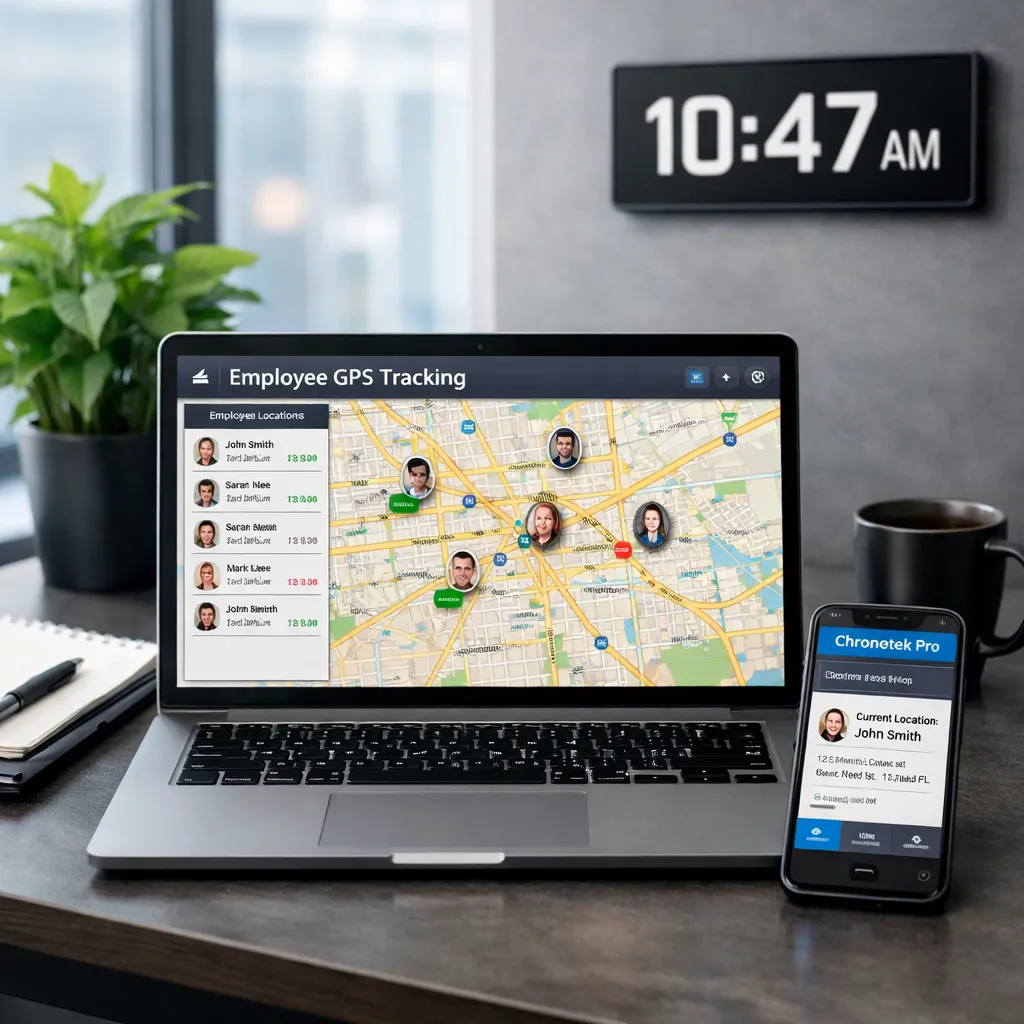
GPS tracking for employees connects a worker's location with a work-related event, such as clocking in at a job site. A GPS time clock pairs that location with recorded hours so a manager can review attendance, investigate exceptions, and prepare payroll. Some systems also monitor location during the shift. Those are different capabilities, and employees should understand which ones their employer uses.
For a cleaning company, security business, construction crew, or field service team, the useful question is not simply, “Where is everyone?” It is, “Did the assigned employee arrive at the right job, when did work start, and does the time record make sense?” The best approach answers those questions without collecting more personal information than the job requires.
How to Verify Field Employees Are at the Right Job Site
To use GPS to verify where your field team is during work hours, connect location checks to the schedule and time card. A map pin alone cannot tell you whether someone was assigned to that location or what work they completed.
1. Set Up the Job and the Expected Shift
Start with the correct job address, the assigned employee, and the scheduled start and finish. If you use a geofence, check its boundary against the actual work area, including entrances, parking, and nearby buildings. An inaccurate boundary creates avoidable alerts.
2. Record the Time and Location of the Clock-In
A GPS time clock app can record where the employee's phone is when they punch in. Compare that location with the assigned job and the punch time with the schedule. Teach employees how to select the correct job, enable the required permissions, and report a failed punch.
3. Check Attendance While There Is Still Time to Respond
Review missing clock-ins, late starts, and location exceptions rather than waiting until payroll day. Where supported, shift-time geofence alerts can flag a departure while an employee remains on the clock. A supervisor can then check whether the person moved to another assigned job, left for an authorized reason, or needs help correcting the record.
4. Review Exceptions Before Drawing Conclusions
A location mismatch is a reason to investigate, not automatic proof of time theft. Check the GPS reading, job assignment, employee explanation, and any supervisor notes. Keep an understandable record of corrections and who approved them.
5. Connect Approved Hours to Payroll and Job Costs
After reviewing the time card, assign hours to the correct customer or job. This supports payroll preparation and helps you compare actual labor with the job's budget through job costing. Location evidence supports the review; it does not replace accurate records of all compensable work or the applicable payroll rules.
GPS, Geofencing, Phone Clock-Ins, and TimeTiles: What Each Verifies
These methods are related, but they do not answer exactly the same question. Choose the combination that fits the site, employees' devices, and your attendance policy.
| Method | What It Can Verify | Important Limitation |
|---|---|---|
| GPS time clock | The phone's reported location when an employee clocks in or out. | A punch-location stamp alone does not show the entire shift or prove who is holding the phone. |
| Geofencing | Whether a reported location is inside a defined job-site boundary; some systems also check during the shift. | Signal accuracy, permissions, and boundary settings matter. A geofence does not inherently clock someone in or out. |
| Phone clock-in (IVR) | A time record through an automated call. An approved job-site landline's caller ID can help verify the call's source. | A call from a mobile phone does not provide GPS location. Caller ID is not the same as continuous location monitoring. |
| Chronotek TimeTiles™ | A close-range NFC tap at a tile installed at the job site when the employee punches. | A tap verifies proximity at that moment; it is not a record of the whole shift. TimeTiles can be paired with GPS geofencing. |
Chronotek Pro offers app and phone-based employee timekeeping. Its GPS features check location at clock-in and clock-out and monitor the job-site geofence during the shift, with GPS Smart Tracks™ showing location infractions on the time card. TimeTiles provide an additional on-site check. Match the setup to the work instead of assuming every employee needs the same clock-in method.
Checking Time Spent Onsite, Routes, and GPS Exceptions
Clock-in and clock-out records give you a starting point for reviewing time spent at a job. If employees move between customers, connect each work period to the appropriate job and review travel time separately under your pay policy and applicable law. Do not assume that all time outside a geofence is unpaid.
For businesses that need to review movement between sites, distinguish a single GPS punch from shift-time location history. A pair of pins cannot reconstruct a route. Even when a system provides location history, gaps between readings and signal errors limit what you can conclude. Location history is also different from route optimization, task completion, or a mileage-reimbursement calculation.
Buildings, basements, nearby structures, device settings, and poor connectivity can affect the records available to a manager. Test the actual job site and agree on an exception process before using the system for payroll review:
- Check the basics: confirm the selected job, location permissions, site address, and geofence size.
- Ask what happened: a worker may have moved to an authorized area or encountered a failed clock-in.
- Provide a backup: define an approved alternative, such as a job-site phone or a supervisor-documented correction, when the normal method is unavailable.
- Test connectivity: confirm with the provider what the chosen clock-in method records without a connection and when a supervisor can see it. Do not assume offline capture or live alerts are available.
GPS is supporting evidence for attendance. It is not, by itself, proof that every assigned task was completed or a substitute for an employee-safety procedure.
Verify Work Without Turning GPS Into Unnecessary Surveillance
Start with a specific business purpose: verifying attendance, responding to missed shifts, reviewing hours, or allocating labor costs. Explain that purpose before introducing tracking. Employees should know what is collected, when collection starts and stops, and how they can question an inaccurate record.
| Appropriate Work-Related Use | Risky Practice to Avoid |
|---|---|
| Checking a clock-in against an assigned job and schedule. | Collecting off-duty movements without a justified, lawful purpose. |
| Reviewing a location exception with the employee before correcting a time card. | Treating an imperfect GPS reading as conclusive evidence of misconduct. |
| Giving authorized managers access to records they need for attendance and payroll. | Sharing location histories broadly or retaining them without a defined need. |
What to Include in an Employee GPS Tracking Policy
- Purpose and scope: identify the business need, covered roles, devices, and clock-in methods.
- Collection times: describe punch-location checks and any monitoring during the shift, including what happens at clock-out.
- Notice and permissions: explain the app's location settings, provide required notices, and obtain consent where applicable.
- Access and retention: state who can view the records, how they are protected, and how long they are retained in line with legal requirements.
- Exceptions and corrections: explain failed punches, weak signals, approved job changes, and how an employee can dispute a record.
- Personal-device arrangements: address device requirements and any applicable reimbursement or alternative-method obligations.
Employee tracking laws vary by jurisdiction, device ownership, and circumstances. Consent alone does not resolve every legal issue. Have qualified counsel review your policy, particularly for personal phones, multiple states, or any proposed off-duty tracking. This guide provides operational guidance, not legal advice.
A Practical Example: A Janitorial Crew Working Across Several Buildings
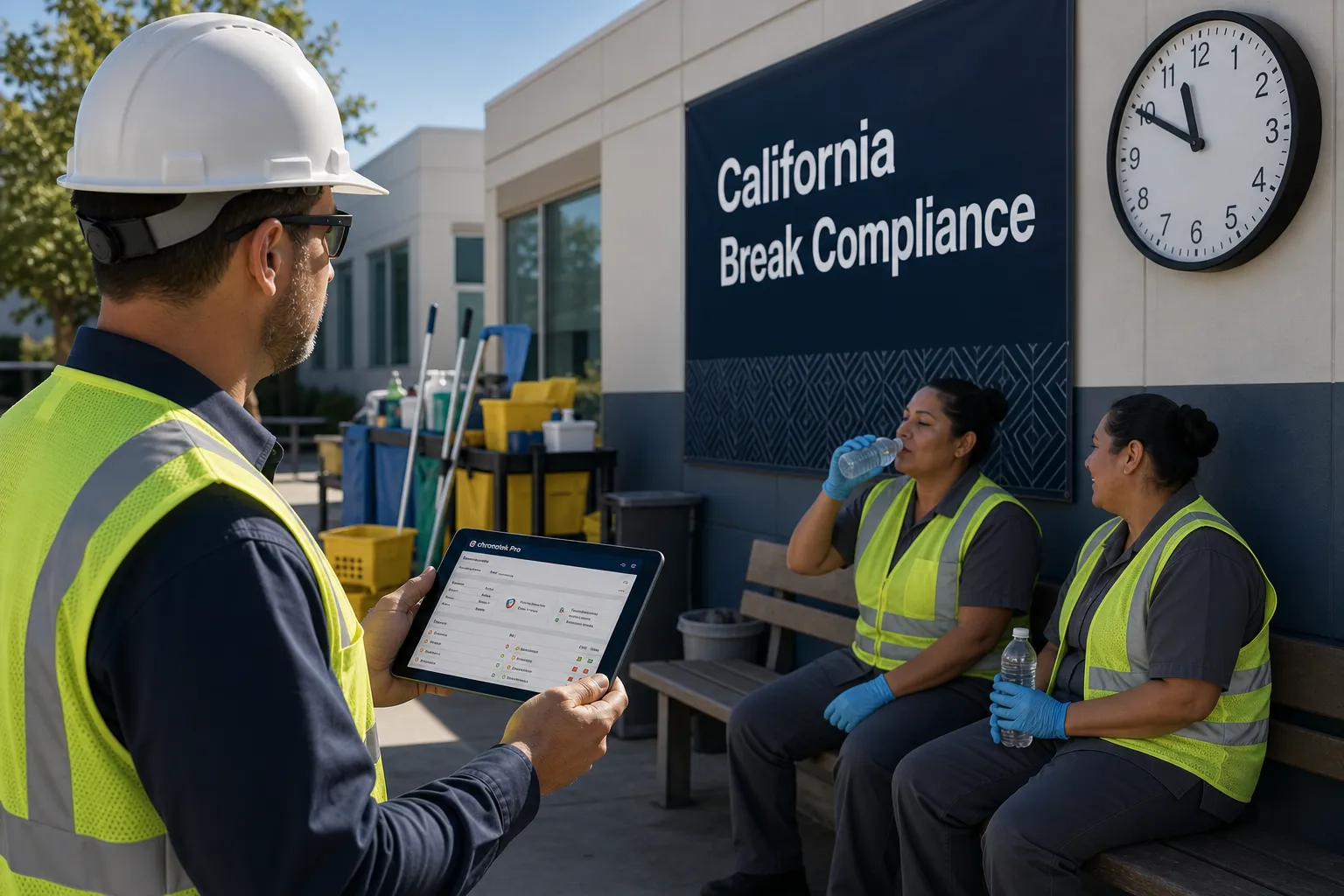
Suppose a cleaner is scheduled at one building at 6 p.m. and a second building later that evening. The supervisor needs to know whether the first shift started, whether each time card is assigned to the right customer, and whether an exception needs attention. GPS checks and an on-site clock-in method can support those decisions without requiring someone to watch a map throughout the night.
If the cleaner's phone reports a position outside the first building, the supervisor can check the entrance, signal, and employee's explanation rather than immediately rejecting the hours. Approved time can then be reviewed against each building's labor budget. That is the practical value of time tracking for janitorial teams: more useful attendance records and earlier follow-up, not more monitoring for its own sake.
What to Look for in GPS Tracking Software for Field Employees
Test the workflow with a representative job site and employee before rolling it out across the company. Ask the provider to demonstrate:
- How a punch is matched to the correct employee, job, and location.
- Which missed-shift or location exceptions a supervisor can see, and when.
- How weak signals, lost connections, job changes, and time-card corrections are handled.
- What employees see about location permissions and off-clock privacy.
- How reviewed hours flow into payroll preparation and job-level labor reports.
Chronotek Pro brings GPS timekeeping together with employee scheduling, attendance visibility, and labor-cost tools for off-site teams. Review the product FAQs and test the relevant settings with the team so your written policy matches how your chosen clock-in methods actually work.
Frequently Asked Questions
How can I use GPS to verify where my field team is during work hours?
Compare location-stamped clock-ins with the assigned job and schedule, then review missing punches and location exceptions. If you need visibility beyond the initial punch, choose a system with shift-time geofence monitoring or location history. Explain the monitoring to employees and investigate mismatches before drawing conclusions.
What is the difference between GPS tracking and a GPS time clock?
GPS tracking describes collecting location information. A GPS time clock connects location checks to attendance events and time records. Some time clocks record only the location of a punch; others also monitor location during the shift. Confirm the specific behavior rather than assuming the terms mean the same thing.
Is it legal to track employees with GPS?
Work-related GPS tracking may be permitted, but requirements depend on the jurisdiction, the device, and how the data is used. Provide required notice, obtain consent where applicable, and limit collection to a legitimate purpose. Ask qualified counsel to review your policy; neither an app permission nor an employee acknowledgment automatically makes every use lawful.
Can employers track employees after hours?
Do not assume that permission for work-related tracking extends to off-duty activity. Limit an attendance policy to work-related collection and confirm how tracking stops. Chronotek Pro collects location data while employees are on the clock and stops GPS tracking at clock-out. Have counsel review any proposed off-duty monitoring rather than treating it as part of routine timekeeping.
Does GPS tracking prevent buddy punching?
GPS can flag punches from unexpected locations and help discourage inaccurate time reporting, but it does not prove who is holding a device. Combine location checks with individual accounts, clear clock-in rules, and supervisor review. An on-site TimeTile tap adds a proximity check, not a guarantee of identity or completed work.
Does employee GPS tracking work without an internet connection?
A device may be able to determine its location without a data connection, but recording a punch, storing it offline, and sending it to a supervisor are separate capabilities. Confirm what your specific system supports and test it at the job site. Establish a backup clock-in or correction process rather than assuming missing data will upload later.
What should an employee GPS tracking policy include?
Include the business purpose, when and what data is collected, required notice and consent, who can access the records, retention rules, personal-device arrangements, and a process for exceptions and corrections. Train supervisors and employees on the same policy and review it when the system or applicable requirements change.