

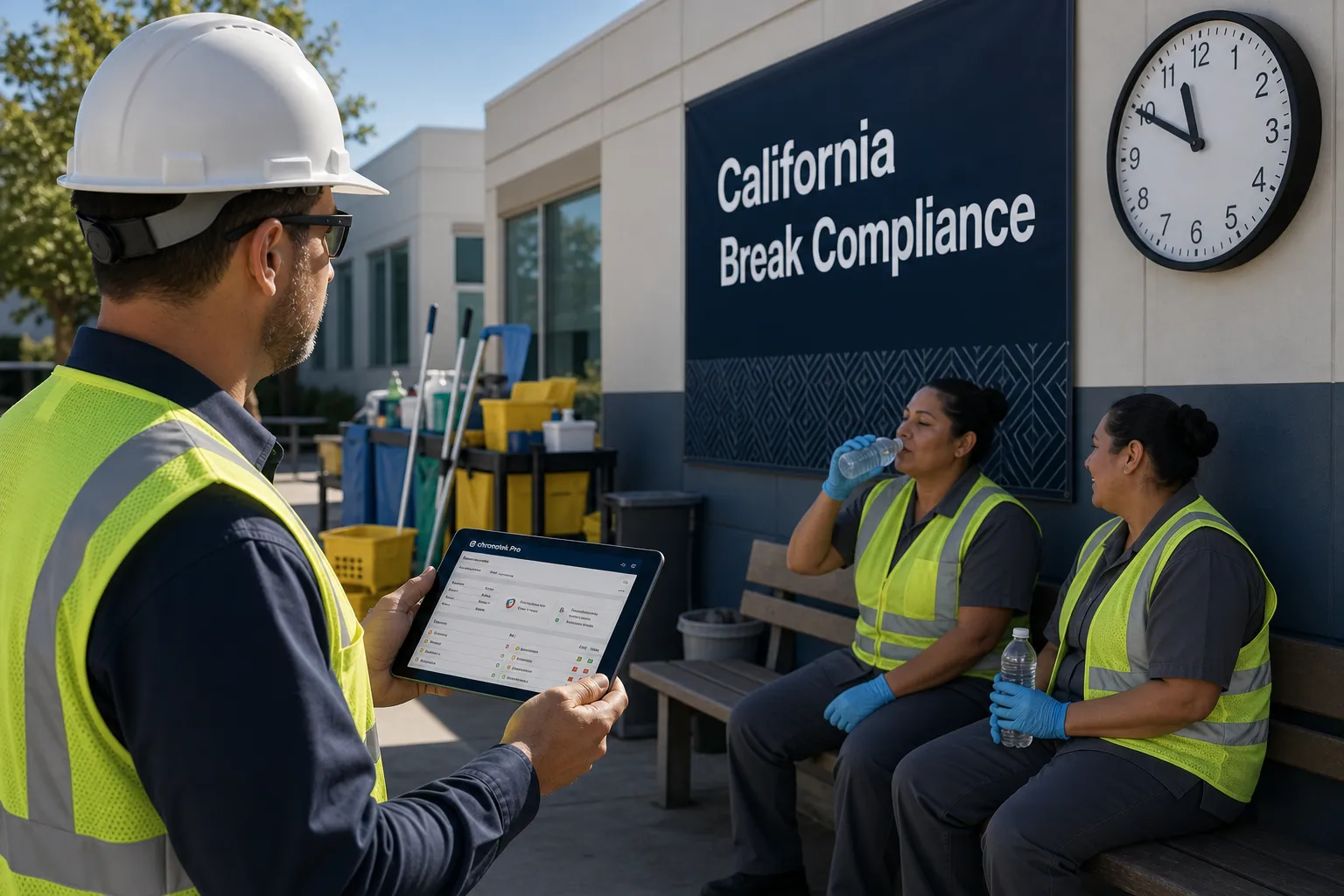

Everything you need to run a remote workforce — in one app.
GPS timekeeping, scheduling, messaging, payroll prep and real-time job costing work together in one system, so you can manage clock-ins, control labor costs and pay your team accurately — without stitching tools together.
From the first clock-in to the final paycheck.
Each feature stands on its own — together they close the loop between the field, the office and payroll.
Know your team is at the job site — every clock-in, verified by GPS.
The Chronotek Pro mobile app captures a GPS Smart Track™ with every clock-in and clock-out, so every time card is tied to a verified location, not just a timestamp. Geofences around your job sites confirm employees are where the work actually happens, and location mismatches are flagged the moment they occur.
- GPS Smart Tracks™ verify the location of every punch
- Geofence job sites so off-site punches get flagged instantly
- Land line and telephone clock-in options for sites without smartphones
- Works for crews across unlimited job sites and locations

Track hours with precision — and catch problems while shifts are still running.
Watch clock-ins stream onto your live dashboard in real time. Late arrivals, no-shows, early departures and long shifts are surfaced as they happen, so you can fix coverage gaps tonight instead of discovering them on next week’s time cards.
- Live dashboard shows who is on the clock, where, right now
- Automatic alerts for late, early, missed and extended shifts
- Overtime creeping up? See it before it hits the paycheck
- Complete, audit-ready time card history for every employee

Keep your team on track — no more missed messages or phone-number chases.
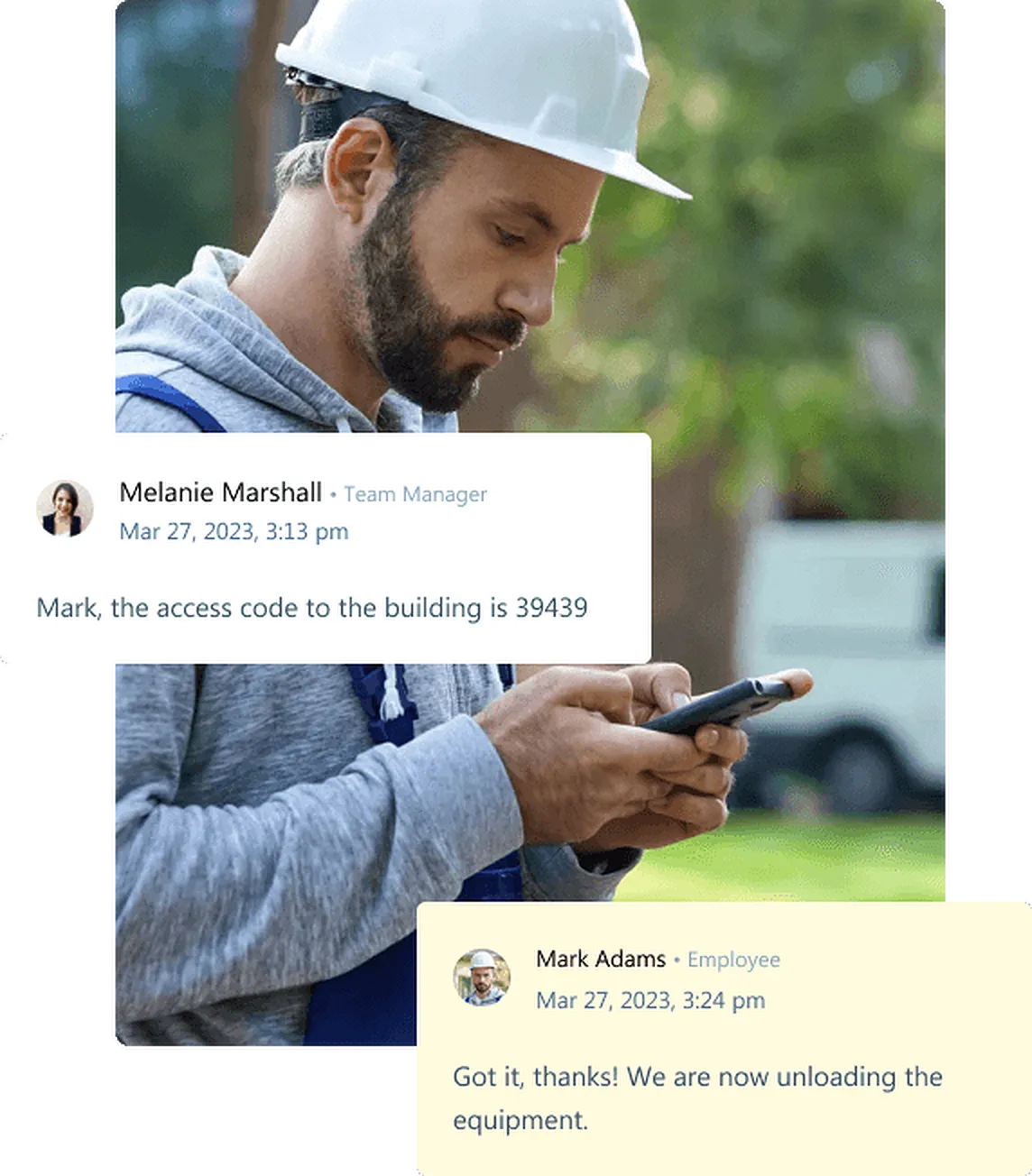
Built-in team messaging connects the office and the field inside the same app your crews already clock in with. Send announcements to everyone, instructions to a job site, or a direct message to one employee — with read receipts, so "I never got the message" is a thing of the past.
- Message individuals, job-site crews, or the whole company
- Read receipts confirm who has actually seen it
- No personal phone numbers to collect or share
- Shift notes and instructions live where the work is tracked
Optimize shifts and manage your entire workforce with ease.
Build schedules in minutes and push them straight to your team’s phones. Because schedules and time clocks live in one system, Chronotek Pro compares planned versus actual hours automatically — flagging no-shows, unscheduled punches and overtime risk before they cost you money.
- Drag-and-drop schedules published straight to the mobile app
- Schedule-vs-actual comparison flags no-shows automatically
- Repeat weekly schedules with one click
- Coverage view shows open shifts before clients notice

Speed up payroll with auto-flagged time card issues.
Payroll prep drops from hours to minutes. Chronotek Pro auto-flags the time cards that need attention — missed punches, break exceptions, overtime — so you only review the exceptions, approve, and export. Clean hours flow to your payroll provider without retyping a single number.
- Exception-based review: only touch the time cards that need it
- Break and meal-period exceptions flagged before checks are cut
- Payroll-ready exports for your payroll provider
- Employee records, pay rates and pay profiles in one place

See labor costs in real time — stay on budget effortlessly.
Every hour worked is tied to a job the moment it’s clocked, so you always know what each job, site and contract is really costing you. Compare budgeted hours to actual hours while the job is still running — and protect your margins instead of reading about them after the fact.
- Live labor cost per job, site and customer
- Budget-vs-actual tracking while there’s still time to act
- Spot unprofitable contracts before renewal time
- Reports that make bidding the next job smarter

The most reliable GPS time clock app — every punch, verified by location.
Chronotek Pro’s dedicated GPS app combines custom geofences, GPS Smart Tracks™, and NFC TimeTiles™ to give you two independent layers of location verification no other system offers. Block clock-ins until GPS is confirmed, get instant alerts when employees leave the job site, and close every shift with a full geo-track on the time card.
- Custom geofences per job site with instant departure alerts
- GPS Smart Tracks™ flag location infractions on every time card
- NFC TimeTiles™ add a second verification layer — no Wi-Fi needed
- Block clock-in entirely until GPS is active and confirmed
Track supplies and inventory — so job sites never run out.
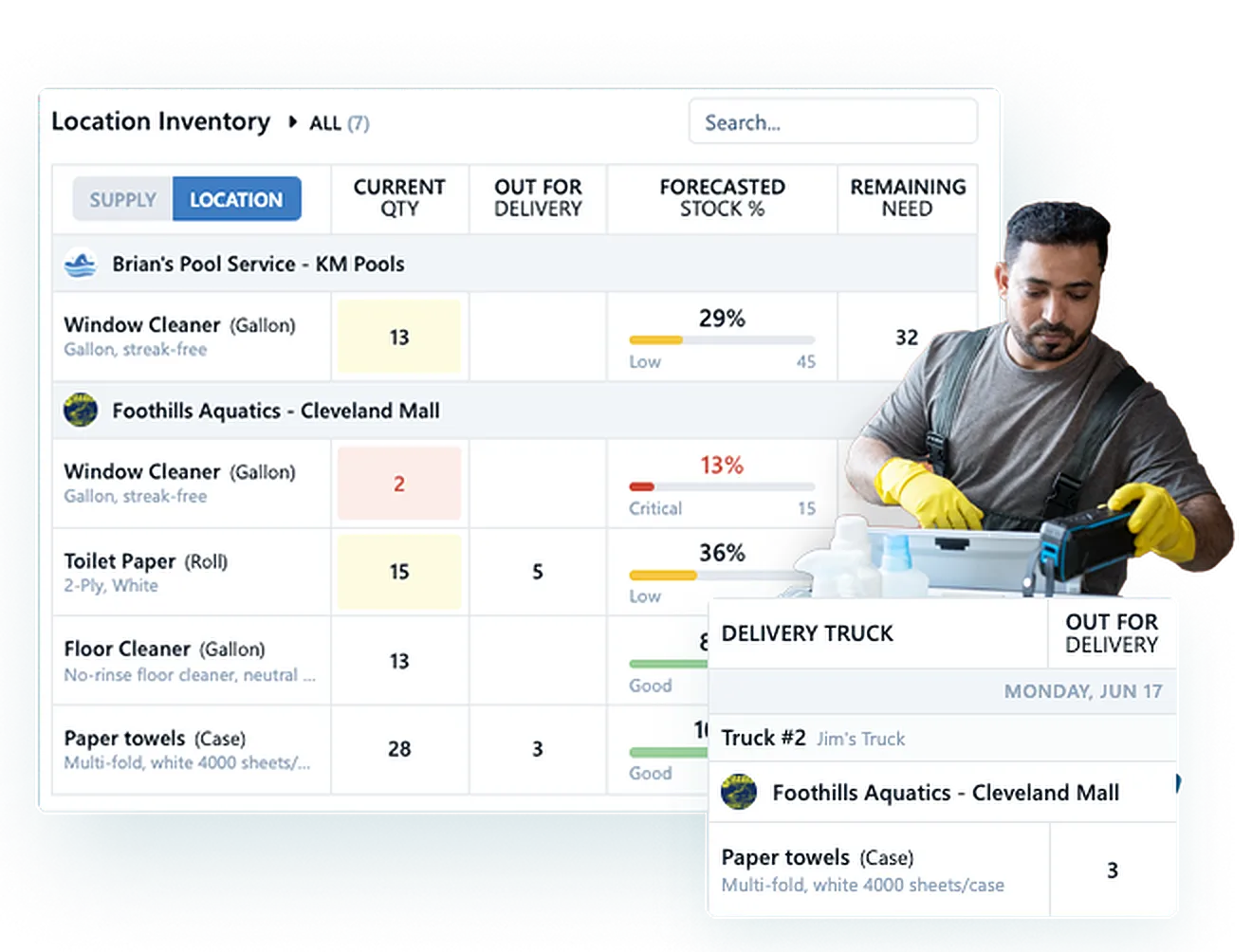
Manage cleaning supplies and equipment across every warehouse and job site in the same platform that tracks your crews. Threshold alerts warn you before stock runs out, cleaners request supplies from the mobile app, and every delivery is tracked to the site.
- Real-time inventory levels at every warehouse and job site
- Threshold alerts end emergency supply runs
- Supply requests and approvals from the mobile app
- Delivery tracking with four-tier access control
Chronotek Pro features: common questions
Which Chronotek Pro features matter most for a crew spread across several job sites?
Start by exploring the GPS time clock for job-site geofences and location alerts, then timekeeping for a view of who is on the clock. Scheduling helps you compare planned and actual hours and receive missed-job alerts. Together, these features help managers review coverage across locations instead of checking each site separately.
How does clocking in with the mobile app differ from clocking in by telephone?
GPS-enabled mobile clock-ins provide location data that can be checked against the job-site geofence. Employees without smartphones can use telephone timekeeping from a job-site landline, with caller ID reported for the call. Telephone punches do not carry the mobile app’s GPS location data.
How do scheduling and job costing work together in Chronotek Pro?
Schedules and time clocks live in one system, so planned hours are compared with actual hours and overtime risk is flagged. Every hour worked is tied to a job when it is clocked, which feeds live labor cost per job, site and customer. Together they let you compare budgeted and actual hours while a job is still running.
Should managers handle time card exceptions during the shift or at the end of the pay period?
Both, at different stages. During the shift, the live dashboard surfaces late arrivals, no-shows and early departures so coverage gaps can be fixed while crews are still working. At pay-period close, HR & Payroll auto-flags missed punches, break exceptions and overtime, so reviewers only touch the time cards that need attention before generating a payroll-ready export.
How do messaging and supply management support day-to-day job-site operations?
Team messaging sends instructions to one employee, a job-site crew or the whole company, with read receipts showing who has seen them. Supply management tracks inventory at each warehouse and job site, alerts you at stock thresholds, and lets cleaners request supplies from the mobile app. Both run in the same app crews use to clock in.
See every feature working together on your own jobs.
Walk through GPS clock-ins, live dashboards, scheduling, messaging and payroll handoff in a demo tailored to your business.