
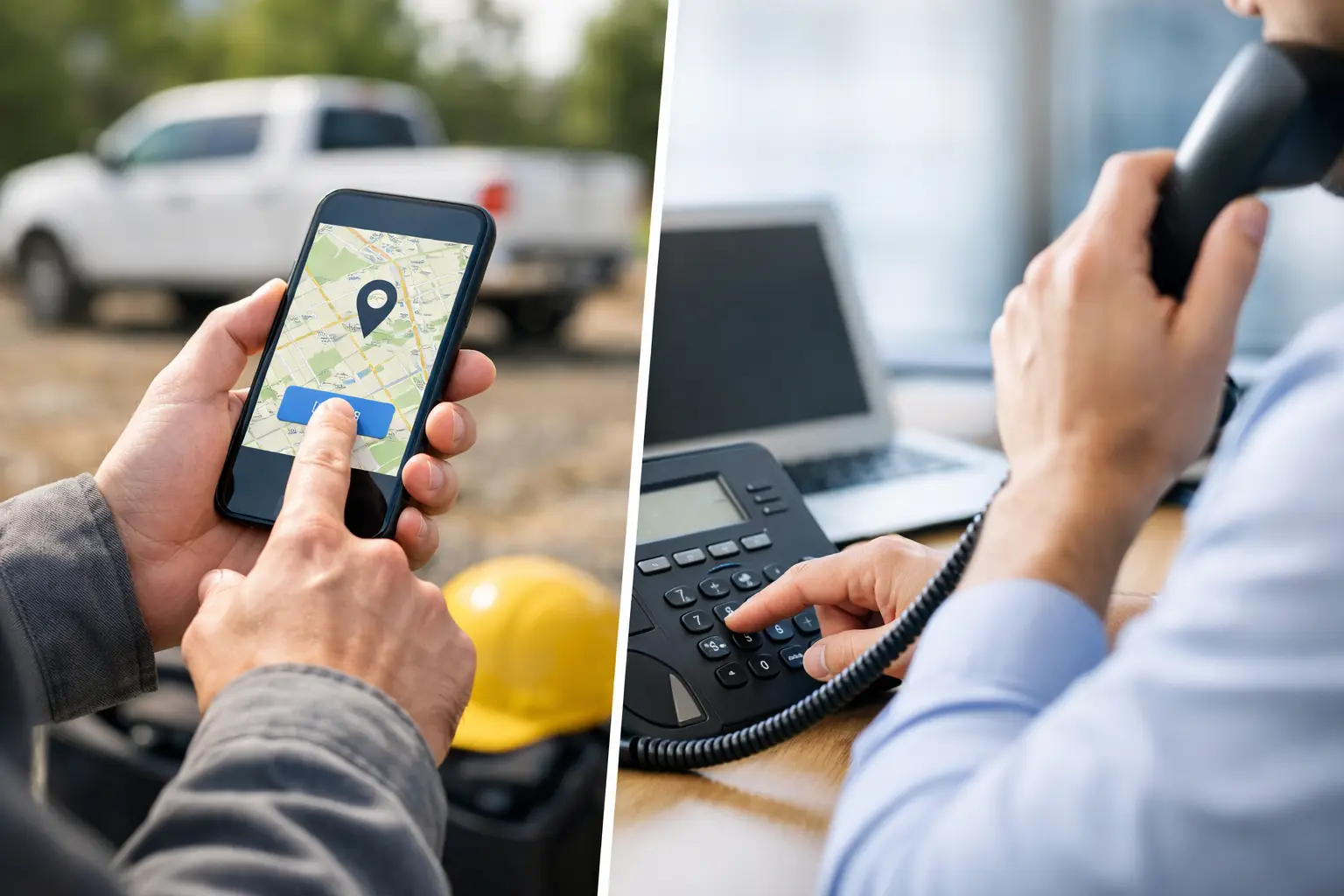

Should your field team use GPS clock-ins, phone-based IVR clock-ins, or both? The answer depends on whether employees move between jobs, have reliable access to a site phone, and need location information beyond a punch time.
GPS offers device-location evidence and, with the right app, on-shift geofence alerts. IVR records a telephone punch without requiring a smartphone; a known fixed-site calling number provides a different, narrower location clue. A mixed approach may fit teams with both mobile workers and recurring site assignments.
GPS clock-in versus IVR: the short answer
GPS clock-in uses a smartphone app to record an employee’s time and location. It is usually best for employees who travel between locations or when employers need GPS verification, geofencing, and alerts when someone clocks in away from a job or leaves the site while still on the clock.
IVR, or interactive voice response, lets employees clock in and out by calling an automated telephone system. It is often best for fixed customer locations, employees who do not use smartphones, and employers who want a simple phone-based option.
But employers do not necessarily have to choose one method for their entire workforce.
Chronotek Pro supports GPS app and telephone clock-ins within the same account. An employer can use GPS for mobile employees and IVR for employees without smartphones—or choose the appropriate method for each job site. It is not an all-or-nothing decision.
What is the difference between GPS clock-in and IVR?
A GPS time clock uses a mobile device’s location services to record where an employee clocks in and out. A more advanced system can also use geofences to identify location-related exceptions while the employee is working.
An IVR time clock uses an automated phone call. The employee calls a designated number, identifies themselves, and follows voice prompts to record a clock-in or clock-out.
The biggest difference is how each method verifies the employee’s location:
- GPS uses location data from the employee’s mobile device.
- IVR can associate a punch with a recognized telephone number, such as an approved job-site landline.
- A recognized fixed-site number suggests the call originated from that phone; it does not independently establish who placed the call, continuous presence, or completed work.
- Either method records a time event; managers still need to review exceptions and prepare time records for payroll.
Here is the practical comparison:
| Capability | GPS clock-in | IVR telephone clock-in |
|---|---|---|
| Requires a smartphone | Yes | No |
| Requires an installed mobile app | Yes | No |
| Works from a job-site landline | No | Yes |
| Records punch location | Yes, using the device’s GPS | Records caller ID; a recognized fixed-site number can indicate the source of the call, not GPS location or continuous presence |
| Can detect an employee leaving a geofence | Yes, with a system such as Chronotek Pro | No |
| Works well for employees moving between sites | Yes | Sometimes, but generally less convenient |
| Works well at recurring fixed locations | Yes | Yes |
| Good option for employees without smartphones | No | Yes |
| Can be used with the other method in one Chronotek Pro account | Yes | Yes |
Where GPS clock-in has the advantage
If your biggest concern is confirming that employees are at the correct job, GPS clock-in provides the stronger operational picture.
When a cleaner, guard, technician, or construction employee uses a GPS time clock app, the time record can show where the punch occurred. Managers can identify someone who clocked in away from the assigned property without calling a supervisor or waiting until the following morning to discover that a shift was missed.
GPS is especially valuable when employees:
- Travel between multiple customer locations
- Work alone in the field
- Cover changing or open shifts
- Begin work where there is no reliable job-site telephone
- Need directions, schedules, or messages in the same app
- Perform travel that must be captured between jobs
Chronotek Pro goes beyond recording the location of the initial punch. Its GPS timekeeping capabilities include geofencing, GPS infraction alerts, time-card maps, a live “who’s on the clock” map, and detection when an employee leaves and returns to a job site while still clocked in.
That gives managers the chance to handle exceptions while the shift is happening. If someone clocks in away from the property, leaves the geofence, or fails to arrive for a scheduled shift, the problem can be surfaced before it turns into an uncovered job, customer complaint, or payroll dispute.
For employers who want additional proof that an employee is inside the building—not simply in the parking lot—Chronotek Pro also offers TimeTiles™. These small, power-free devices can be placed inside job sites and tapped with an employee’s phone to confirm an on-site clock-in.
Does GPS timekeeping track employees all day?
Not necessarily. The answer depends on how the timekeeping system is designed.
Chronotek Pro’s location features track employees while they are clocked in. Managers can review relevant location activity associated with the shift, including clock-ins away from the job and instances when an employee leaves or returns to the site.
This distinction is important when explaining GPS timekeeping to employees. The business needs enough location information to verify paid work and protect customer coverage without treating the time clock as an around-the-clock tracking tool.
A clear written policy should explain:
- When location information is collected
- Why the information is needed
- Who can review it
- What happens when a location-related infraction is detected
- What employees should do if their phone is unavailable
Where IVR timekeeping still makes sense
IVR remains valuable because not every employee uses a smartphone, wants to install a work app on a personal device, or has dependable mobile data at every job. For the basics, see what IVR timekeeping is and how a phone punch works.
It can fit recurring assignments at customer buildings with a permitted, reliable site landline, as well as workers with basic cell phones who need a telephone option. A recognized site number is evidence of the phone used for the call, not proof of the caller’s identity, continued presence, or work completed. A personal mobile call supplies no GPS location evidence through IVR.
Before expanding phone clock-ins across sites, plan permission to use the phone, approved numbers, training, and an exception process. The IVR employee time clock setup guide for field teams covers that rollout.
You can use GPS and IVR in the same company
For many employers, the best choice is not GPS or IVR. It is GPS and IVR.
Consider a janitorial contractor with 100 cleaners spread across 40 customer buildings:
- Roving supervisors can use the GPS app because they move between properties.
- Mobile cleaning crews can use GPS because their assignments change.
- Employees at a large office building can call from an approved site phone.
- Workers without smartphones can use IVR.
- Employees at higher-risk locations can be required to use GPS and TimeTiles™.
- All of the resulting time records can be managed in the same Chronotek Pro account.
The clock-in method can match the employee or site instead of forcing the entire company into a single workflow.
This blended approach can also make implementation easier. Employers can introduce mobile clock-ins where they provide the most value while continuing to support telephone clock-ins for employees and locations that need them.
What are the limitations of GPS clock-in?
GPS provides better location visibility, but employers should plan for a few practical exceptions.
An employee may forget a phone, arrive with a dead battery, disable location access, or work somewhere with poor connectivity. Mobile-device and privacy policies may also affect how an employer introduces the system.
Managers need a defined backup process. With a flexible system, IVR can serve as an approved alternative for certain employees or job sites instead of leaving supervisors to create manual time entries.
Employers should also distinguish between a basic app that merely records the location of a punch and a workforce system that actively detects exceptions. The operational value comes from alerts, schedules, geofences, reporting, and manager follow-up—not from placing a pin on a map after payroll has already closed.
What are the limitations of IVR?
IVR is strongest at stable locations with reliable telephone access. It becomes less convenient when workers move constantly, work outdoors, begin shifts from vehicles, or cover different locations throughout the week.
A telephone call also does not provide the same type of location history as GPS. Caller ID from a recognized fixed-site landline can suggest the source of the call, but cannot verify who called or whether they remained at the job site. An IVR call from a personal mobile phone provides no GPS location through the phone system.
Employers also need clear rules governing:
- Which phone numbers are approved
- How employees identify themselves
- Which jobs employees may clock into
- What happens if the site phone is unavailable
- How missed or incorrect punches are corrected
IVR is not an inferior method. It is a different verification method that performs best when it matches the job’s physical setup.
Which method is more accurate?
Both GPS and IVR can record accurate start and stop times. The more important question is which method provides the verification your operation needs.
GPS usually provides stronger location evidence because it can associate the punch with device location and monitor job-site geofence activity during the shift.
IVR can provide a useful fixed-site clue when the caller ID matches a designated job-site telephone. It cannot by itself authenticate the caller, verify continuous presence, or show GPS location for mobile callers.
Accuracy also depends on the system surrounding the punch. Scheduling, employee authentication, exception alerts, supervisor review, and time-card reporting all determine whether the final payroll record can be trusted.
Which method is better for janitorial companies?
Many janitorial companies benefit from using both.
GPS clock-in is particularly useful for floaters, supervisors, project crews, and employees who work at multiple customer locations. It gives the office greater visibility into where employees clock in and whether they leave the property while still being paid.
IVR works well for recurring cleaning crews assigned to buildings with approved landlines or designated site phones. It also accommodates cleaners who do not use smartphones.
Because janitorial operations often include both fixed crews and mobile workers, forcing the entire workforce into only one method can create unnecessary exceptions. A mixed-method account is usually more practical.
Which method is better for security companies?
The answer depends on the post.
A guard permanently assigned to a building with an approved telephone may be well served by IVR. A flex officer who covers multiple posts, patrols different properties, or receives changing assignments will generally benefit more from GPS clock-in.
Security companies should consider whether a punch from a recognized fixed-post phone is enough context or whether they need GPS-based visibility into job-site presence. The second requirement generally favors GPS and geofencing.
Can GPS or IVR reduce buddy punching?
Both methods can help, but they use different controls.
GPS can show whether a mobile punch occurred at the expected job site. Additional authentication controls or an on-site tool such as Chronotek TimeTiles™ can make it more difficult for one employee to clock in for another.
A recognized job-site caller ID and employee identification can add context to a phone punch, but the calling number does not prove who actually placed the call. Employers still need clear rules and manager review.
No technology replaces clear policies and manager review, but verified digital punches create a much stronger attendance trail than handwritten sheets or informal text messages.
How to choose between GPS clock-in and IVR
Start with the exceptions that cost your company the most money.
Choose GPS clock-in when you need:
- Mobile location verification
- Geofencing and left-job detection
- Better support for workers moving between locations
- Real-time maps and location-related alerts
- Schedules, directions, messaging, and other tools in the employee app
Choose IVR when you need:
- A clock-in option that does not require a smartphone
- A simple process for fixed-location employees
- Caller ID evidence from an approved fixed-site telephone, with its limits understood
- Minimal app training
- A dependable alternative for part of your workforce
Choose both when your workforce includes a combination of mobile employees, fixed-location crews, smartphone users, and employees who need a telephone option.
That is often the most realistic answer for janitorial contractors, security companies, facilities teams, construction businesses, and other employers managing distributed hourly workers.
Frequently asked questions about choosing GPS or IVR
When is GPS a better fit than IVR?
Choose GPS when employees move between sites or you need device-location evidence and geofence alerts during a shift. IVR is more practical when an approved site phone is reliably available or workers need a non-app option.
Can a landline clock-in replace GPS verification?
Not when you need to see where a mobile worker is or whether someone leaves a geofence. A recognized fixed-site caller ID can indicate which phone originated a call, but not who placed it or whether work was completed.
Can GPS and IVR be used together?
Yes. Chronotek Pro offers app and phone timekeeping; a company can use the appropriate method for different employees or locations and review their time records together.
Can IVR be a backup if a smartphone is unavailable?
Yes, when the employer has authorized the phone method and explained when to use it. Agree on a backup procedure in advance instead of reconstructing a missed punch at payroll time.
Which is easier for employees to learn, GPS or IVR?
IVR usually requires less training: the employee calls a designated number and follows voice prompts, with no app to install or update. The GPS app takes a little more onboarding but gives mobile workers schedules, messaging, and location-verified punches in return—so weigh simplicity against the visibility each role needs.