

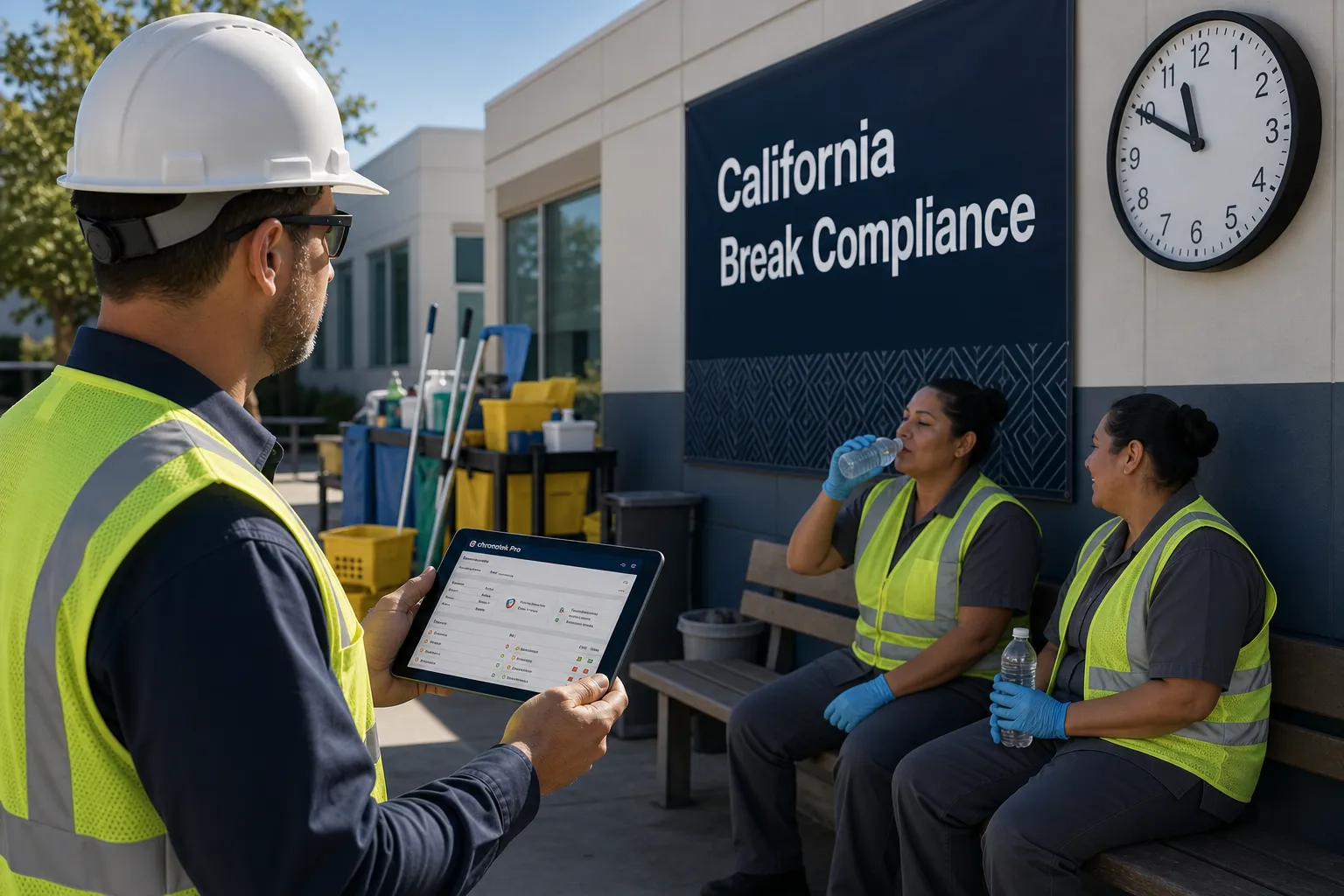
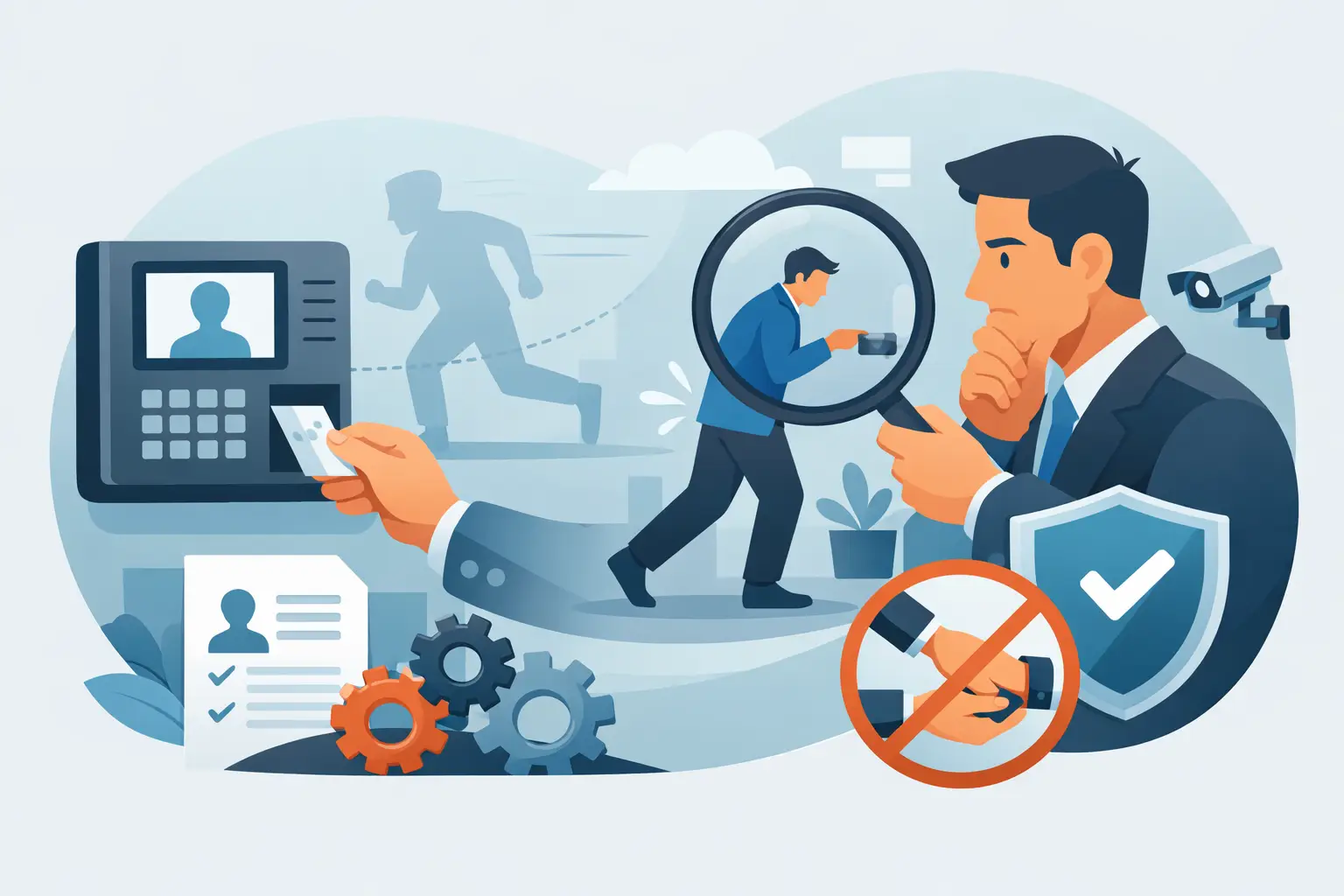
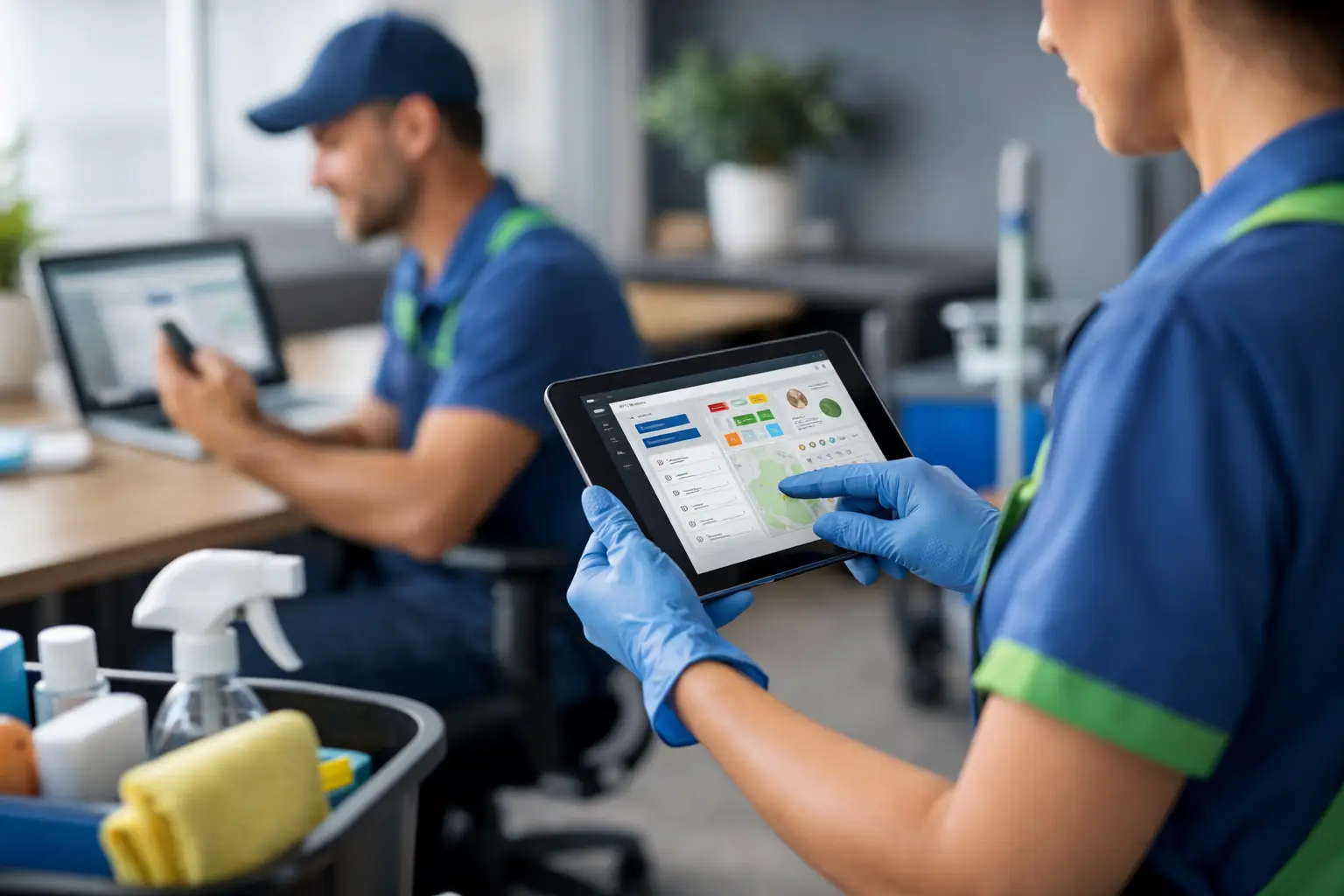
A missed clock-in at 6:00 a.m. can become a payroll dispute by Friday. But a missed cleaning job can put a customer relationship at risk before your supervisor even knows there is a problem.
That difference matters.
Most payroll time clocks and general workforce apps are built primarily around employees: How many hours did Maria work? Did James take a break? How much should everyone be paid?
A commercial cleaning company must answer those questions—but it must also answer a more important set of questions:
- Was every customer’s building cleaned?
- Did the right crew work at the right account?
- How many hours were scheduled for the job?
- How many hours were actually worked?
- Did travel or overtime push the contract over budget?
- Is the job still profitable?
- Does a supervisor need to intervene tonight?
That is why choosing the best software for cleaning crews is not merely a timekeeping decision. It is an operations and profitability decision.
The short answer: What is the best software for cleaning crews?
The best software for cleaning crews is a job-focused workforce-management system that combines verified timekeeping, recurring scheduling, missed-job alerts, schedule-versus-actual labor reporting, payroll preparation, communication, and real-time job costing.
A generic employee time clock may accurately record hours without revealing whether a customer’s job was missed, understaffed, overworked, or unprofitable.
Chronotek Pro was designed around the daily operation of off-site service jobs. It connects employee time to the customer location, job schedule, labor budget, travel, overtime, and expected profit so managers can protect both payroll accuracy and customer service.
Cleaning companies manage jobs—not just employee hours
Every commercial cleaning contract is an operational promise.
A customer is not buying eight employee hours. The customer is buying a reliably cleaned building at an agreed price. The cleaning company must assign qualified workers, cover every service date, control labor, respond to call-outs, and complete the work profitably.
Employee hours are only one part of that equation.
Consider a cleaner who works exactly 30 hours during the week. A traditional timekeeping system may consider that record complete. Payroll knows how much to pay the employee.
But the cleaning company still needs to know:
- Which customer accounts received those 30 hours?
- Were those hours scheduled?
- Did one building receive six hours when its budget allowed four?
- Was another building missed entirely?
- Did the employee clock into the correct job?
- Did overtime or travel make one account unprofitable?
- Was the employee qualified or assigned to work there?
An employee-centered system can produce a perfect timesheet while the underlying operation is falling apart.
The dangerous blind spot in generic timekeeping
Payroll-company time clocks are usually designed to collect employee hours and move them into payroll. That is useful, but it only answers, “What should we pay this employee?”
Commercial cleaning companies also need to answer, “Did we deliver the work we promised, and did we make money doing it?”
Broad workforce platforms such as Connecteam may offer scheduling, job assignments, or labor-cost views. However, cleaning contractors should look beyond whether a feature appears on a checklist. The real question is whether the system treats each recurring customer job as the center of the operation.
A janitorial system should connect each job to:
- Its recurring service schedule
- Assigned employees or teams
- Planned labor hours
- Actual worked hours
- Job-specific pay
- Overtime and travel
- Attendance exceptions
- Labor budgets
- Customer revenue
- Gross-profit targets
- Future projected costs
When that information is fragmented across payroll software, spreadsheets, scheduling apps, texts, and reports, managers inherit a blind spot.
They may know what employees worked without knowing which contracts are losing money.
Employee-first versus job-first timekeeping
| Employee-first timekeeping asks | Job-first cleaning operations asks |
|---|---|
| How many hours did the employee work? | How many hours were worked at each customer job? |
| When did the employee clock in? | Did the employee clock into the correct scheduled job? |
| Is the timesheet ready for payroll? | Was the work covered, completed, documented, and profitable? |
| Did the employee earn overtime? | Which customer job caused the overtime? |
| What is the employee’s labor cost? | Is each contract staying within its labor budget? |
| Who is currently clocked in? | Which buildings are covered, late, missed, or over budget? |
| What happened last week? | What problems can still be prevented tonight or next week? |
A commercial cleaning company needs both sides of this table. The mistake is assuming that accurate employee time automatically creates operational control.
It does not.
How the blind spot can damage a cleaning business
Missed work becomes a customer complaint
An employee can have an accurate time card and still fail to cover the correct building. If the software focuses only on punches, a manager may not realize that a scheduled job was missed until the customer calls.
Job-focused scheduling connects the expected work to the actual clock-in. If the shift does not start, the system can alert the supervisor while there is still time to send a replacement.
Profitable-looking contracts quietly lose money
A contract may generate consistent monthly revenue while labor gradually increases underneath it.
Fifteen extra minutes per visit may not attract attention. Multiply that by five nights a week, several employees, and dozens of accounts, and the company can lose thousands of dollars without seeing an obvious payroll problem.
The employees worked legitimate hours. Payroll paid them correctly. The blind spot is that no one connected those hours to the job’s labor budget.
Overtime is recorded without identifying its source
Generic timekeeping can show that an employee earned overtime. A cleaning operator needs to know which jobs, schedules, or assignments created it.
Without job-level visibility, overtime becomes a payroll fact after the money has already been spent. With job-focused scheduling, managers can see future overtime exposure and adjust assignments before it occurs.
Travel disappears into companywide labor
Cleaning crews frequently move between customer locations. Travel time and mileage affect the true cost of serving those accounts.
If travel is reported only at the employee or company level, an owner may underestimate the cost of a distant or inefficient route. Job-level travel reporting shows which contracts are consuming those dollars.
Schedule changes hide the real variance
A weekly total can look acceptable even when the distribution of labor is badly wrong.
For example, the company may schedule 500 hours and work 500 hours. At first glance, the week appears perfectly on plan. But one group of jobs may have used 40 extra hours while another group received 40 fewer hours than promised.
Only job-level schedule-versus-actual reporting reveals that problem.
What the best software for cleaning crews must do
Build schedules around recurring customer jobs
Commercial cleaning schedules are not simply employee shifts. They represent contractual work that must occur at specific buildings, on specific days, within expected labor limits.
The software should let managers create recurring job schedules, assign employees or teams, accommodate flexible service windows, and quickly replace absent workers.
Chronotek Pro’s smart scheduling connects employees, jobs, teams, pay codes, budgets, and alerts. Managers can create fixed or flexible shifts while helping ensure employees clock into the correct job.
For a complete walkthrough of recurring shifts, no-show alerts, and coverage workflows, see our guide to janitorial scheduling software.
Compare scheduled hours with actual hours by job
Schedule-versus-actual reporting answers one of the most important questions in a cleaning company: Did the job receive the amount of labor we planned?
Chronotek Pro shows actual-versus-scheduled hours with totals by day, week, and pay period. Managers can identify jobs that are consistently overworked, underworked, or receiving unscheduled labor.
This information can reveal several different problems:
- An inaccurate labor estimate
- Employees staying too long
- Incomplete work requiring return visits
- Supervisors adding unplanned labor
- Employees clocking into the wrong job
- Service requirements that have changed
- A contract that needs to be repriced
A payroll timesheet alone cannot provide that operational context.
Alert managers when scheduled jobs are not covered
The best cleaning software should not wait until payroll closes to reveal a missed shift.
Chronotek Pro sends late-arrival and no-show alerts when scheduled work does not begin as expected. Its live dashboards and activity feeds show managers which jobs require attention so they can find coverage before the customer discovers the problem.
That is the difference between documenting a failure and preventing one.
Verify that employees are at the correct location
Timekeeping data is only useful when it is connected to the right job.
Chronotek Pro supports GPS and telephone clock-ins for different workforce needs. GPS geofencing, TimeTiles™, off-site punch alerts, and left-job detection give managers stronger verification that cleaners arrived at and remained at the assigned location.
Employees who do not use smartphones can still clock in by telephone, allowing employers to support different clock-in methods within the same account.
Track labor budgets in real time
A cleaning company should not have to wait for a month-end spreadsheet to discover that a contract lost money.
Chronotek Pro’s real-time job-costing tools connect schedules, actual hours, pay rates, overtime, travel, budgets, and revenue. Managers can review current labor costs by job or employee and compare those costs with the budget.
The system can account for loaded labor costs, including employer expenses such as payroll taxes, workers’ compensation, and benefits. Employers can also add revenue and overhead assumptions to monitor gross profit rather than looking only at wages.
Show where overtime and travel costs belong
Companywide overtime totals tell an owner that money was spent. Job-level reporting explains why.
Chronotek Pro identifies overtime and travel by job, helping managers determine whether a particular customer, schedule, route, or staffing pattern is creating excess cost.
This is particularly important when a low-margin contract repeatedly pushes employees into overtime or requires more travel than the original estimate assumed.
Predict future costs before they become losses
Historical reports explain what already happened. Cleaning operators also need enough warning to change what is going to happen.
Chronotek Pro aligns future schedules with budgets to project labor costs, overtime, travel, and the effect of changing pay rates. Managers can see when a future schedule threatens a job’s profit target and adjust assignments before those hours are worked.
A report that says a job lost money last month is useful. A system that warns a manager before the loss occurs is far more valuable.
Prepare accurate payroll without losing the job context
Payroll accuracy still matters. Time cards need to be reviewed, corrected, approved, and exported efficiently.
Chronotek Pro flags time-card issues, organizes hours by employee and pay code, and prepares cleaner information for payroll. But it does so without stripping away the customer and job context that operations need.
The same time record can answer two different questions:
1. What should the employee be paid?
2. What did that labor cost the customer job?
That connection is essential for a cleaning company.
Why payroll timekeeping alone is not enough
Payroll software is built to calculate paychecks, taxes, deductions, and filings. Its time clock is generally intended to feed that process.
That does not make payroll timekeeping bad. It makes it incomplete as a janitorial operating system.
A payroll system may tell you that an employee worked 38 hours. It may even attach those hours to departments or job codes. But cleaning companies need live visibility into recurring work:
- Was tonight’s bank cleaning covered?
- Who can replace the absent cleaner?
- Did the medical office receive its planned labor?
- Why is the warehouse contract over budget?
- Which jobs are creating next week’s overtime?
- Is travel destroying the margin on a remote account?
- Which schedules should be changed before the work occurs?
Those are operations questions, not payroll questions.
The best approach is often to use janitorial operations software to create accurate, job-connected time records and then export approved payroll information to the payroll provider.
Why a generic feature checklist can be misleading
Most software demonstrations include familiar terms such as time clock, scheduling, GPS, messaging, reports, and labor costs. Comparing products by checking those boxes can make very different systems appear equivalent.
Instead, test how the features work together.
Ask the salesperson to demonstrate the following workflow:
1. Create a recurring cleaning job with a labor budget.
2. Schedule the appropriate team.
3. Show what happens when the cleaner does not arrive.
4. Replace the cleaner without rebuilding the schedule.
5. Show where the substitute clocks in.
6. Compare scheduled hours with actual hours for that job.
7. Identify any overtime and travel created by the change.
8. Show the job’s current and predicted labor cost.
9. Display the effect on the contract’s gross-profit target.
10. Prepare the related hours for payroll.
If the demonstration requires several disconnected modules, manual exports, or an outside spreadsheet, the system may still leave an operational blind spot.
What job-focused cleaning software looks like in practice
Imagine that a cleaner scheduled for a medical office does not clock in by 6:00 p.m.
A job-focused system alerts the supervisor that the scheduled work has not started. The supervisor sees the uncovered job, identifies an available replacement, and reassigns the work.
The replacement receives the schedule and job instructions, travels to the location, and clocks into the correct job. The system records the actual labor and any applicable travel. The job’s schedule-versus-actual results and labor cost update.
If the reassignment creates future overtime or pushes the job beyond its budget, the manager can see the effect and make another adjustment.
Payroll receives the employee’s approved hours. Operations retains the complete story of what happened at the customer account.
That is more than timekeeping. It is operational control.
How Chronotek Pro closes the job-level blind spot
Chronotek Pro's janitorial management software is built around the realities of commercial cleaning operations, where employees work remotely but the customer job remains the center of the business.
It connects:
- Recurring and flexible job schedules
- GPS and telephone timekeeping
- TimeTiles™ for on-site verification
- Late and no-show alerts
- Actual-versus-scheduled hours
- Employee and team assignments
- Pay codes and changing pay rates
- Overtime by job
- Travel time and mileage by job
- Custom job budgets
- Loaded labor costs
- Revenue and overhead
- Gross-profit tracking
- Current and predicted labor costs
- Payroll preparation and exports
- Job, team, and employee communication
- Live operational dashboards
Chronotek Pro does not stop after telling you how many hours an employee worked. It helps show whether the work was performed at the right job, whether the customer was covered, whether labor followed the plan, and whether the contract is making money.
Questions to ask when evaluating cleaning-company software
Before choosing a system, ask:
- Is the platform organized around employees, or can I manage each customer job as its own operating unit?
- Can I compare scheduled and actual hours for every job?
- Will I receive an alert when a scheduled cleaning does not begin?
- Can I see unplanned labor before payroll?
- Can I identify overtime and travel by customer job?
- Can I create a labor budget for each contract?
- Can I include loaded payroll costs and overhead?
- Can I track gross profit by job?
- Can the system project future labor costs from the schedule?
- Can I see whether future overtime or travel will hurt a job’s margin?
- Can employees clock in by GPS or telephone?
- Can I verify that employees are at the correct property?
- Can supervisors solve coverage problems from the field?
- Can approved hours be exported to my payroll provider?
If a system cannot answer these questions, it may be a capable employee time clock without being the right operating system for a commercial cleaning company.
Frequently asked questions about software for cleaning crews
Why isn’t a payroll-company time clock enough for a cleaning business?
A payroll time clock primarily records how long employees worked so they can be paid. A cleaning company must also manage recurring customer jobs, coverage, schedule-versus-actual labor, travel, overtime, budgets, and contract profitability.
What is job-focused timekeeping?
Job-focused timekeeping connects every worked hour to the customer location and operating plan behind it. Managers can see who worked, which job received the labor, whether the work was scheduled, and how the cost compares with the job’s budget.
Why is schedule-versus-actual time important for cleaning companies?
It reveals whether each customer job received more or less labor than planned. Without that comparison, companywide totals can appear correct while individual buildings are overworked, underworked, or missed.
How does job costing protect cleaning-company profits?
Job costing connects labor hours and pay rates to individual customer contracts. It helps identify jobs where overtime, travel, wage increases, or extra hours are reducing the expected margin.
What costs should janitorial job-costing software track?
It should track regular labor, overtime, travel, loaded employer costs, and other job-specific expenses. A stronger system also compares these costs with revenue, overhead, budgets, and gross-profit targets.
Can cleaning software predict whether a job will be profitable?
Chronotek Pro uses job budgets and future schedules to project labor costs, including factors such as changing pay rates, overtime, and travel. This gives managers an opportunity to adjust schedules before the costs are incurred.
Does cleaning software replace payroll software?
Not necessarily. Chronotek Pro manages the operational and timekeeping data that payroll depends on, then prepares or exports approved hours to the payroll provider. The payroll system can continue handling paychecks and tax processing.
What is the biggest risk of generic employee timekeeping?
The biggest risk is receiving accurate employee totals while remaining blind to customer-job performance. The company may pay employees correctly while missing work, exceeding job budgets, and losing money on contracts.
What should janitorial service software include?
Janitorial service software should include verified timekeeping, recurring job scheduling, missed-job alerts, schedule-versus-actual labor reporting, payroll preparation, team communication, and real-time job costing. That combination lets a cleaning company confirm every customer job was covered, staffed correctly, and delivered profitably — not just that employees were paid accurately.